Managing a team without a reliable work time tracker is like driving without a dashboard. You may be moving, but you have no clear idea of your speed, fuel, or direction. In today’s fast-paced work environment, businesses need more than gut feelings to measure productivity; they need data. Work time tracking gives managers and employees alike a transparent view of how working hours are spent, where time is being lost, and what’s actually driving results. Whether your team is remote, hybrid, or in-office, tracking work time is no longer optional. It’s the backbone of efficient workforce management. Let’s explore how a time tracker can genuinely transform your team’s productivity.
Listen To The Blog Post!
What Is a Work Time Tracker and Why Does It Matter?
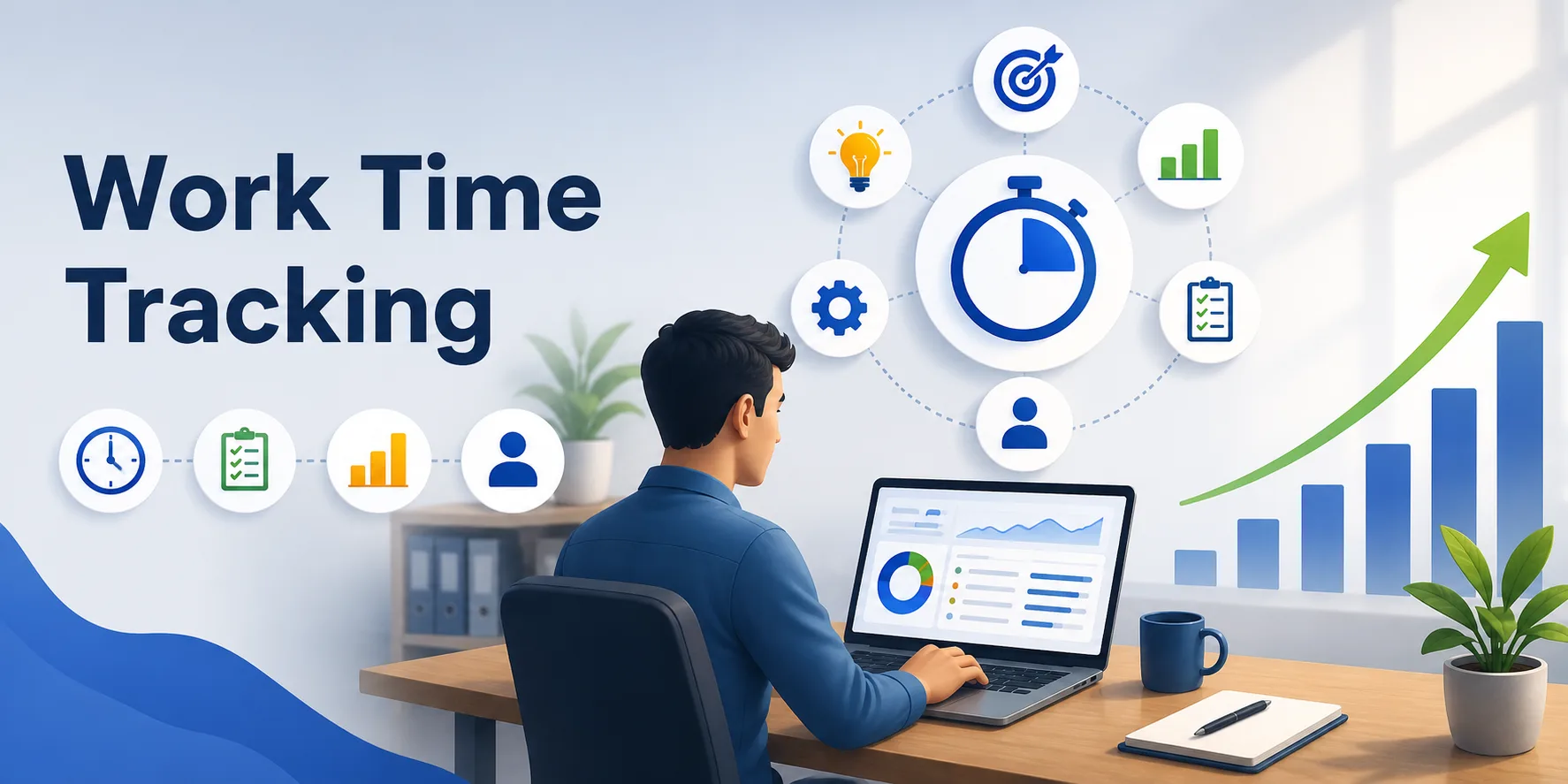

A work time tracker is a digital tool that records when employees start and stop working, what tasks they’re handling, and how their hours are distributed across projects. Unlike manual timesheets that rely on memory and honesty, an automated time tracking captures real-time data with minimal effort. It matters because time is one of the most underutilized business assets. When organizations don’t track it properly, they lose money to inefficiency, missed deadlines, and unbalanced workloads. A reliable time tracker for work bridges the gap between effort and output, helping both managers and employees align their priorities, stay accountable, and work smarter every day.
How Does Time Tracker Work?
Understanding how a time tracker works is key before investing in one. Modern time tracking tools operate through lightweight desktop or mobile agents that run in the background. They automatically log login and logout times, track active versus idle periods, and record which apps or websites an employee uses throughout the day. Some advanced tools also capture screenshots at intervals, providing visual proof of work. The data is then compiled into dashboards and reports that managers can review in real time. There’s no need for employees to manually punch in or out. The system handles everything, making the process seamless, accurate, and virtually effortless for the entire team.
Key Ways a Work Time Tracker Boosts Team Productivity
A time tracker doesn’t just record hours; it actively improves how your team operates. Here’s how it makes a measurable difference:
- Reduces Time Wastage: When employees know their time is being monitored, they naturally become more focused. A work time tracker highlights unproductive patterns, such as excessive social media browsing or long idle windows, so teams can address them proactively.
- Improves Task Prioritization: With a clear log of where hours go, managers can spot which tasks consume the most time and realign priorities accordingly. This leads to smarter scheduling and better use of every working hour.
- Enables Accurate Project Planning: Historical data from a time tracker makes future project estimates more reliable. Teams can plan timelines with real numbers rather than guesswork, reducing overruns and last-minute scrambles.
- Encourages Accountability: Employees have visibility into their own activity reports, encouraging personal responsibility. Self-awareness becomes a productivity driver, and healthy competition can emerge across teams.
- Supports Remote Team Management: For distributed teams, a work time tracker bridges the physical gap. Managers can verify productivity without micromanaging, keeping trust intact while still maintaining oversight.
The Role of an Employee Work Time Tracker in Performance Management
An employee work time tracking tool does more than count hours; it creates a performance baseline for each team member. Managers can identify top performers, spot burnout risks, and recognize when someone is consistently overwhelmed or underutilized. This visibility makes performance reviews more objective and data-driven, removing bias from the equation. Instead of relying on impressions, leaders can pull actual work history to guide development conversations. Over time, an employee work time tracker helps build a culture where performance is evaluated fairly and transparently, and where every team member understands how their individual contribution connects to the bigger organizational goal.
Benefits of Using a Work Time Tracker for Your Business
Implementing a time tracker delivers measurable advantages across departments:
- Better Resource Allocation: Know exactly who is available and when, so you can assign work more effectively without overburdening anyone.
- Accurate Payroll Processing: Eliminate disputes and errors in pay by using verified work hours from a time tracker for work hours rather than estimates or paper logs.
- Stronger Client Billing: Businesses that charge by the hour can generate detailed, transparent invoices backed by real data, building client trust.
- Lower Operational Costs: By reducing idle time and improving workflow efficiency, companies see direct savings in labor costs without needing to cut headcount.
- Compliance Confidence: Automated time logs help organizations meet labor law requirements and keep audit-ready records without any extra administrative burden.
Common Challenges Teams Face Without a Work Time Tracker
Without a time tracker in place, teams often struggle with overlapping responsibilities, unclear deadlines, and unreliable data. Managers end up making decisions based on incomplete pictures, leading to poor project forecasting and unbalanced workloads. Employees may feel undervalued when their effort isn’t visible, and remote workers often face trust issues since there’s no verifiable record of their output. Manual timesheets introduce errors and create admin overhead. Payroll discrepancies become common, and client billing gets complicated. These pain points collectively drag productivity down and damage team morale. A reliable work time tracker solves most of these problems in one go, bringing structure and clarity to everyday operations.
Who Should Use a Work Time Tracker?
A work time tracking tool is not limited to any single industry. Startups use it to build disciplined habits from day one. Enterprises deploy it to manage large distributed teams efficiently. Agencies and consultancies rely on it for accurate client billing. IT companies use time tracking software to monitor developer output and sprint velocity. Healthcare organizations use it for shift management and compliance. Educational institutions use it to track faculty hours and remote instruction time. Essentially, any business where time directly ties to productivity, cost, or client delivery can benefit from using a time tracker tool to get a clearer picture of their workforce’s actual performance.
Read More
How to Measure Productivity of Your Employees?
Time Tracker Screenshots: Enhance Accountability And Transparency
Why EmpMonitor Is the Smart Choice as Your Work Time Tracker?

If you’re looking for a powerful and intuitive work time tracking solution, EmpMonitor stands out as one of the most trusted solutions available. Trusted by 15,000+ companies across 100+ countries and tracking 500,000+ employees globally, EmpMonitor combines ease of use with enterprise-grade features. It automatically captures and analyzes working hours, giving you complete visibility without disrupting your team’s workflow.
Here’s what makes EmpMonitor a standout work time tracker:
- Automatic Timesheet Generation: EmpMonitor eliminates manual entries by auto-generating accurate timesheets, saving hours of admin work every week.
- Active & Idle Hours Tracking: Get a precise breakdown of productive versus idle time for every team member, helping you identify workflow gaps.
- Productivity Tracking Dashboard: Real-time dashboards give managers instant insight into team performance, making it easy to course-correct before problems escalate.
- Intelligent Alerts: Set custom behavior-based alerts so you’re notified the moment something unusual is detected in employee activity patterns.
- Automated Reports: Schedule and generate custom reports tailored to your business needs, giving you data-driven insights for better decision-making.
- Employee Self-Access Portal: Employees can view their own activity logs, promoting accountability and transparency within the team.
- Non-Productive Hours Tracking: Pinpoint time spent on irrelevant tasks and use this data to coach employees toward better focus and efficiency.
Best Practices for Implementing a Work Time Tracker
Rolling out a time tracker successfully requires a thoughtful approach. Start by communicating openly with your team about why tracking is being introduced, focusing on productivity improvement rather than surveillance. Set clear policies about what will be tracked and how the data will be used. Choose a time tracking tool that offers employee-facing reports so staff feel included, not monitored. Begin with a pilot group before a full rollout, and collect feedback to refine the process. Train managers to use time data for coaching conversations, not just performance monitoring. When implemented with transparency, a time tracker builds trust, improves morale, and delivers the productivity gains your business is looking for.
Conclusion
A time tracking tool is one of the most impactful investments a modern business can make. It removes guesswork from workforce management, improves accountability, and helps teams work smarter rather than harder. Whether you’re managing remote employees’ work time or an on-site team, the visibility that a work time tracker provides directly translates to better results. Tools like EmpMonitor make it easy to get started, offering powerful features in a clean, accessible interface. Stop leaving productivity to chance. Start tracking, start improving, and let data guide your team to its full potential.
Frequently Asked Questions (FAQs)
Q1. How does work time tracking improve employee productivity?
Work time tracking helps employees understand how their time is spent during the workday. By identifying distractions, unproductive habits, and time-consuming tasks, teams can optimize workflows, prioritize important activities, and improve overall efficiency.
Q2. Is a time tracker for work suitable for remote teams?
Yes. A time tracker for work is especially valuable for remote teams, offering managers real-time visibility without requiring physical supervision.
Q3. Why do high-performing teams use work time tracking software?
High-performing teams use work time tracking software to maintain accountability, manage workloads effectively, and ensure projects stay on schedule. It provides real-time productivity insights that help teams collaborate better, meet deadlines faster, and improve overall performance.
Q4. How does an employee work time tracker help with payroll?
An employee work time tracker auto-generates accurate timesheets that eliminate manual errors, making payroll processing faster, fairer, and dispute-free.