



**Start your free 15-day trial →. In 2026, website and app usage monitoring can be implemented in healthcare responsibly if you separate workforce oversight from clinical data access and lock down how monitoring data is handled. The aim is to earn trust while meeting HIPAA’s audit-control requirements and your own internal security objectives.
Moreover, you don’t have to guess. HIPAA’s Security Rule spells out audit controls, and state laws outline employee notice. This guide walks you through how monitoring works, what the rules say, and how to set it up in a way your clinicians and privacy officer can both support.
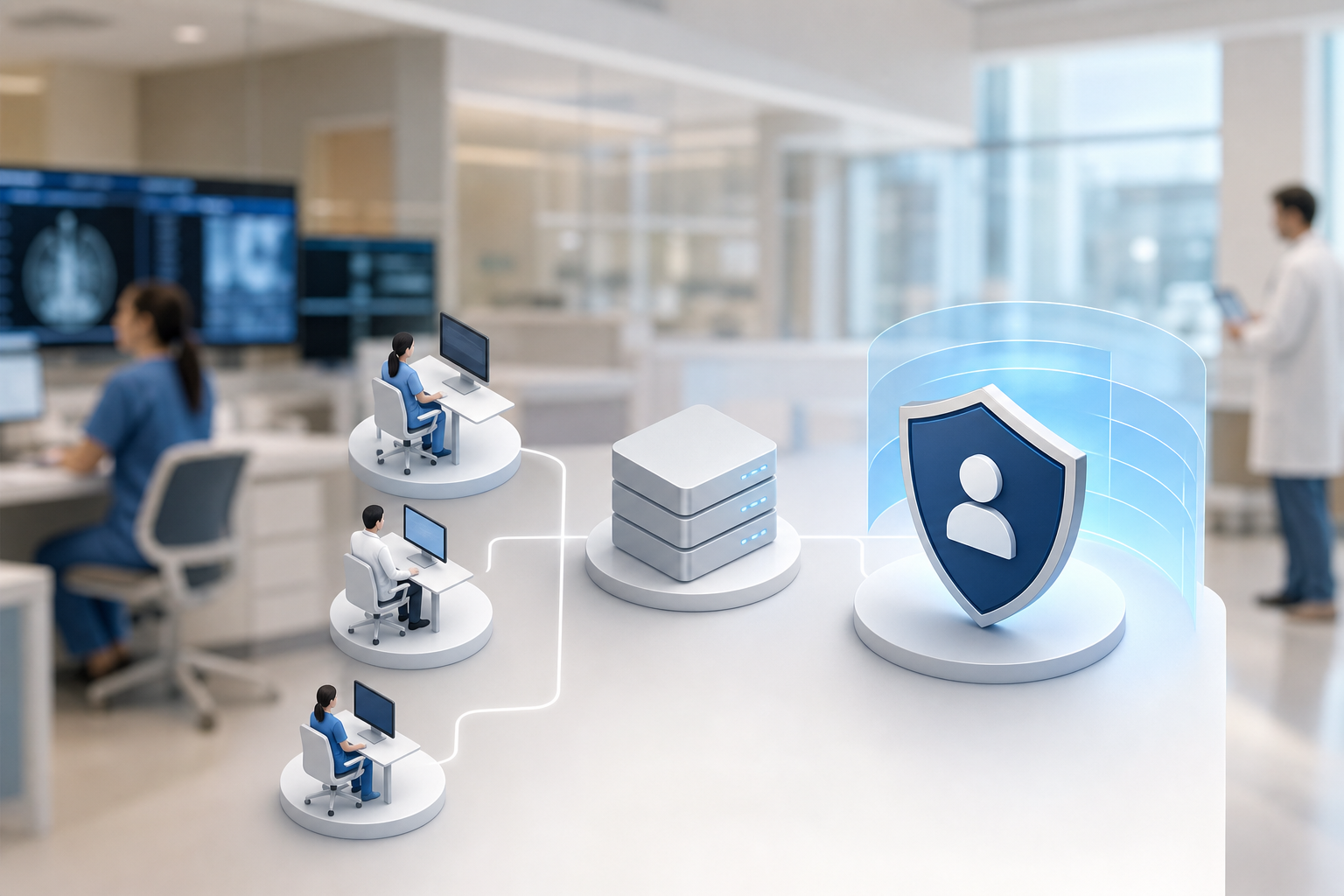

Why Healthcare Organizations Are Right to Be Cautious About Internet Monitoring
First, you carry real HIPAA liability. Screenshots and live views can pick up PHI if a nurse has the EHR open, which would bring the monitoring data under HIPAA. That means access limits, audit trails, and retention rules all apply to the monitoring repository. Treating those logs and images like any other ePHI is not optional; it’s table stakes.
Second, trust can erode fast. If staff believe you’re reading messages or timing bathroom breaks, morale drops and workarounds rise. In a clinical unit, that can mean note-taking on personal devices or avoiding approved tools. As a result, the risk you wanted to lower can climb. Transparency and scoping are your pressure valves here.
Third, legal risk isn’t abstract in a hospital. A random screenshot on a shared drive can be discoverable in a lawsuit. So can a loose admin account with broad monitoring access. In fact, the act of monitoring adds a new data set that counsel must manage. Clear retention rules, role-based access, and encryption are practical risk reducers.
Finally, you have a split mission. You must protect patient data and keep the workforce effective. Overly broad monitoring can chill clinical judgment. Too little oversight can hide misuse of cloud file shares or risky downloads. Therefore, your goal is balance: precise controls, clinical carve-outs, and proof you meet HIPAA’s audit-control requirements without turning the floor into a fishbowl.
Common high-risk scenarios to plan around
- Screenshots capturing PHI during charting or telehealth
- Broad admin access to monitoring logs without need-to-know limits
- Endpoint recording during breaks or personal email use
- Unannounced changes to monitoring scope that bypass consent rules
“Start from a skeptical stance, then design to earn trust.” — Advice we hear from seasoned privacy officers
Moreover, being cautious doesn’t mean standing still. It means you define who sees what, when, and why. You write those rules down. And you hold the tool to them.
How Employee Internet Monitoring Actually Works in Practice
At a basic level, monitoring tools run a small agent on a workstation or VDI session. The agent sends event data to a secure dashboard. You choose the events: URL and app tracking, active time, idle time, and optional screenshots. Done right, this shows patterns in work use without scooping up unnecessary content.
For example, URL and app tracking logs which domains and software are used and for how long. You see “ehr. hospital. org, 2h 14m” or “YouTube.
com, 12m” without reading the screen. Real-time activity tracking shows whether a device is active and what app has focus. This helps you spot risky sites or policy drifts and guide training.
Screenshot monitoring is the sharp tool in the kit. You can set it to timed intervals, event triggers, or turn it off. Moreover, you can exclude EHR executables or URLs from capture to avoid PHI exposure. If you must use screenshots for fraud or incident probes, you can clamp access to a small, logged reviewer group and blur protected fields.
In addition, data security and privacy protection features matter as much as the tracking itself. Encryption in transit (SSL) and at rest, IP allowlisting to limit where admins can log in from, and strict roles define the safety envelope around the data. The tool’s job is to collect activity data; your job is to set the smallest scope that meets your policy.
What monitoring does and does not collect
- Does: URLs visited, app names, time on task, optional screenshots, USB insert events
- Does not by default: read EHR database fields, listen to mics, or log passwords (unless you turn on keystroke logging, which many hospitals disable)
- Should: let you exclude apps/sites tied to PHI and cap who can access raw images
Therefore, website and app usage monitoring can be made precise. You don’t have to accept a “record everything” model to get value. You can collect just enough to uphold security policies and improve workflows, and no more.
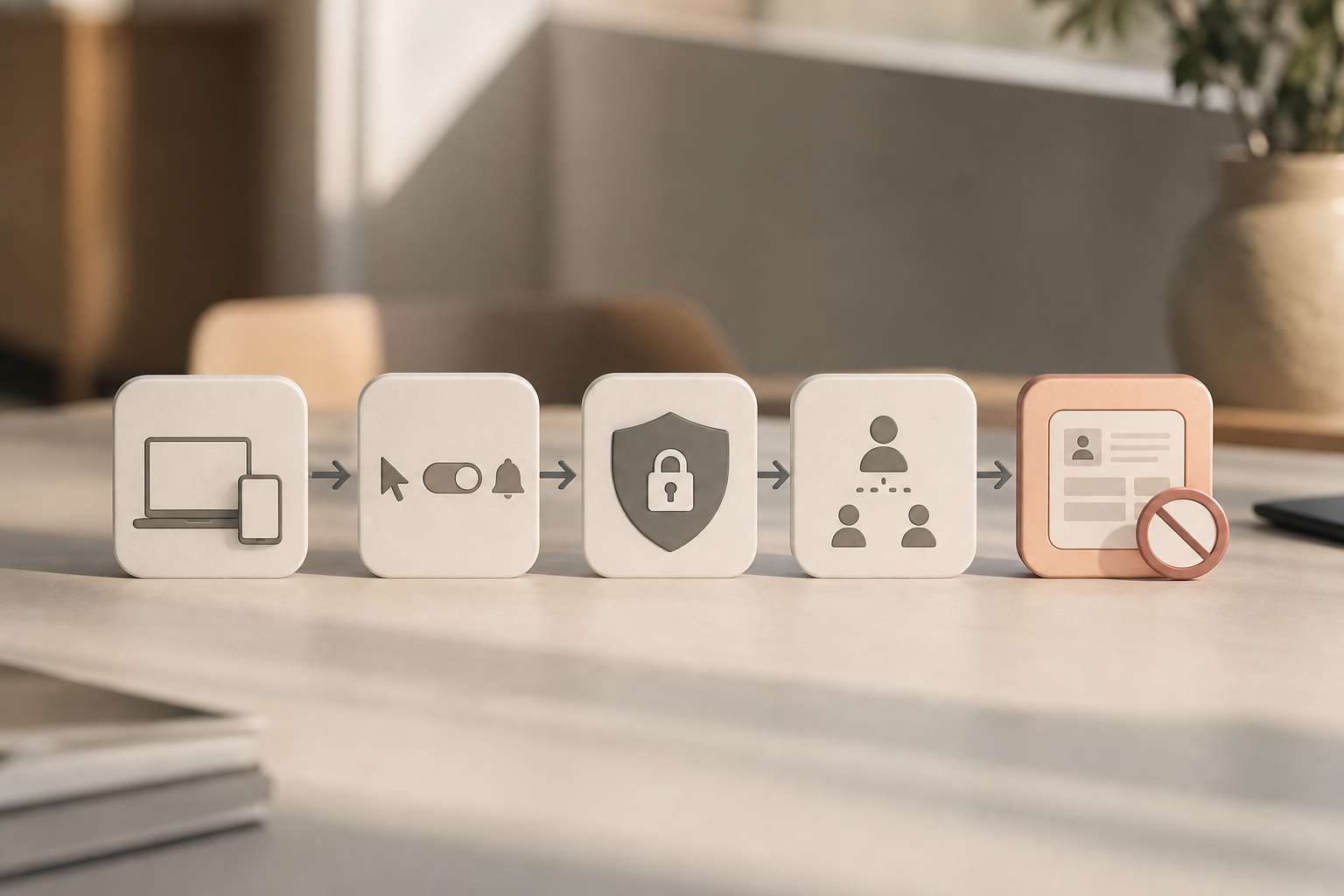
Deeper look: architectures, scope, and safeguards in 2026
- Endpoints and environments: Agents can run on Windows, macOS, and in persistent VDI sessions. For non-persistent VDI, tie data to session IDs plus pseudonymous user tokens to reduce PHI exposure while preserving accountability.
- Data minimization by design: Configure domain-level logging rather than full URL query strings; avoid path-level capture for known PHI portals. For apps, record executable names and window titles while excluding titles for EHR processes.
- Controlled screenshots: If screenshots are enabled, activate conditional rules (e. g., only when risky domains are in focus or during an incident window) and use hashing to detect duplicate images, reducing storage and review of near-identical frames.
- Pseudonymization and masked views: Provide HR and frontline managers with aggregated or masked views (e. g., team-level productivity summaries) while reserving named, granular data for security and privacy officers under strict need-to-know.
- Retention and redaction: Apply short default retention (e. g., 14–30 days) for screenshots, longer retention for low-risk telemetry (URL/app time), and auto-redact sensitive regions if your tool supports templated blur masks for specific apps.
- Interoperability: Export monitoring audit logs to your SIEM or GRC platform, tagging events with user IDs, device IDs, and purpose codes to support audits and legal holds without duplicating PHI across systems.
Regulatory Standards That Apply: HIPAA, State Laws, and Workforce Privacy
HIPAA’s Security Rule requires technical audit controls to record and examine activity in systems that house ePHI. The citation is 45 CFR §164.312(b). Monitoring your workforce devices can help you meet that duty for non-EHR systems, like browsers or file shares, while your EHR’s own audit log covers clinical access. However, the minimum necessary standard at 45 CFR §164.502(b) still applies. If screenshots or logs include PHI, you must limit who sees them and why.
The Office for Civil Rights (OCR) at HHS enforces HIPAA. Settlements show that weak audit controls, poor access limits, and sloppy data handling draw penalties. You can review the Security Rule summary at the HHS site: https://www.hhs.gov/hipaa/for-professionals/security/index.html. Build your monitoring approach so you could explain every field you collect to an OCR investigator, and show logs of who accessed the monitoring data and when.
State laws add consent rules for workplace monitoring. Connecticut, Delaware, and New York require prior written notice for electronic monitoring. Other states have similar notice or consent rules, particularly for email and web use. At the federal level, the Electronic Communications Privacy Act (ECPA) sets a baseline; see https://en.wikipedia.org/wiki/Electronic_Communications_Privacy_Act for an overview. Even where notice is not required, clear written policies reduce legal risk and help staff align their behavior with policy.
If you also handle EU patient or employee data, GDPR applies. Under GDPR, you need a lawful basis, data minimization, and transparency. See the text of Regulation (EU) 2016/679 at https://eur-lex.europa.eu/eli/reg/2016/679/oj. Monitoring for security and compliance can be a legitimate interest, but you must scope and document it, and offer meaningful information to workers about what you track and why.
Practical compliance guardrails
- Map each monitoring data point to a policy purpose (e. g.
- Treat monitoring logs that can contain PHI like ePHI: access controls, audit trails, retention limits
- Provide written notice and obtain acknowledgments; refresh on role or policy changes
- Exclude EHR apps from screenshots by default; require privacy sign-off to change
- Export and retain monitoring audit logs to support OCR reviews and internal audits
- Document a risk analysis addendum for monitoring and a data protection impact assessment (DPIA) if you process data from EU residents
- Bake in minimum-necessary: default to app and domain metadata; only escalate to screenshots under an approved case or incident
- Include a Private time option in policy and training material to reinforce dignity and reduce incidental collection
Therefore, website and app usage monitoring must serve your HIPAA audit-control duties without breaking the minimum necessary rule. With purpose-bound scope, consent, and strong admin controls, you can meet both.
How Tools Like EmpMonitor Address Healthcare-Specific Concerns
You need features that square with clinical realities. EmpMonitor offers multiple roles & permissions so only approved admins view sensitive logs or screenshots. You can assign read-only views for HR, investigative rights for security, and deny screenshot access to most users. This lines up with the minimum necessary standard and keeps the circle small.
Moreover, EmpMonitor offers data loss prevention capabilities and supports forensic analysis and user behavior analytics. That means you can flag risky uploads, block unsanctioned web apps, and trace the timeline of an incident without grabbing more data than you need day to day. When a case opens, you expand scope in a documented way, then dial it back.
In addition, you can choose Stealth/Un-stealth mode. Many hospitals prefer transparent mode with employee notification and a Private time option, so staff can pause tracking for personal breaks. That small control goes a long way to build trust, and it keeps personal browsing out of work logs. For higher-risk roles, you can deploy tighter controls with clear, written consent.
Security around the monitoring data matters as much as what you collect. EmpMonitor is GDPR compliant and protects access with SSL encryption, a firewall, and IP allowlisting for admin logins. It is trusted by 15,000+ companies across 100+ countries and tracks over 500,000 employees, including medical sector organizations. Scale and scrutiny push tools to harden, and you benefit from that.
“EmpMonitor has been essential in enabling us to track how each hospital employee is working in general, identify problems quickly, and fix them.” — Medical Sector Clinical Coordinator
Therefore, if you decide to adopt website and app usage monitoring, choose a setup that is open with staff, scoped to your policy, and locked down with strong admin controls.
How EmpMonitor compares to alternatives in 2026
- Versus keystroke-heavy suites (e. g., platforms that default to full content capture and persistent keylogging), EmpMonitor supports a lighter-by-default configuration with opt-in screenshots and Private time controls. Many hospitals find this easier to align with minimum-necessary and workforce trust commitments.
- Compared with proxy-only web filters or secure web gateways, which primarily report domains and blocklists, EmpMonitor correlates web domains with desktop app usage, foreground focus, and USB events, giving privacy officers a fuller activity picture without needing multiple tools.
- Some competitors focus on stealth-only deployments; EmpMonitor emphasizes transparent deployments with configurable employee notifications and acknowledgments, which simplifies compliance with state notice laws and internal policy education.
- While traditional OS audit logs or VDI session logs can show logon/logoff events, EmpMonitor provides role-based dashboards with exportable admin audit trails and purpose-scoped access, helping compliance teams answer “who saw what, and why?” in one place.
**Get started free today →. If your monitoring data can include PHI, your vendor must sign a BAA and agree to HIPAA-grade security.
No BAA, no deal. Next, demand granular permission controls. You should be able to restrict screenshot access to a short list and log every view.
Encryption at rest and in transit is non-negotiable. Ask for data center details, key management, and admin access logs. Moreover, look for screenshot redaction or exclusion rules for EHR windows. If a tool cannot exclude PHI-heavy apps or blur sensitive regions, you’ll spend more time on clean-up than on risk reduction.
In addition, you need audit log exports for both user activity and admin actions. Your auditors will ask, “Who saw what, and why?” Give them a clean report. Clear employee notification options and a Private time option help you meet consent aims and protect staff dignity. Finally, set a data retention policy you can defend. Shorter is safer unless a case requires holds.
A vendor-neutral checklist for hospitals
- BAA availability and signed HIPAA addendum
- Granular roles; limit screenshot access to need-to-know
- Encrypted storage and SSL in transit; IP allowlisting for admin logins
- Screenshot exclusions/redaction for PHI and EHR apps
- Exportable audit logs for both user activity and admin access
- Clear employee notification and Private time controls
- Custom reports, IP allowlisting, and web app and USB blocking to enforce policy
- Data retention and legal hold features you can manage without IT tickets
Therefore, by holding every vendor to the same bar, you make it easier to defend your choice to OCR, to staff, and to the board.
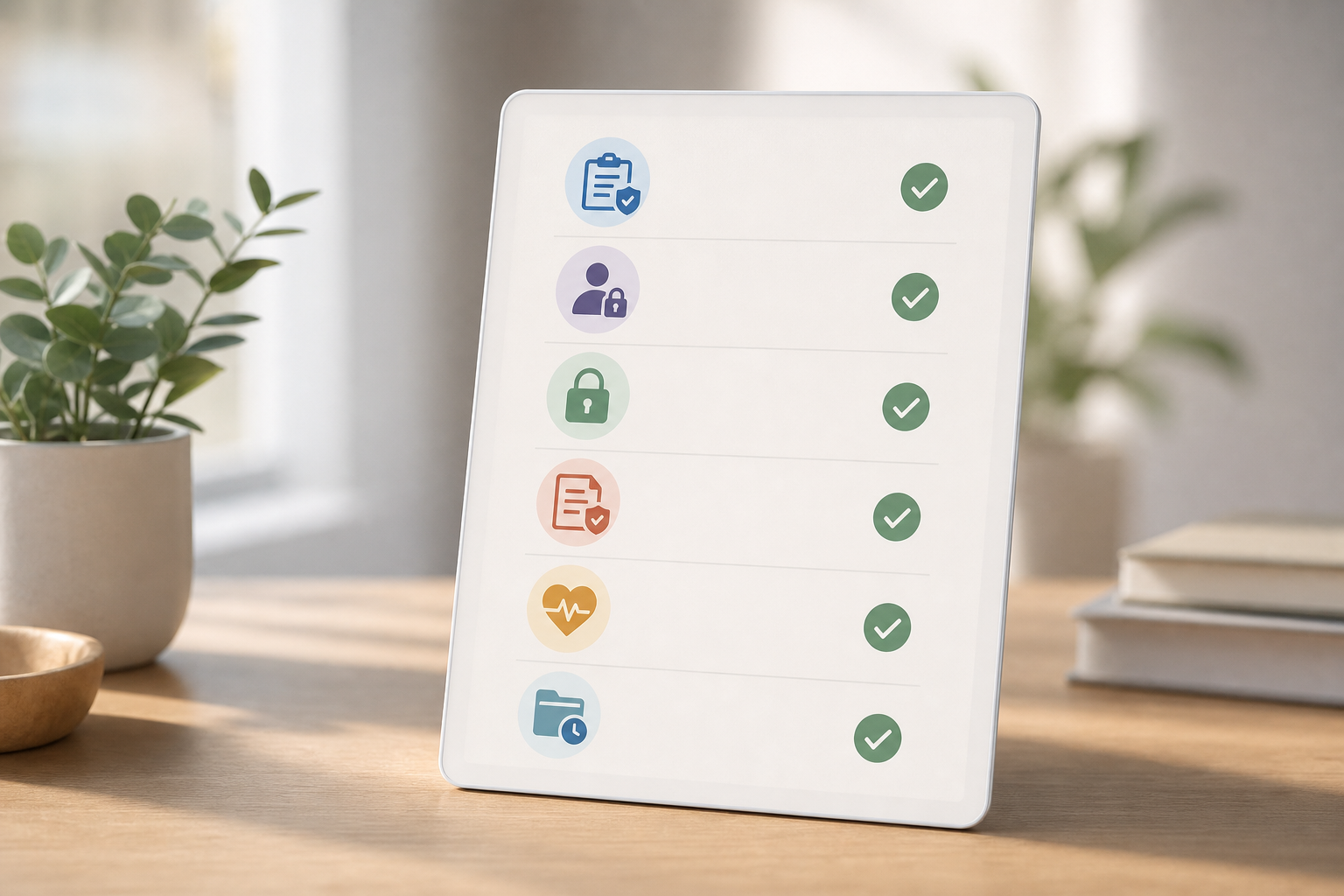
Implementation blueprint: From policy to pilot to scale
A structured rollout prevents surprises and demonstrates good faith to staff and regulators.
- Draft policy and purposes
- Define your legitimate purposes: audit controls, data loss prevention, acceptable-use enforcement, and workflow improvement.
- Enumerate data elements for each purpose (e. g., domain names, app names, active/idle time, optional screenshots during investigations).
- Map each element to minimum-necessary justifications and exclusions (e. g., exclude EHR windows, telehealth apps, and personal email domains).
- Complete governance prerequisites
- Update your HIPAA risk analysis to include monitoring data as a potential ePHI repository if screenshots could capture PHI.
- If applicable, run a DPIA and consult works councils for EU staff under GDPR.
- Negotiate a BAA and security addendum; verify data location, encryption, and subcontractors.
- Build controls before data flows
- Implement role-based access with least privilege, enable IP allowlisting for admin consoles, and enforce MFA for all admin roles.
- Configure default exclusions for clinical apps and PHI-heavy URLs; test with real EHR workflows.
- Set retention policies and legal hold procedures; export admin audit logs to your SIEM.
- Pilot in a representative unit
- Include nursing, ambulatory, and back-office roles if possible to validate exclusions and Private time behavior.
- Announce the pilot, collect written acknowledgments, and provide a quick-reference guide on what is and is not monitored.
- Review metrics weekly with Privacy, Security, and HR; fix noise, exclusions, and scopes.
- Train and communicate
- Offer a 15-minute training covering acceptable use, Private time, and how to report concerns.
- Publish a plain-language FAQ internally; keep a changelog for any scope updates.
- Decide and scale
- Present pilot outcomes: policy adherence improvements, incident response speed, and staff feedback.
- Adjust scope if necessary, then extend to additional units with the same transparency and controls.
Threat models and clinical use cases
Monitoring should address real risks without over-collection.
- Cloud data sprawl: Detect uploads to unsanctioned file-sharing services; block or coach based on policy.
- Phishing and malware: Flag drive-by download sites and suspicious executables; correlate with EDR alerts for faster containment.
- Shadow IT: Identify use of unapproved messaging or CRM tools that may attract PHI; suggest approved alternatives.
- USB exfiltration: Record USB insert events and app-in-focus at the time; pair with DLP to block copy actions for sensitive file types.
- Credential reuse: Spot logins to consumer sites during work that mirror hospital email addresses; prompt password hygiene training.
- Overburdened workflows: Time-on-app trends can show where clinicians are fighting the system; feed insights back to operations for optimization.
By focusing on concrete risks and feedback loops, you align website and app usage monitoring with patient safety and staff experience.
FAQs
Does employee internet monitoring violate HIPAA if screenshots capture patient data?
Screenshots can incidentally capture PHI, so treat monitoring data as PHI when that risk exists. Mitigate in layers: restrict access with role-based permissions, exclude EHR applications from screenshots, and log every view and export. Moreover, sign a BAA with the vendor so HIPAA duties flow down. Used with those controls, website and app usage monitoring can meet Security Rule audit needs without exposing ePHI.
Are employees legally required to be notified about internet monitoring in healthcare settings?
It varies by state. Connecticut, Delaware, and New York require written notice for electronic monitoring. At the federal level, the ECPA sets a baseline (see Wikipedia’s overview at https://en.wikipedia.org/wiki/Electronic_Communications_Privacy_Act).Even where not required, provide clear, written policies and acknowledgments. Transparency builds trust and reduces legal risk.
Can internet monitoring data be used in wrongful termination lawsuits against the hospital?
Yes. Monitoring logs, screenshots, and admin access records can become discoverable. Protect your organization with consistent policy application, documented consent, and clear acceptable-use policies. Inconsistent enforcement creates risk that plaintiffs’ counsel will exploit. Therefore, keep clean audit trails and apply your rules the same way across roles.
How do you prevent monitoring tools from becoming an insider threat themselves?
Lock down the admin plane. Use encrypted data storage, role-based admin access, and IP allowlisting. Ask for third-party security audits or frameworks you recognize. EmpMonitor offers SSL encryption, firewall protections, and IP allowlisting to limit access to monitoring data. In addition, export and review admin audit logs on a schedule.
Is it ethical to monitor clinical staff who access patient records as part of their job?
Yes, if you scope it and explain it. HIPAA already requires access audit logs on EHR systems. Internet monitoring complements those by tracking web and app activity outside the EHR, like cloud shares or video sites. Frame the program as protection for both patients and staff, with exclusions for clinical systems and a Private time option for dignity.
Do contractors and traveling nurses fall under the same monitoring policy?
Generally yes, if they access your systems or handle ePHI on your devices or networks. Extend notice and acknowledgments to contractors, ensure their staffing agencies understand the policy, and scope monitoring to your devices and sessions.
How long should we retain monitoring data?
Adopt the shortest defensible retention for each class of data. For example, keep aggregate app/URL telemetry 90 days for trend analysis, and screenshots 14–30 days unless an investigation is open. Align retention with your information governance schedule and legal hold processes.
What about BYOD and mobile devices?
For BYOD, prefer containerized app access (VDI or secure browser) and confine monitoring to the managed workspace. For mobile, use MDM/MAM solutions and avoid content capture; rely on app- and domain-level logs in the managed container to satisfy audit needs without touching personal data.
Can we monitor only certain departments or risk tiers?
Yes. A risk-tiered approach is common: tighter monitoring for payment posting, revenue cycle, and third-party billing teams; lighter, aggregate views for clinical units with strong EHR audit logs; and opt-in screenshots only during formal investigations with privacy sign-off.
Bringing It All Together
You’re not choosing between privacy and safety. You’re choosing controls that respect both. In 2026, OCR expects audit controls and minimum-necessary access, and staff expect transparency and dignity. You can deliver both by scoping monitoring to policy aims, excluding PHI-heavy windows, locking down admin access, and documenting consent.
Moreover, the market has matured. EmpMonitor is GDPR compliant, protects data with SSL encryption, a firewall, and IP allowlisting, and is trusted by 15,000+ companies across 100+ countries, including medical sector teams. You also have a free 15-day trial to test settings with your privacy officer before a full rollout.
Therefore, pilot with a small unit, prove the balance works, and then scale with confidence.
**Start your free 15-day trial →
**See pricing, get budget clarity →