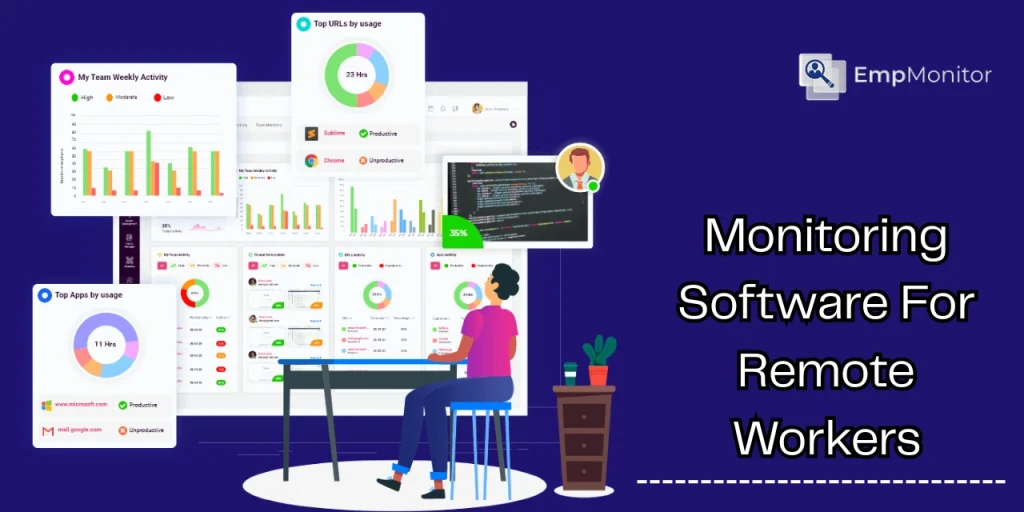
The rise of remote work has transformed the modern workplace. Companies now rely on technology to maintain productivity, ensure accountability, and support employees working outside traditional office environments. Monitoring software for remote workers has become a vital tool for businesses looking to optimize performance while fostering flexibility.
In this blog, we’ll explore the importance of monitoring software for remote workers, its features, its benefits, and how it can shape the future of work management. We’ll also cover essential tools like remote employee monitoring software, work management software, workload tracking, and productivity tracking tools.
Hit ‘Play’ Button & Tune Into The Blog!
What Is Monitoring Software For Remote Workers?
Monitoring software for remote workers refers to specialized digital tools designed to track and manage the work of employees who operate from outside a centralized office. These tools collect data about work activities, time spent on tasks, and employee performance. They allow managers to supervise teams efficiently without micromanaging.
The primary goal is not surveillance but productivity enhancement. By using monitoring software, organizations gain insights into workflow patterns, optimize resource allocation, and prevent burnout.
Why Monitoring Software Is Essential For Remote Workers?


Remote work comes with unique challenges. Without face-to-face interaction, managers may struggle to gauge performance, engagement, and workload distribution. This is where monitoring software for remote workers plays a crucial role.
Accountability:
Employees feel responsible for completing tasks when they know progress is tracked. Monitoring software ensures that deadlines are met without creating a stressful environment.
Productivity Insights:
Companies can analyze productivity trends, identify bottlenecks, and implement improvements. This is where productivity tracking tools come into play.
Workload Balance:
Monitoring software helps managers distribute tasks evenly, reducing employee burnout and improving overall efficiency. Features like workload tracking ensure no team member is overburdened.
Data-Driven Decisions:
Businesses can make informed decisions regarding remote operations, resource allocation, and performance improvement.
Also Read:
How To Use Remote Workforce Management Software Efficiently In 2025?
The Role Of Employee Monitoring Software In Successful Workplaces
Key Features Of Monitoring Software For Remote Workers
Modern monitoring software offers a range of features that enhance efficiency, accountability, and transparency across distributed teams. These tools help managers stay informed while enabling employees to work independently and productively.
Let’s explore some of the most important features.
1. Time Tracking:
Time tracking allows managers to monitor how long tasks take, identify inefficiencies, and optimize schedules. It plays a crucial role in understanding work patterns, especially for freelancers and remote teams operating across different time zones.
Accurate time insights help improve planning, billing accuracy, and overall productivity.
2. Activity Monitoring:
Activity monitoring tracks employee actions on work devices, including software usage, website visits, and application engagement. Remote employee monitoring software often includes detailed dashboards that present this data in a clear and actionable format. T
These insights help managers understand how work hours are utilized without constant supervision.
3. Workload Management:
Monitoring software provides visibility into each employee’s workload, making it easier to allocate tasks fairly and meet deadlines consistently. With built-in workload tracking, managers can prevent burnout by ensuring no team member is overburdened while maintaining balanced productivity across the team.
4. Task and Project Management:
Integrating task and project management features allows teams to track progress, set priorities, and stay organized. Many monitoring platforms also include work management software capabilities, enabling seamless collaboration, real-time updates, and clear accountability for deliverables.
5. Productivity Analysis:
Advanced analytics help managers identify productivity trends and areas that need improvement. Productivity tracking tools highlight high-performing employees, uncover workflow bottlenecks, and support data-driven strategies to improve overall team efficiency.
Among the wide variety of monitoring software for remote workers, EmpMonitor stands out as a comprehensive solution. Designed to enhance team productivity, EmpMonitor goes beyond simple activity tracking. It offers detailed insights into daily and hourly team activities, real-time time tracking, attendance monitoring, and even live screen access.
By providing context-rich reports and built-in project tracking capabilities, EmpMonitor empowers managers to optimize workflows while fostering employee engagement. Businesses can also explore a 15-day free trial to experience its premium features and see measurable improvements in team performance.
What Are The Types Of Monitoring Software For Remote Workers?
Not all monitoring software functions the same way. Depending on your needs, there are several types of tools to consider:
1. Cloud-Based Monitoring Tools:
Cloud-based tools allow managers to access employee activity data from anywhere. They are ideal for distributed teams and small businesses that need flexibility and real-time updates to effectively manage remote workforce operations.
2. Desktop Monitoring Software:
Desktop monitoring software tracks employee activity directly on their devices. This is effective for companies requiring detailed insights into individual performance.
3. Mobile Monitoring Tools:
With the rise of mobile work, these tools track productivity on smartphones and tablets, providing flexibility for employees who work on-the-go.
4. Comprehensive Workforce Management Suites:
Some platforms combine monitoring software for remote workers with HR management, payroll, and project management features. This all-in-one approach ensures seamless workflow management.
What Are The Benefits Of Monitoring Software For Remote Workers?
Implementing monitoring software for remote workers brings multiple advantages for both businesses and employees. Let’s break down the benefits:
1. Enhanced Productivity:
By tracking work patterns and identifying inefficiencies, monitoring software allows managers to boost productivity. Employees can focus on high-priority tasks, guided by insights from productivity tracking tools.
2. Better Workload Distribution:
Tools with workload tracking capabilities ensure that tasks are allocated fairly. This prevents employee burnout and enhances team morale.
3. Transparency and Accountability:
Monitoring software fosters transparency by clearly showing progress on tasks and projects. This accountability benefits both remote employees and management teams.
4. Data-Driven Feedback:
Managers can provide actionable feedback based on real data rather than intuition, improving employee performance and job satisfaction.
5. Security and Compliance:
Monitoring software helps businesses track sensitive data and ensure compliance with company policies, minimizing the risk of security breaches.
Also Read:
How To Manage A Remote Workforce Smoothly?
What Are The Common Challenges Of Monitoring Software And How Can They Be Overcome?

While monitoring software delivers significant benefits for remote teams, it also presents certain challenges that organizations must address thoughtfully. Recognizing these obstacles early helps businesses implement monitoring tools effectively, ethically, and with long-term success.
1. Employee Privacy Concerns:
One of the most common concerns is employee privacy. Remote workers may feel uncomfortable if monitoring appears intrusive or unclear. To overcome this, organizations should clearly communicate what data is tracked, the purpose behind it, and how the information will be used.
Transparent policies and employee consent help build trust and reduce resistance.
2. Misuse of Data:
Improper or excessive use of monitoring data can damage employee morale and create a culture of mistrust. Monitoring software should support productivity improvement, performance coaching, and workflow optimization, not micromanagement.
Establishing clear guidelines on data usage ensures fairness and accountability.
3. Over-Reliance on Metrics:
Relying solely on numbers can provide an incomplete picture of employee performance. Productivity metrics should be combined with qualitative feedback, team collaboration insights, and outcomes tracked through work management software. This balanced approach leads to more accurate evaluations and better decision-making.
4. Technical Difficulties:
Some teams may experience issues with software installation, system compatibility, or usability. These challenges can slow adoption and reduce effectiveness.
Choosing intuitive, cloud-based monitoring solutions and offering proper onboarding or training helps minimize technical barriers and ensures smoother implementation.
How Does Empmonitor Support Comprehensive Monitoring For Remote Teams?
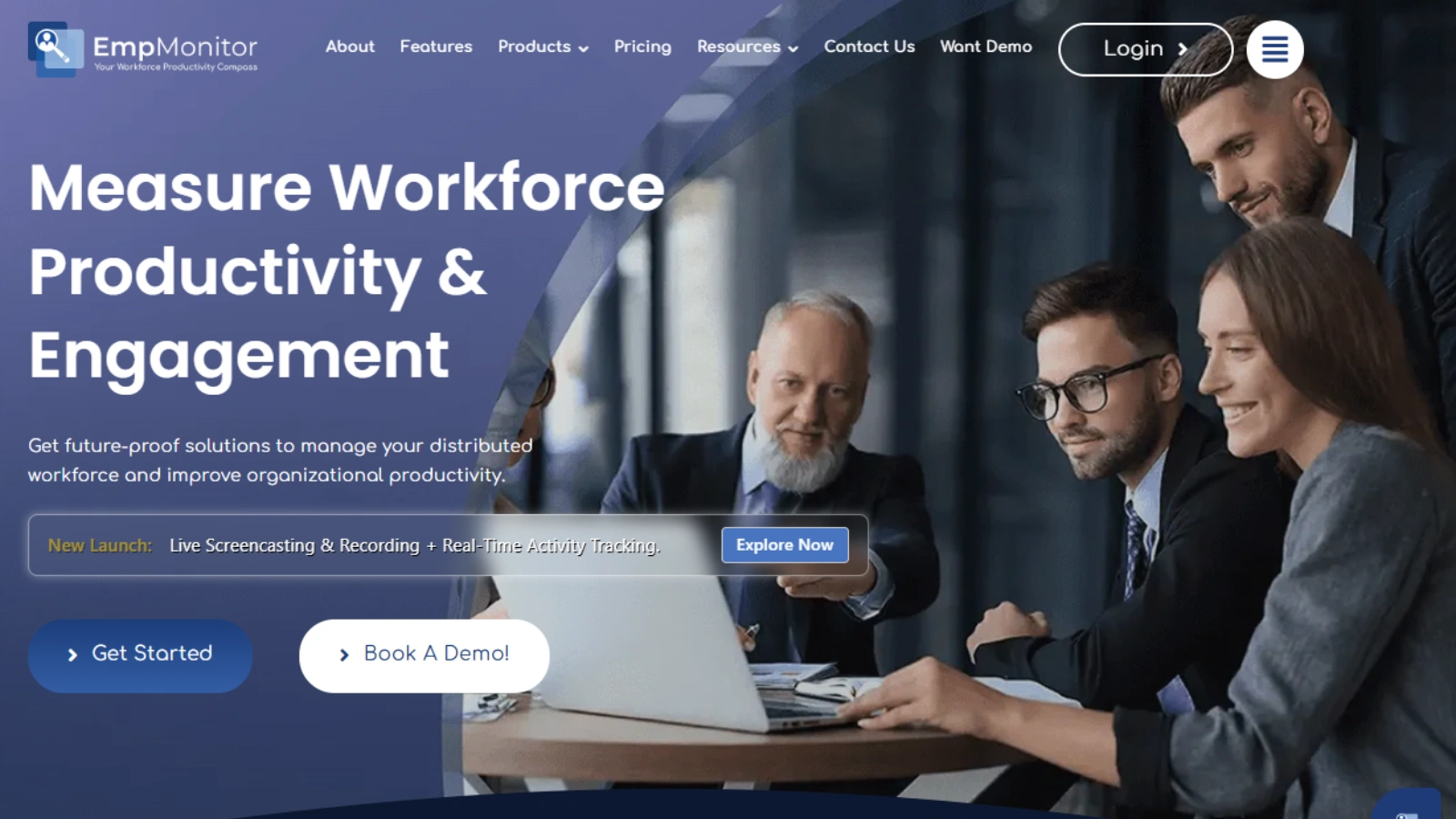
EmpMonitor is an advanced employee monitoring software designed to seamlessly empower employee management operations. More than just a tracking tool, it provides a 360-degree solution for managing remote and distributed teams effectively.
Key Features of EmpMonitor
Time Tracking:
- Get real-time timesheets to analyze productive and idle hours.
- Automated reports provide accurate performance assessments.
User Activity Monitoring:
- Detailed analysis of team activities daily and hourly.
- Context-rich reports help enhance productivity efficiently.
Attendance Monitoring:
- Track attendance, leaves, and HR compliance via a centralized dashboard.
- Paperless processes save time and reduce errors.
Workforce Productivity & Engagement:
- Next-gen project management and time-tracking reports.
- Foster engagement and workflow optimization across teams.
Live Screencasting & Screen Recording:
- Remotely access employee desktops to assist or troubleshoot in real time.
- Securely record screen activity for compliance, audits, and training.
Real-Time Activities Tracking:
- Monitor app usage, website visits, and productivity live.
- Quickly spot idle or active employees for better efficiency.
Project Management
- Streamline task allocation, track progress, and optimize resources.
- Enable seamless collaboration and efficient milestone achievement.
EmpMonitor is more than just monitoring; it’s a holistic workforce management platform that empowers managers to enhance productivity, maintain transparency, and ensure security. Businesses can start a 15-day free trial to explore its premium features.
What Are Productivity Tracking Tools For Remote Teams?
Productivity tracking is an integral part of monitoring software. These productivity tracking tools help managers understand where time is spent and how efficiency can improve.
- Time tracking apps: Measure hours spent on tasks and projects.
- Activity dashboards: Visualize employee engagement and work patterns.
- Goal-setting modules: Track progress toward individual and team objectives.
- Performance analytics: Identify bottlenecks and areas for improvement.
Using these tools in combination with workload tracking features ensures balanced workloads and better performance outcomes.
How Does Work Management Software Support Remote Monitoring?
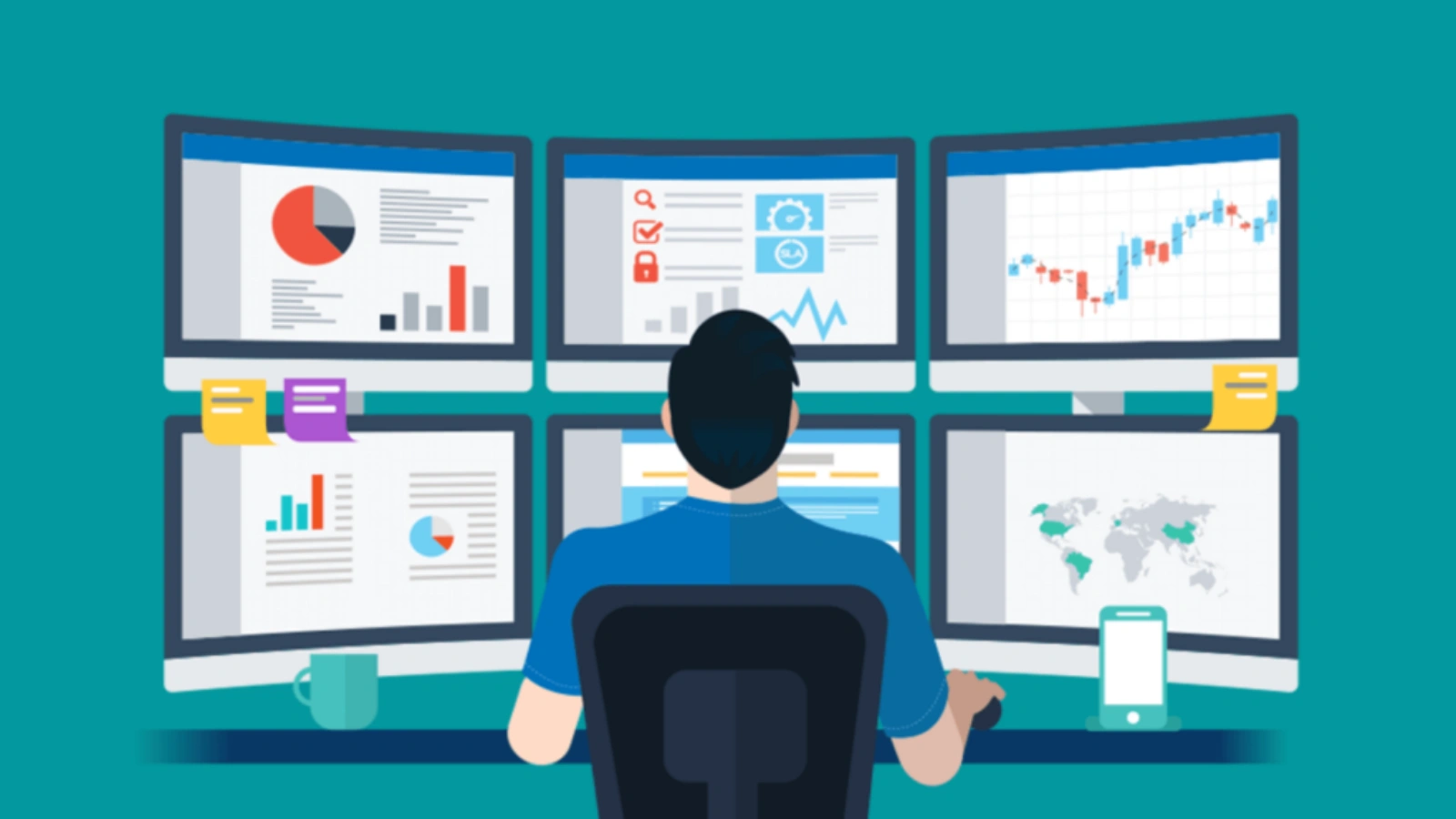
Work management software plays a crucial role in strengthening remote monitoring by offering a structured framework for planning, executing, and tracking work. When combined with monitoring tools, it helps organizations maintain visibility, accountability, and efficiency across distributed teams.
Task assignment:
Clearly assign responsibilities to individuals or teams, ensuring everyone understands their priorities and expectations. This reduces confusion and improves ownership of tasks.
Progress tracking:
Monitor project status in real time to identify delays, measure completion rates, and ensure deadlines are met without constant follow-ups.
Collaboration features:
Enable smooth communication through shared workspaces, comments, and updates. These features help remote teams stay aligned and work together efficiently.
Resource management:
Optimize the use of time, tools, and personnel by identifying underutilized or overloaded resources. This leads to better planning and improved productivity.
When paired with monitoring software like EmpMonitor, work management tools create a comprehensive system that delivers real-time visibility, strengthens accountability, and supports data-driven decision-making for remote teams.
The Future Of Monitoring Software For Remote Workers
The future of remote work monitoring will be shaped by innovation, AI, and employee-centric approaches.
- Artificial Intelligence: Predict workload issues and suggest task optimization.
- Employee Engagement: Focus on enhancing employee experience, not just output.
- Automation: Automated reporting reduces managerial burden.
- Cross-Platform Compatibility: Tools must work seamlessly on desktops, mobile devices, and cloud systems.
Best Practices For Implementing Monitoring Software
To maximize the benefits of monitoring software for remote workers, companies should follow these best practices:
- Communicate Transparently: Explain purpose, benefits, and limitations.
- Set Reasonable Metrics: Track meaningful data without micromanaging.
- Encourage Feedback: Allow employees to share experiences.
- Use Data Responsibly: Focus on productivity improvement, not punishment.
- Combine with Training: Offer guidance to improve skills and efficiency.
Conclusion
The shift to remote work is permanent for many industries. Businesses must adopt strategies that ensure productivity, accountability, and employee well-being. Monitoring software for remote workers offers a robust solution for managing remote teams effectively.
By integrating remote employee monitoring software, work management software, workload tracking, and productivity tracking tools, organizations can gain valuable insights into operations while empowering employees. Tools like EmpMonitor take it a step further, providing a holistic platform that boosts productivity, engagement, and security.
Investing in monitoring software is no longer optional, it is a strategic necessity. Companies that leverage these tools will stay competitive, agile, and resilient in a world where remote work is the new norm.
FAQs
1. Is monitoring software for remote workers legal to use?
Yes, monitoring software for remote workers is legal in most regions when companies follow labor laws and inform employees clearly. Transparency, consent, and purpose-driven monitoring help ensure legal compliance.
2. How does monitoring software affect employee morale?
When used ethically, monitoring software can improve morale by promoting fairness, clear expectations, and balanced workloads. Problems usually arise only when tools are used for excessive surveillance.
3. Can monitoring software be customized for different roles?
Many platforms allow role-based tracking, enabling businesses to monitor different job functions without applying the same metrics to everyone. This ensures relevance and fairness.