



Have you ever considered using a device to keep your computer awake while you’re away? Before you make that decision, you need to understand the serious implications. Mouse jigglers might seem like a convenient solution, but they come with significant risks that could jeopardize your career, damage workplace trust, and even result in termination.
This comprehensive guide reveals what is a mouse-jiggler, why employees use them, and most importantly, why you should think twice before using one.
Listen Podcast Now:
What Is a Mouse Jiggler?
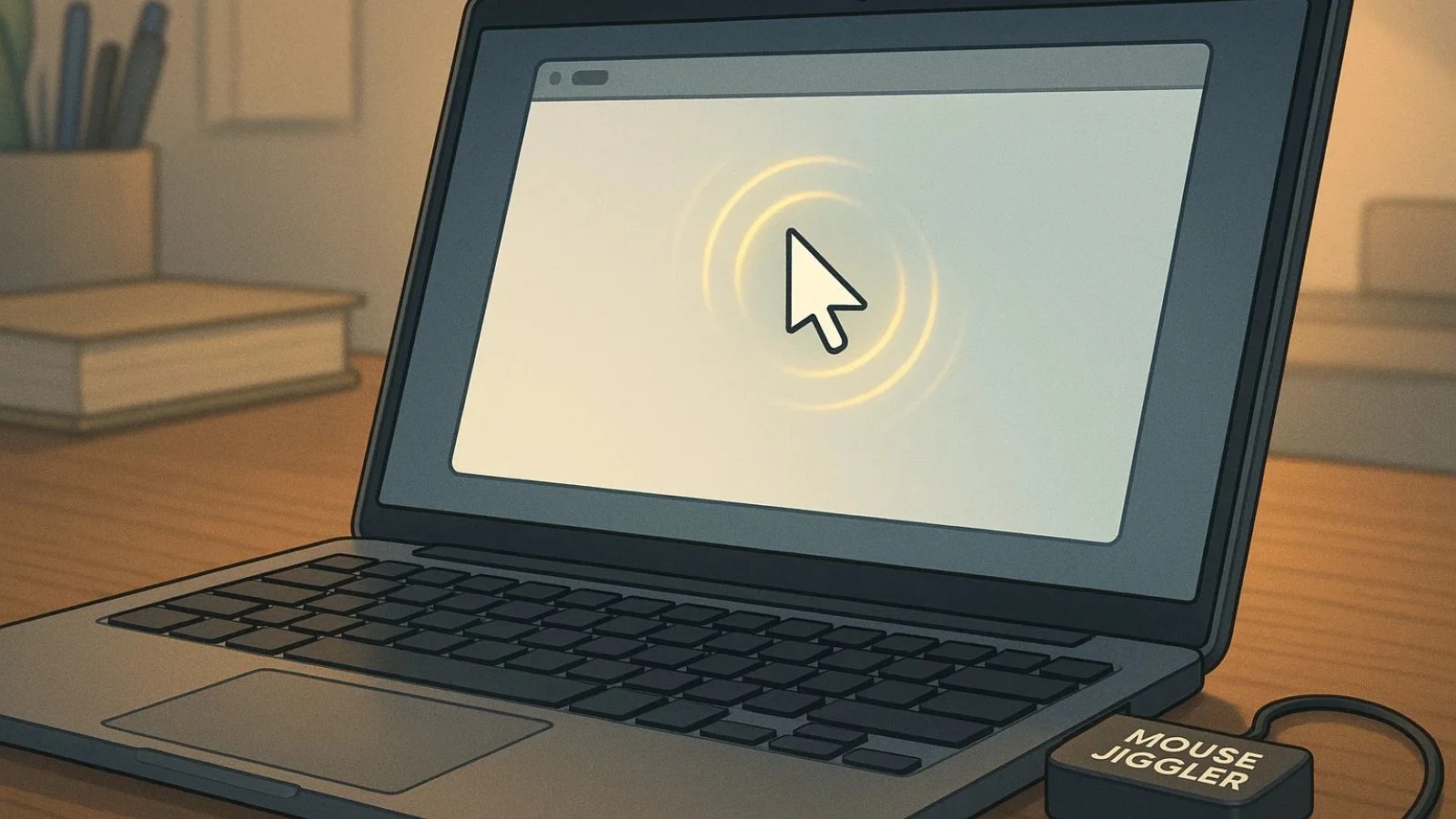

A mouse-jiggler is a device or software application designed to simulate mouse movement on your computer. It periodically moves your cursor or sends signals to your system to indicate you’re still actively using it, preventing your screen from locking or entering sleep mode.
While this might sound harmless, the reality is far more complex. A mouse-jiggler essentially creates false activity, making it appear you’re working when you’re actually away from your desk.
This deception forms the core problem with these devices, especially in workplaces now wondering, Are Employees Using A Mouse Jiggler to appear active when they’re not?
How Does a Mouse Jiggler Work?

Understanding the mechanics reveals why mouse-jigglers are so problematic. When you use a mouse jiggler, it sends periodic movement commands to your computer’s cursor. Your computer’s operating system has an inactivity timer that resets every time it detects activity.
By continuously sending tiny movement signals, a mouse-jiggler keeps this timer perpetually reset. These movements create fake activity that misrepresents your actual work status.
While a mouse-jiggler might fool basic systems, modern employee monitoring tools can easily detect these work patterns of remote teams. Companies are increasingly sophisticated in their ability to track mouse movement and identify artificial patterns.
Types of Mouse Jigglers Available:
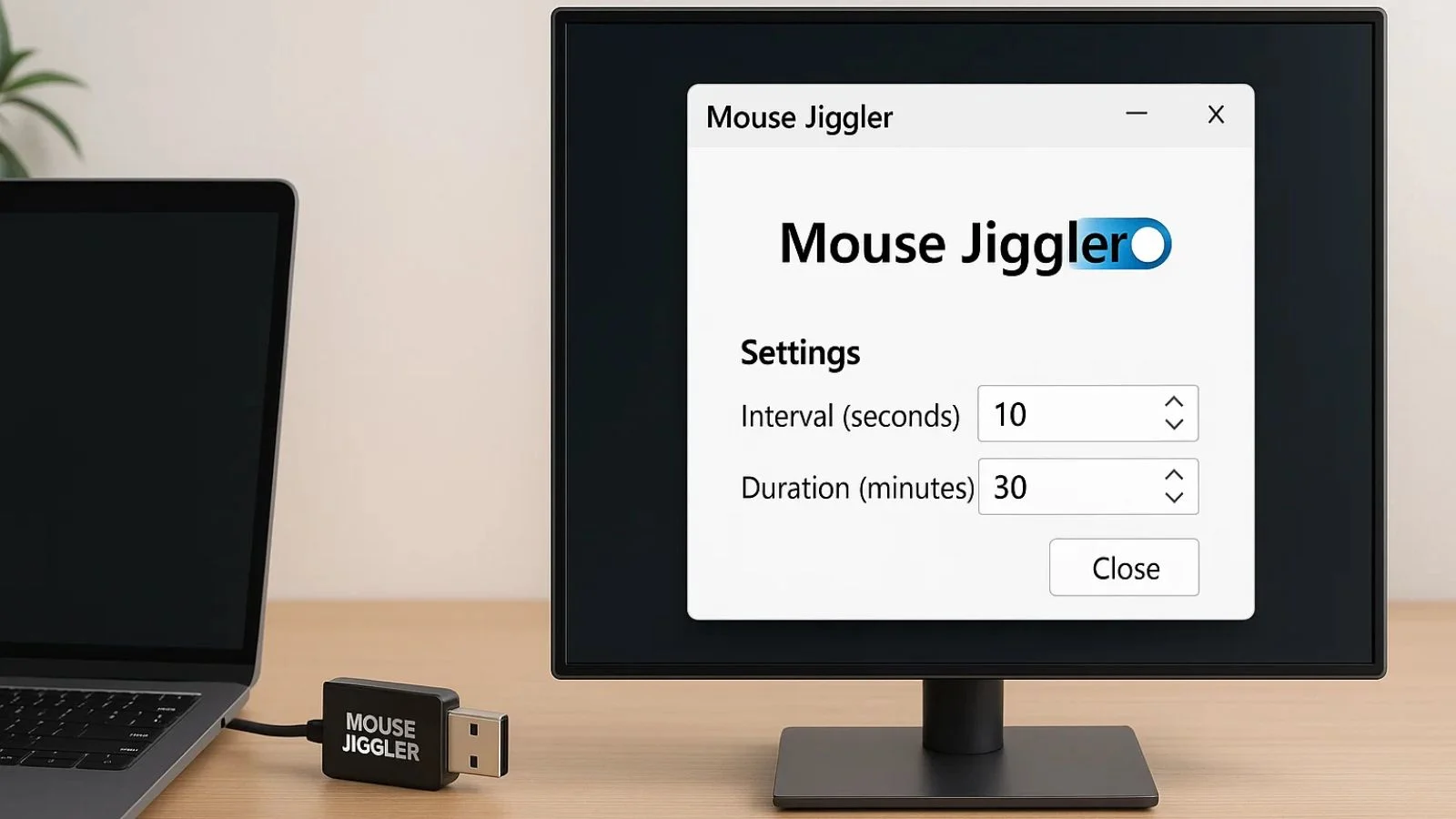
Understanding the different types helps you recognize the various ways employees might attempt to deceive monitoring systems:
1. Hardware Mouse Jigglers:
Physical USB devices that plug into your computer. These mouse-jiggler devices might seem untraceable, but they leave digital footprints. IT departments can detect unauthorized USB devices, and many companies have policies explicitly prohibiting external devices that weren’t issued by the organization. Using a hardware mouse-jiggler could result in immediate policy violations.
2. Software Mouse Jigglers:
Downloaded applications that run in the background. These programs often require installation permissions that violate company security policies. Worse, downloading unauthorized software can expose company networks to malware and security breaches. Installing a software-based mouse-jiggler could trigger security alerts and result in disciplinary action.
Both types share a common problem: they’re designed specifically to circumvent monitoring systems and create false impressions of productivity.
The Serious Risks of Using Mouse Jigglers:

Before considering a mouse-jiggler, understand the potential consequences:
1. Employment Termination:
Many companies explicitly prohibit mouse-jigglers in their acceptable use policies. Using one could be grounds for immediate dismissal. Even if your company hasn’t specifically banned them yet, using a mouse-jiggler demonstrates dishonesty that can destroy your employment relationship.
2. Loss of Trust and Reputation:
When colleagues or managers discover you’ve been using a mouse-jiggler, it permanently damages your professional reputation. Trust, once broken, is nearly impossible to rebuild. Your credibility suffers, and future opportunities within the organization become limited.
3. Legal Consequences:
In some industries, using a mouse-jiggler to falsify work hours could constitute fraud, especially if you’re billing clients or receiving compensation for time you weren’t actually working. The legal ramifications can extend beyond just losing your job.
4. Career Impact:
A termination for using a mouse-jiggler becomes part of your employment history. Explaining why you were fired for attempting to deceive your employer makes future job searches significantly more difficult.
5. Security Vulnerabilities:
Hardware mouse-jigglers can introduce security risks, especially unauthorized USB devices. Software versions may contain malware or create vulnerabilities in company systems. Your attempt to avoid supervision could inadvertently compromise sensitive company data.
Why Employees Turn to Mouse Jigglers (And Why It’s the Wrong Solution):

Understanding the motivations behind mouse-jiggler use is important, even though the practice itself is unacceptable:
1. Fear of Appearing Inactive:
Remote workers worry their online status reflects poorly on them. However, using a mouse-jiggler to solve this creates a much bigger problem than briefly appearing away.
2. Rigid Monitoring Systems:
Some employees feel oppressed by constant surveillance. While this frustration is valid, a mouse-jiggler isn’t the answer, it only makes the situation worse by justifying stricter monitoring.
3. Unrealistic Productivity Expectations:
Employees facing impossible workloads might resort to a mouse-jiggler to maintain appearances. This masks systemic issues that should be addressed through proper channels, not deception.
4. Taking Extended Breaks:
Perhaps the most problematic use, employees using mouse-jigglers to hide that they’re not working. This is wage theft and fundamentally dishonest.
How Companies Detect Mouse Jigglers:
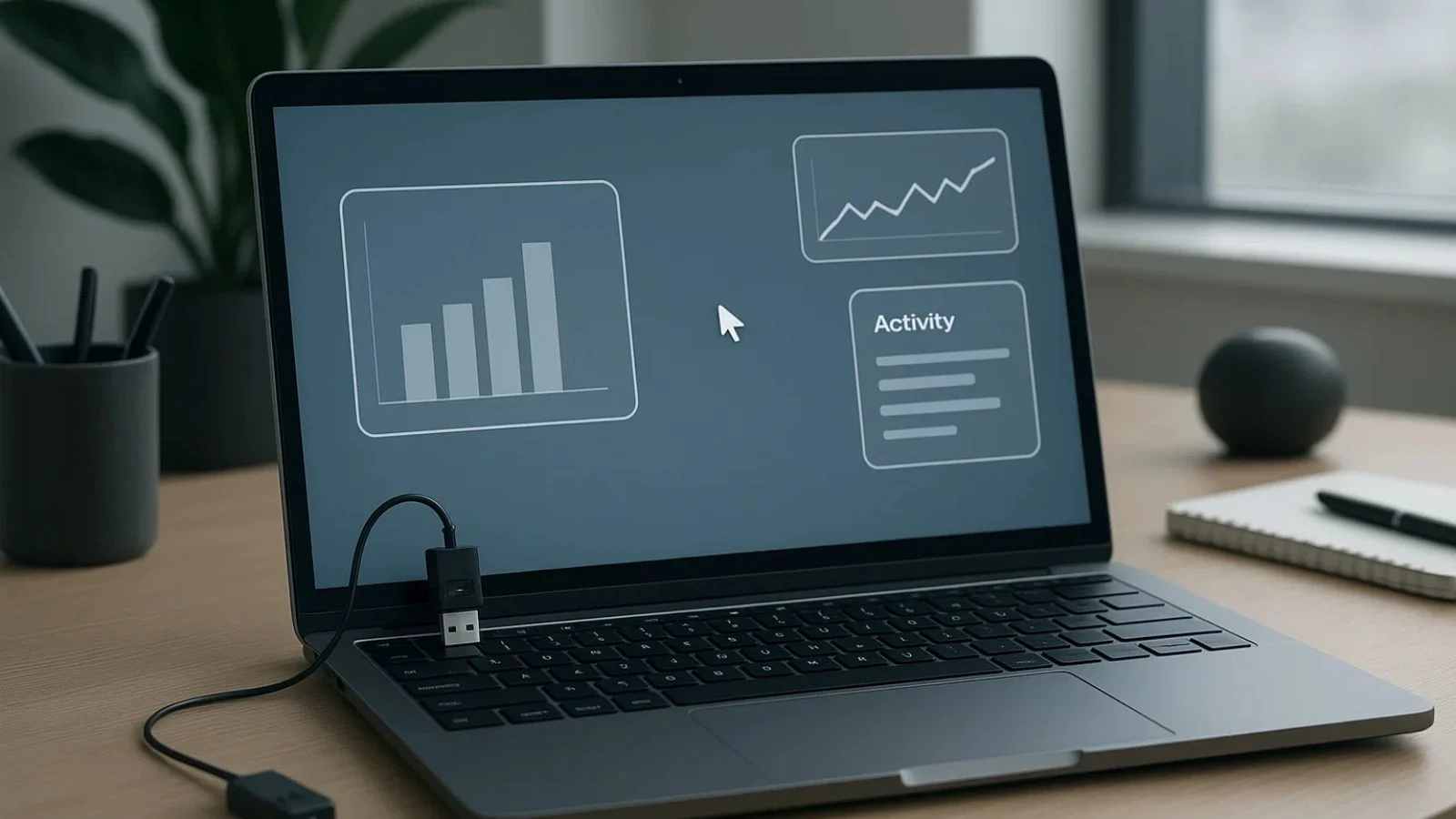
Modern technology makes detecting mouse-jigglers easier than ever. Companies use sophisticated methods to track mouse movement and identify artificial patterns:
1. Advanced Pattern Recognition:
Monitoring software analyzes movement patterns, speed, acceleration, and click rates. Human mouse movements are naturally irregular, while a mouse-jiggler creates suspiciously consistent patterns. These repetitive motions are red flags that trigger alerts.
2. Cross-Reference Analysis:
Companies don’t just track mouse movement, they correlate it with other data. If your mouse is moving but you’re not typing, accessing files, or generating any actual work output, the discrepancy becomes obvious.
3. USB Device Monitoring:
IT departments can detect when unauthorized hardware devices connect to company computers. A hardware mouse-jiggler will show up in system logs, making detection straightforward.
4. AI-Powered Detection:
Advanced monitoring platforms use artificial intelligence to identify anomalies. These systems learn normal behavior patterns and flag deviations, making tracking keystrokes and mouse movements more sophisticated than ever.
5. Activity Falsification Alerts:
Modern monitoring tools like Teramind’s OMNI specifically detect inorganic mouse activity and false activity patterns. When you use a mouse-jiggler, you’re likely being detected without even knowing it.
Activity Monitoring Goes Beyond Mouse Movement
Modern workforce monitoring software does not rely only on cursor movement. Advanced systems analyze active applications, browser activity, work behavior, productivity trends, screenshots, and keystroke patterns to identify genuine employee engagement.
If your business manages remote or hybrid teams, relying on online status alone is no longer enough.
Protect your business from productivity fraud with smarter workforce visibility.
The Ethical Problem with Mouse Jigglers:

Beyond the practical risks, mouse-jigglers present serious ethical concerns:
1. Breach of Employment Contract:
When you accept employment, you agree to work for compensation. A mouse-jiggler allows you to receive pay without actually working, this is fundamentally dishonest.
2. Impact on Team Morale:
When colleagues discover someone using a mouse-jiggler while they’re working honestly, it damages team cohesion and creates resentment.
3. Erosion of Remote Work Privileges:
Widespread mouse-jiggler use forces companies to implement stricter monitoring, punishing honest employees and potentially eliminating remote work options altogether.
4. Professional Integrity:
Using a mouse-jiggler contradicts basic professional standards of honesty and accountability. It reflects poorly on your character and work ethic.
Real Consequences: What Happens When You’re Caught:
The consequences of mouse-jiggler detection are severe and immediate:
- Formal Write-Ups: At minimum, you’ll receive documentation in your employment file that can affect promotions and raises.
- Performance Improvement Plans: You may be placed under increased scrutiny with strict requirements and shortened timelines.
- Immediate Termination: Many companies have zero-tolerance policies for activity falsification. You could lose your job on the spot.
- Loss of References: Getting terminated for using a mouse-jiggler makes obtaining positive references extremely difficult.
- Reputation Damage: In some industries, word spreads quickly. Being known as someone who used a mouse-jiggler can follow you professionally.
Limited Legitimate Uses (And Why They’re Still Problematic):
Some might argue there are legitimate reasons to prevent screen locks:
- Running long processes that shouldn’t be interrupted
- Maintaining availability during genuine work activities
- Preventing disruptions during presentations or demonstrations
However, even these scenarios don’t justify mouse-jiggler use. Legitimate needs can be addressed through:
- Adjusting system settings with IT approval
- Using official tools designed for these purposes
- Communicating with management about workflow requirements
Resorting to a mouse-jiggler instead of proper channels still demonstrates poor judgment and unwillingness to follow proper procedures.
Also Read:
How EmpMonitor Helps with Activity Management?

For organizations balancing productivity monitoring with employee satisfaction, EmpMonitor represents an innovative approach.
EmpMonitor is an employee activity monitoring platform helping companies understand workforce productivity patterns without invasive surveillance.
Rather than relying on harsh automatic lockouts that frustrate employees into seeking tools like a mouse-jiggler, Empmonitor provides nuanced data about actual work performed.
The platform tracks project time allocation, application usage, and productivity trends, giving managers a real understanding of how employees spend working hours.
When companies use Empmonitor, they gain visibility into work reality, understanding that legitimate work often involves periods where someone isn’t actively typing or moving their mouse, yet they’re completely focused and productive.
A developer concentrating on complex problems, an analyst reviewing data carefully, or a writer crafting content all involve periods where a mouse jiggler might not be necessary.
With this understanding, organizations can establish fair policies and not unnecessarily penalize brief inactivity. Instead of automatic locks after 5 minutes, they might allow 20 minutes before triggering responses.
This creates environments where employees don’t feel the need for a mouse-jiggler to maintain access. EmpMonitor helps create workplaces where transparency and trust reduce the need for workarounds.
Better Alternatives to Mouse Jigglers:
Instead of risking your career with a mouse jiggler, consider these legitimate approaches:
1. Communicate with Your Manager
If monitoring feels excessive, have an honest conversation. Explain your concerns about appearing inactive during legitimate work activities. Most reasonable managers will adjust expectations or monitoring parameters.
2. Request System Setting Adjustments
If you have legitimate reasons for needing extended screen-on time, request official permission to adjust your settings. IT departments can implement authorized solutions.
3. Document Your Work Output
Focus on demonstrating results rather than just appearing active. Track your accomplishments, completed projects, and contributions. Quality output speaks louder than constant mouse movement.
4. Establish Clear Expectations
Work with your supervisor to define clear deliverables and deadlines. When expectations are output-based rather than activity-based, the need to track mouse movement diminishes.
5. Address Systemic Issues
If unrealistic productivity expectations drive mouse-jiggler consideration, raise these concerns through proper channels. Speak with HR, provide feedback, or escalate issues appropriately.
6. Take Authorized Breaks
If you need breaks, take them openly and honestly. Most companies provide break time, use it legitimately rather than trying to hide it with a mouse-jiggler.
What Employers Should Do Instead of Focusing on Mouse Detection:

For employers concerned about mouse-jigglers, consider addressing root causes:
- Implement Fair Monitoring Policies: Balance oversight with respect for employee autonomy. Monitoring should focus on outcomes, not just constant activity.
- Build Trust-Based Culture: When employees trust their managers and feel valued, they’re less likely to resort to deceptive practices like mouse-jigglers.
- Focus on Results: Evaluate employees based on their deliverables and quality of work rather than tracking every mouse movement.
- Provide Flexibility: Allow reasonable autonomy in how employees structure their workday. Rigid monitoring often backfires, driving employees toward mouse-jigglers and other workarounds.
- Use Intelligent Monitoring Tools: Platforms like Empmonitor understand that productive work doesn’t always mean constant mouse movement, reducing the perceived need for mouse-jigglers among employees.
Understanding the Detection Technologies:
If you’re tempted to use a mouse-jiggler thinking you won’t get caught, understand that tracking keystrokes and mouse movements has become incredibly sophisticated:
Modern monitoring platforms can detect:
- Repetitive movement patterns characteristic of mouse-jigglers
- Discrepancies between mouse activity and actual work output
- Unusual activity patterns that don’t align with job duties
- Hardware devices connected without authorization
- Software installations that violate security policies
The technology to detect mouse-jigglers is advancing faster than the devices themselves. What might have worked a few years ago is now easily detectable. The risk isn’t worth the temporary convenience.
Conclusion:
Protect Your Business From Productivity Fraud Today
EmpMonitor helps organizations track active applications, productivity trends, attendance behavior, work patterns, and employee engagement — not just mouse movement.
- Monitor real employee activity
- Track productive vs unproductive apps
- Detect suspicious idle patterns
- Improve remote workforce productivity
- Strengthen employee productivity management
FAQ’s:
Q1: Can my employer detect if I’m using a mouse-jiggler?
Ans: Yes. Modern employee monitoring systems can detect suspicious cursor activity patterns, repetitive movements, and inconsistent work behavior associated with mouse jigglers.
Q2: Will a mouse jiggler harm my computer?
Ans: No. A mouse jiggler sends harmless signals that your system processes normally. It won’t damage your computer or compromise security.
Q3: Is using a mouse jiggler dishonest?
Ans: Using mouse jigglers to simulate activity can violate workplace policies and damage employee trust. Organizations should focus on transparent productivity practices instead.
Q4: Should I use hardware or software mouse jigglers?
Ans: Organizations should avoid unauthorized productivity simulation tools altogether and instead use approved workflow or activity management solutions.
Q5: What if my company prohibits mouse jigglers?
Ans: Respect your company’s policies. Work with your IT department to find alternative solutions addressing your needs.

