


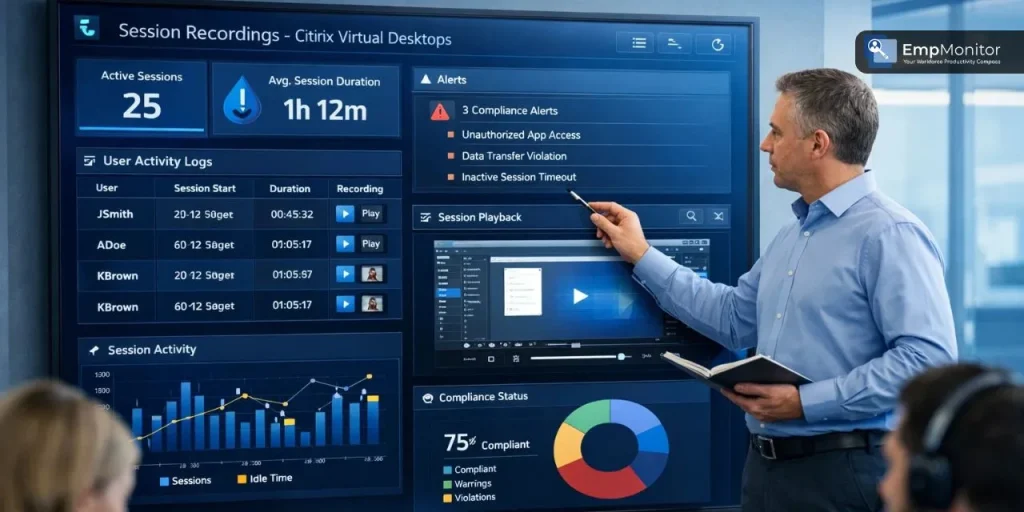
When it comes to monitoring remote desktop environments, businesses are constantly searching for smarter, faster, and more cost-effective ways to stay in control. Citrix session recording tools have emerged as one of the most reliable options for IT teams and managers who need to track user activity inside virtualized environments.
Whether you are protecting sensitive data, ensuring compliance, or investigating suspicious behavior, the right session recording tools can make all the difference. But as powerful as native Citrix features are, many organizations find that lightweight alternatives offer far greater flexibility, ease of use, and value, especially when managing large distributed teams in today’s hybrid work era.
Listen To The Podcast Now!
What Is Session Recording in Citrix?
Why Organizations Rely on Citrix Session Recording Tools?
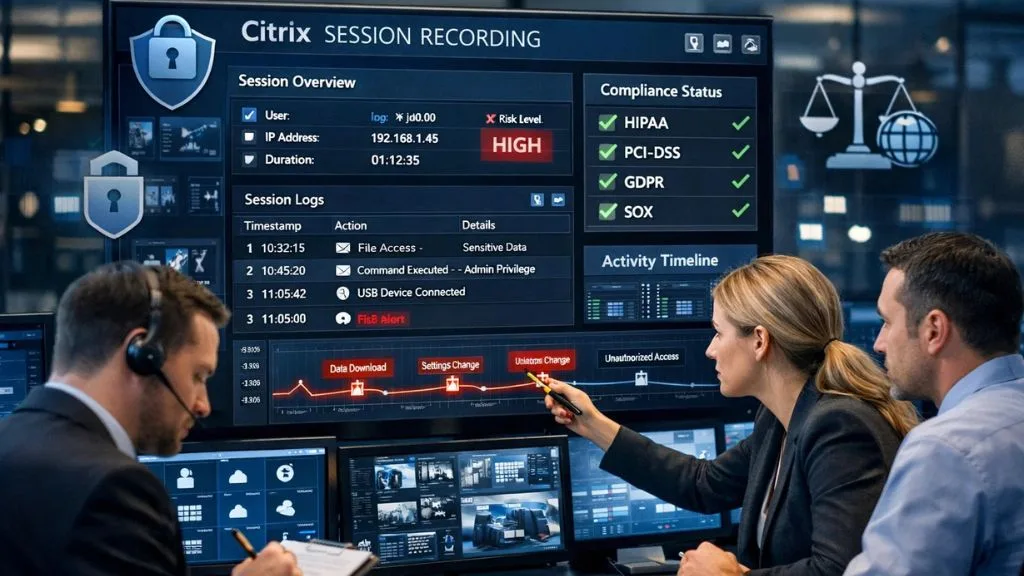

There is no shortage of reasons why businesses invest in Citrix session recording tools. The use cases span across industries and team sizes, but the core motivations tend to remain consistent.
1. Security and Insider Threat Prevention:
One of the most common reasons businesses deploy session recording tools is to protect against insider threats. Whether intentional or accidental, employees with access to sensitive systems can cause serious damage. Having a recorded trail of every session means that security teams can quickly identify who accessed what, when, and what they did with that data.
2. Regulatory Compliance:
Industries such as finance, healthcare, and legal services operate under strict data regulations, HIPAA, PCI-DSS, SOX, GDPR, and others. Many of these frameworks require businesses to maintain detailed audit trails of user activity. Citrix session recording tools provide exactly that kind of documentation, making compliance audits far less stressful.
3. Remote Workforce Oversight:
As hybrid and remote work has become the norm, managers have lost much of their natural visibility into how employees spend their working hours. Citrix session recording tools help restore that visibility without requiring physical presence, giving team leads actionable insights into productivity patterns and potential time wastage.
4. Employee Training and Quality Assurance:
Recorded sessions aren’t just useful for investigations; they are also powerful training resources. New hires can watch how experienced colleagues navigate complex workflows, and managers can use recordings to provide constructive feedback during performance reviews.
5. Incident Investigation and Forensics:
When something goes wrong, a data breach, an unauthorized file download, or a policy violation, session recording tools provide a clear, time-stamped record of what actually happened. This makes it much easier to investigate incidents and determine accountability.
How to Record a Citrix Session: A Quick Overview:
For those who are new to this space, understanding how to record a Citrix session helps contextualize why the right tool matters.
When using Citrix’s native recording feature, the process involves configuring Session Recording Policies through the Citrix Studio or Web Studio console. Administrators define which users or groups will be recorded, set rules for specific applications, and configure where recordings are stored. The Citrix Session Recording Agent runs on the VDA (Virtual Delivery Agent) machines and captures the sessions based on policy triggers. Recordings are then transferred to a Session Recording Server, where they can be accessed through the Session Recording Player.
While this native flow works reasonably well in large enterprise environments already running full Citrix deployments, smaller or mid-sized businesses often find it overly complex for their needs. The deployment requires multiple server components, dedicated storage infrastructure, and ongoing technical maintenance. That’s precisely why many teams turn to third-party session recording tools that offer simpler deployment, richer dashboards, and broader monitoring capabilities beyond session capture alone.
Key Features to Look for in Citrix Session Recording Tools:
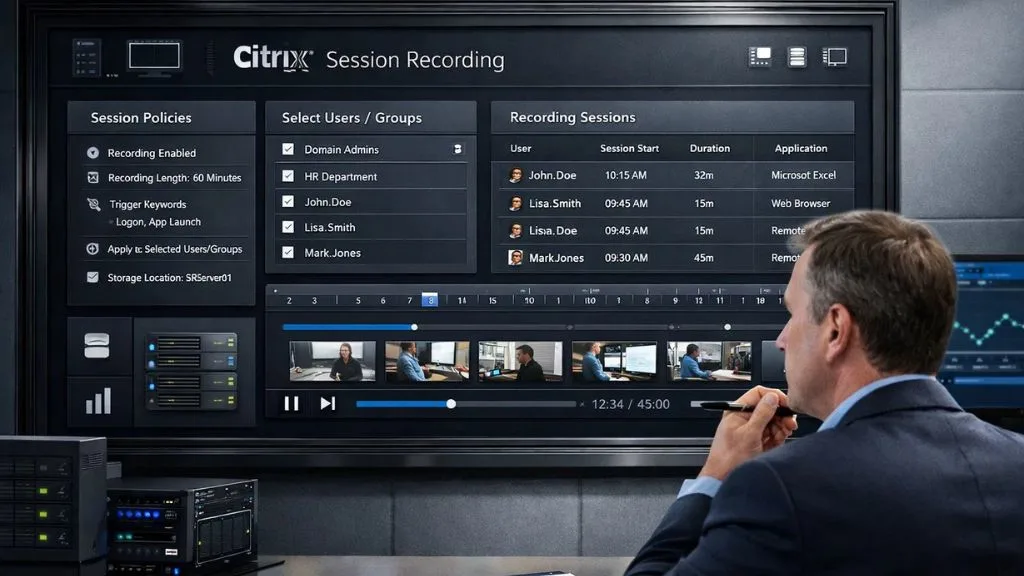
Not all session recording tools are created equal. When evaluating your options, here are the core capabilities that truly matter for day-to-day use.
- Real-Time Monitoring, The ability to watch live sessions as they happen, not just review recordings after the fact, is a major advantage. Real-time visibility lets managers step in immediately when something looks off.
- Searchable Recordings Good Citrix session recording tools don’t just store footage; they index it. The ability to search by username, timestamp, application, or keyword saves hours of manual review.
- Automatic Policy-Based Recording. Rather than recording every session manually, top Citrix session recording tools allow administrators to set rules, for example, recording all sessions for users in the finance department or flagging any session involving a specific application.
- Lightweight Agent Installation: The best tools in this category run quietly in the background without slowing down the user’s virtual session. Performance impact should be minimal.
- Centralized Dashboard, All recordings and activity data should be accessible from a single, intuitive interface. This is especially important for teams managing hundreds or thousands of sessions.
- Integration with HR and Security Workflows, Seamlessly connecting session recording data with your existing SIEM tools, HR platforms, or compliance frameworks, adds significant value.
- Cloud and On-Premise Flexibility: Depending on your organization’s data policies, you may need recordings stored on-premise, in the cloud, or both. Flexible storage options are a must-have.
Also Read:
EmpMonitor: A Lightweight Alternative Worth Considering:


If you are looking for a Citrix session recording tool that goes beyond basic screen capture and delivers comprehensive workforce monitoring in one platform, EmpMonitor is a compelling option to explore.
EmpMonitor is an employee monitoring and workforce productivity platform used by over 15,000 companies across 100+ countries. It combines screen recording, live screencasting, real-time activity tracking, and detailed analytics into a lightweight, easy-to-deploy solution, making it one of the most practical session recording tools for businesses that want results without the complexity.
Key Features of EmpMonitor:
- Live Screencasting & Screen Recording, Capture employee screens in real time or review recordings on demand, with minimal system resource usage.
- Real-Time Activity Monitoring, Track active time, idle time, URLs visited, and applications used, all from a centralized dashboard.
- Productivity Measurement, Automated productivity scores based on actual work patterns, helping managers identify high performers and areas for improvement.
- User Activity Monitoring, Detailed logs of every user action, making it easy to investigate incidents or verify compliance.
- Insider Threat Prevention: Proactively identify risky behavior before it escalates into a serious security breach.
- Attendance & Time Tracking, Automatically log clock-in/clock-out times and generate accurate timesheets without manual input.
Comparing Native Citrix Recording vs. Lightweight Alternatives:
Understanding the trade-offs between Citrix’s built-in recording capabilities and lightweight third-party Citrix session recording tools can help you make a more informed decision.
Native session recording is deeply integrated into the Citrix platform and works seamlessly within that ecosystem. It is designed specifically for VDA environments and requires no additional software for the core recording function. However, it demands significant infrastructure investment, technical expertise to configure, and can be expensive to scale. Playback and search capabilities, while functional, are often described as clunky compared to modern alternatives.
Lightweight Citrix session recording tools, on the other hand, are typically faster to deploy, easier to use, and come with richer analytical dashboards. They often extend beyond session recording to include productivity analytics, attendance tracking, insider threat detection, and more, giving organizations a more complete picture of their workforce. For companies that don’t have a dedicated Citrix infrastructure team, these alternatives dramatically lower the barrier to entry.
The choice ultimately comes down to your organization’s size, existing IT infrastructure, and monitoring goals. If you’re running a large enterprise with a mature Citrix deployment, the native recording feature may meet your needs. But if you’re a growing business looking for agile, cost-effective session recording tools with a broader feature set, lightweight solutions like EmpMonitor are hard to beat.
Best Practices When Using Citrix Session Recording Tools:
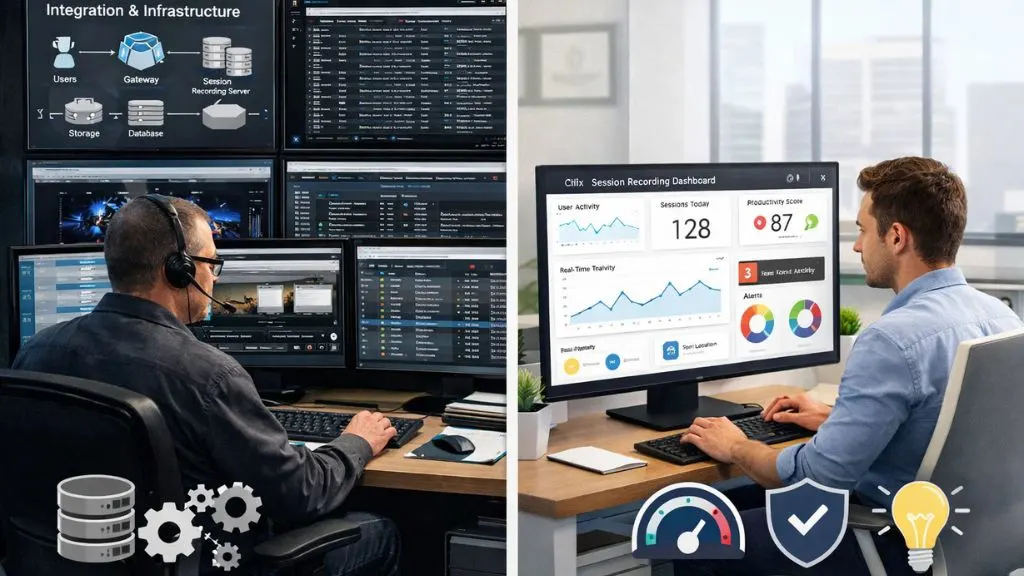
Deploying Citrix session recording tools is just one part of the equation. How you use them matters just as much as which tool you choose. Always be transparent with employees about monitoring policies. Most employment laws require employers to notify workers when their sessions are being recorded, and transparency builds trust. Draft a clear Acceptable Use Policy that outlines what is monitored, why, and how the data will be used.
Apply recording policies selectively rather than recording every session indiscriminately. Target high-risk users, sensitive applications, or specific time windows to keep storage requirements manageable and reviews efficient. Review recordings regularly rather than waiting for an incident to trigger a review. Routine audits help you catch small issues before they become serious problems.
It is also a good idea to periodically test your recording setup to make sure everything is capturing correctly. A gap in recordings discovered during an actual investigation can be costly. Scheduling quarterly checks ensures your virtual session monitoring tools are always functioning as intended and that no policy misconfiguration has quietly created blind spots in your monitoring coverage.
Finally, ensure that recorded data is stored securely and access is restricted to authorized personnel only. Session recordings can contain highly sensitive information, and treating them with the same rigor as other confidential data is essential. Role-based access controls ensure that only the right people, security leads, compliance officers, or HR managers can retrieve and review recorded sessions without the risk of unauthorized exposure.
Conclusion:
Citrix session recording remains a cornerstone of enterprise security and compliance strategies, but the right approach doesn’t always mean the most complex one. Lightweight virtual session monitoring tools offer organizations a smarter path, combining ease of deployment with powerful monitoring capabilities that go well beyond what native solutions provide. Platforms like EmpMonitor prove that you don’t need a massive infrastructure to get meaningful visibility into your virtual workforce.
FAQ’s:
Q1. What is the main purpose of Citrix session recording?
Ans: It captures user activity within virtual desktop sessions for security auditing, compliance, and incident investigation.
Q2. Is it legal to use Citrix session recording tools?
Ans: Yes, in most jurisdictions, provided employees are informed, and a clear monitoring policy is in place.
Q3. Do Citrix session recording tools affect system performance?
Ans: Lightweight tools are designed to run with minimal resource usage, so performance impact on virtual sessions is generally negligible.
Q4. How long should session recordings be stored?
Ans: It depends on your compliance requirements. Most regulations recommend retaining recordings for 90 days to 1 year minimum.
Q5. Can session recording tools work outside of Citrix environments?
Ans: Yes, many third-party Citrix session recording tools also support standard desktop environments, making them versatile across hybrid setups.