


**Start Your Free Trial Today →
To choose right biometric time for your workplace, match the clock to each site, pick a modality for your conditions, connect it to payroll, and pilot before rollout.
This answer-first plan treats buddy punching as a process issue, set clear rules, meet privacy law, and insist on modern cloud security. Do it well and you’ll see fewer disputes, tighter Attendance Tracking, and more accurate pay.
Buddy punching isn’t a tech problem first. It’s a process problem you fix with clear rules and the right device matched to your sites and risks. The fastest answer: pick a biometric clock that fits your work locations, choose a modality that works in your conditions, connect it to payroll, meet privacy law, and test it with a pilot before rollout. In 2026, you’ll also want flexible cloud options, strong encryption, and simple change control. You’ll see fewer disputes, tighter Attendance Tracking, and better pay accuracy.
To choose right biometric time gear, start with your people and where they work. Then map the data path from clock to paycheck. Finally, test reliability in edge cases like low light, gloves, and remote sites. This guide gives you a step‑by‑step plan, common mistakes to avoid, and tools you can compare without vendor hype. It also covers employee privacy with care, so you build trust while you cut time theft.


What Is a Biometric Time Clock and Why Does It Matter?
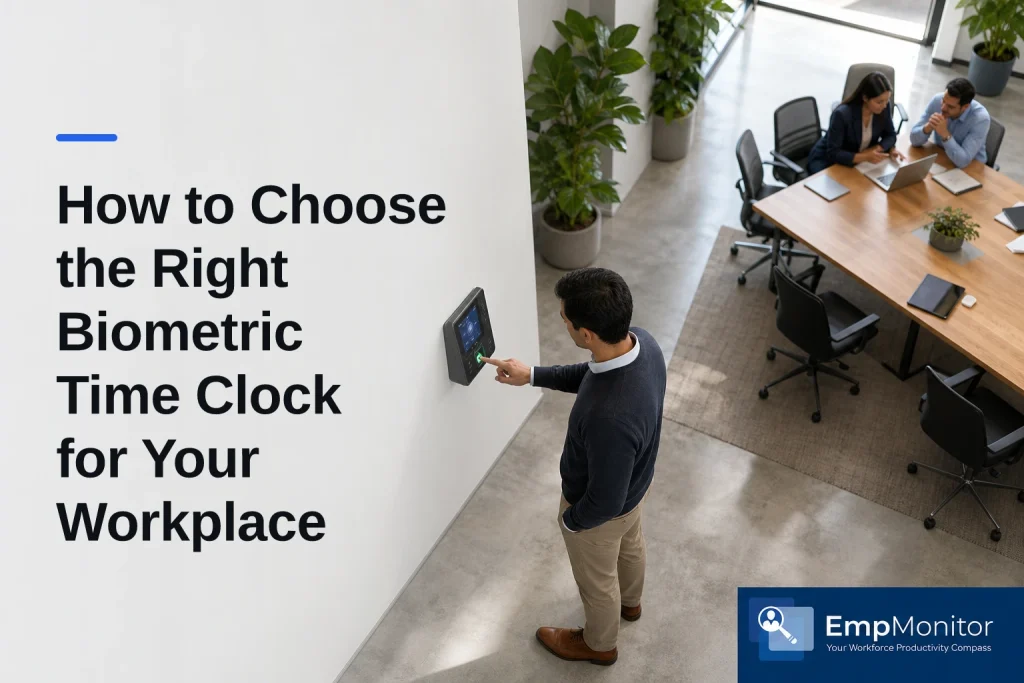
A biometric time clock verifies a person by a unique trait, like a fingerprint, face, iris, or palm vein, when they clock in or out. Because the trait is tied to the person, it blocks “buddy punching,” where one worker clocks in for another. As a result, you cut time theft and tighten Automated time tracking by design, not hope. For payroll, that means fewer edits and faster approvals.
Why It Matters
Unlike PINs or cards, biometrics reduce lost badges and shared passwords. However, the device, sensor, and placement still matter. For example, a dusty warehouse may frustrate cheap fingerprint sensors, while a clean office might see perfect scans.
Therefore, your pick should match your real world, not a spec sheet.
The core modalities you’ll see differ in accuracy, cost, and hygiene. According to Wikipedia’s overview of biometrics, these systems measure physical or behavioral traits to confirm identity. In time clocks, physical traits dominate because they are quick and repeatable at a kiosk or tablet.
Modalities at a Glance
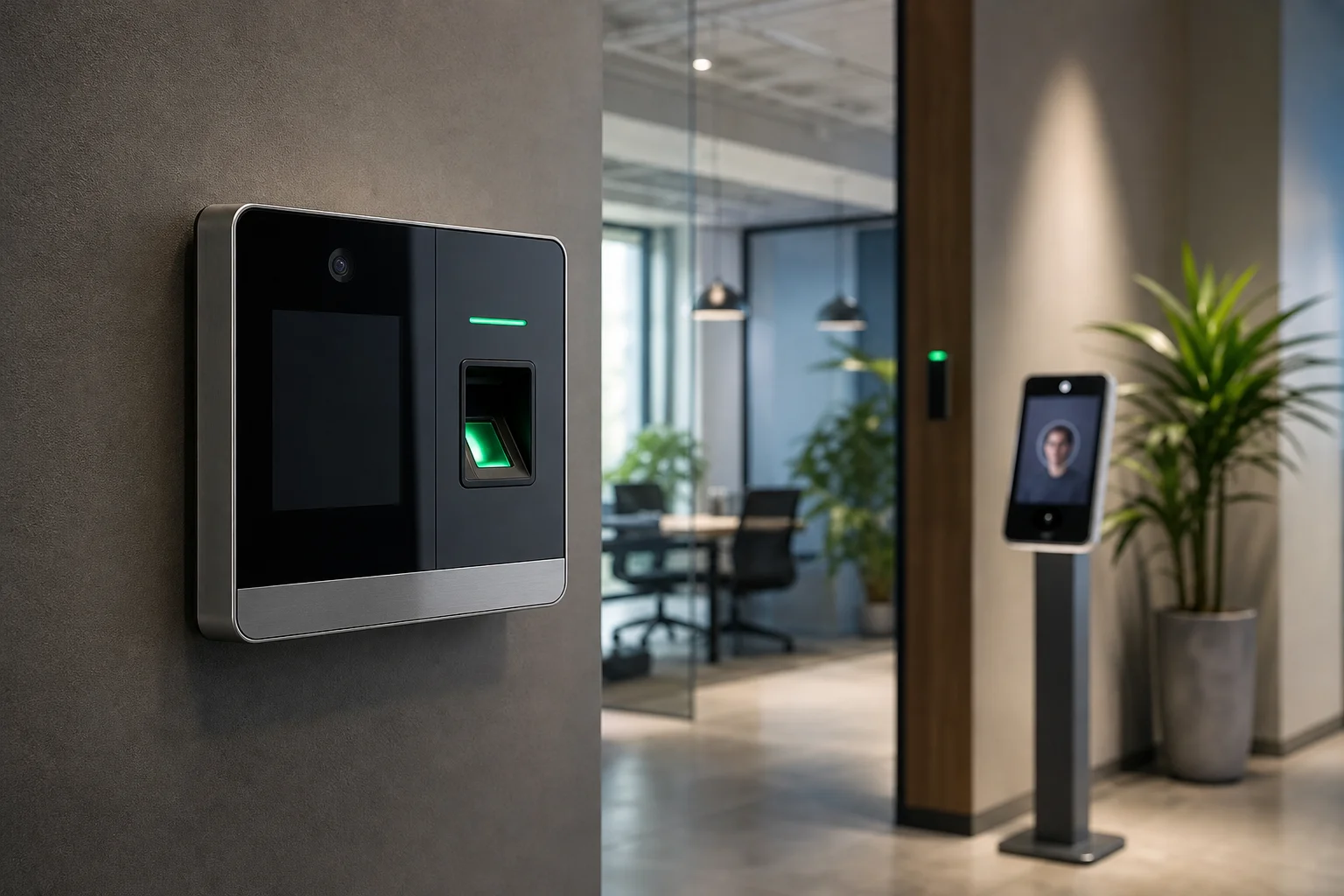
- Fingerprint: Low cost, fast. Struggles with wet, oily, or calloused hands; consider cleaning wipes.
- Facial recognition: Touchless and quick. Needs good lighting and up‑to‑date anti‑spoofing.
- Iris: Very accurate. Higher cost; can feel intrusive without clear consent.
- Palm vein: Touchless and hygienic. Reliable in dirtier sites; devices cost more.
For Attendance Tracking, the right choice blends speed with fairness. If you run a food plant with gloves, face or palm may beat fingerprint. If you run a small clinic with stable staff, fingerprint can be cost‑effective. To choose right biometric time hardware, list your edge cases first, then pick the sensor that handles them with the least friction.
How to Evaluate and Choose a Biometric Time Clock in 6 Steps
Selecting a clock is easier with a clear, repeatable method. Use this six‑step plan to reduce risk, show care for privacy, and move fast without surprises. You’ll protect data, respect consent, and send clean records to your HRMS (Human Resources Management Solution) and payroll.
Your 6‑Step Checklist
- Assess workforce size and locations
- Count users per site. Note shift peaks and network limits. Include remote or mobile crews.
- Choose the biometric modality
- Match sensor to conditions (gloves, dust, light). Pilot two options if your sites vary.
- Check integrations with payroll and HR
- Confirm native connectors or APIs. Test round‑trip: clock → HRMS → payroll → reports.
- Evaluate data privacy and compliance
- Map data flows. Document consent. For EU staff, review the General Data Protection Regulation (GDPR) basis, retention, and access rights.
- Compare cloud vs on‑premise
- Cloud: quick to deploy, updates auto, strong vendor security. On‑prem: tighter local control, more IT lift. Weigh cost, control, and uptime SLAs.
- Pilot test with a real team
- Run 30 days in one department. Track false rejects, clock‑in time, and dispute rates. Gather feedback and adjust policies.

In addition, insist on Data security & privacy protection. Ask about encryption at rest and in transit, admin logs, and IP allowlists for admin access. Therefore, include your IT team early to review SSL/TLS, Firewall rules, and SSO options.
Finally, write down your policy. State the purpose, data types, who can view records, retention time, and how to request corrections. When you do this, you not only meet privacy duties, you also build trust. Use this plan to choose right biometric time options that work across sites and seasons.
**Get Started. No Credit Card →
Also Read!
Healthcare Guide to Employee Time Tracking: How to Choose and Implement the Right System
How to Evaluate Teramind and Choose the Right Employee Monitoring Software
5 Common Mistakes When Implementing Biometric Time Clocks
New rollouts go wrong less from tech and more from skipped steps. Teams who rush to choose right biometric time tools usually hit the same traps. You can avoid them with a short pre‑launch checklist and a solid pilot.
Avoid These Pitfalls
- Ignoring employee privacy concerns
- Skipping briefings and consent invites pushback. Explain purpose, controls, and opt‑out paths where required.
- Skipping integration testing
- Data that won’t sync to payroll causes manual fixes. Test exports, rounding rules, and paid breaks before go‑live.
- Choosing the cheapest hardware
- Low‑grade sensors fail in dust, glare, or cold. The “savings” vanish in support tickets and long lines.
- Not planning for edge cases
- Dirty hands, masks, and low light break scans. Place devices well, add wipes, and tune lighting.
- Neglecting local biometric laws
- Laws like BIPA (Illinois) and GDPR differ. Document retention, access, and deletion. Keep audit logs.
Moreover, secure your admin console. Require SSL/TLS, Firewall rules, and IP allowlisting for admin access. As a result, you reduce the blast radius if a password is lost and you pass security reviews with fewer changes.
Finally, train supervisors on dispute handling. A fast path (with photos, device logs, and shift data) prevents grievances from snowballing. Therefore, write a one‑page playbook they can use mid‑shift.
Tools and Software That Complement Biometric Time Tracking
You can pair hardware clocks with software to improve visibility, reduce admin work, and speed up audits. Broadly, tools fall into three buckets. First, standalone hardware clocks that write to a local database or a cloud portal. Second, time apps that add biometric add‑ons (for example, facial scans on a tablet). Third, workforce platforms that tie Automated time tracking to productivity, schedules, and reports.
Hardware, Apps, and Platforms
Standalone hardware clocks (like uAttend or Buddy Punch terminals) are simple to place at doors or a guard desk. However, they vary in data export formats and APIs. Therefore, check how they send records to payroll and how you’ll manage device updates across sites.
Software‑based solutions run on tablets or kiosks and can add facial recognition with liveness checks. On the other hand, they need stable lighting and camera angles, which may change as people move. As a result, you should pilot in busy hallways and at shift change.
Workforce management platforms, such as EmpMonitor, bundle Employee attendance tracking with real‑time dashboard views, Shift scheduling, and Custom reports. Used in 100+ countries and by 15,000+ companies, tools like this add Data security & privacy protection, alerts, and analytics to reduce manual review. EmpMonitor is GDPR compliant and offers a free 15‑day trial, so you can test fit without risk. Mentioned as one option among several, it can sit beside your existing HRMS and help you choose right biometric time workflows that scale beyond a single site.
"EmpMonitor does one thing really well: it saves us time!" — Education Career Counsellor
Picking the Right Category
- Need door‑side speed and simple use? Hardware clocks at entrances work well.
- Need flexibility and quick updates? Software with biometric add‑ons on tablets is handy.
- Need data, alerts, and planning? A platform that pairs attendance with analytics adds value fast.
What to Do Next: Your Biometric Time Clock Action Plan
You don’t need a six‑month project to move forward. This week, start small, build trust, and get clean data. Then scale with a 30‑day pilot and debrief. Use the steps below to choose right biometric time gear with confidence and speed.
- Audit pain points: list dispute types, late punches, and manual edits from the last 60 days.
- Shortlist 2–3 vendors: request a 30‑minute demo focused on your edge cases and payroll export.
- Run a 30‑day pilot: pick one department, measure clock‑in time, false rejects, and supervisor effort.
- Gather employee feedback: use a short, anonymous survey on fairness, speed, and hygiene.
- Decide and plan rollout: document device placement, policy, and training dates.
Moreover, involve legal and IT early. Therefore, you’ll pre‑clear consent text, retention rules, and admin access before you sign. Finally, book your rollout window outside peak season to reduce noise.
**Check Pricing.

Key Takeaways
Picking a biometric clock in 2026 is less about features and more about fit. The right device stops buddy punching, speeds approvals, and respects privacy. The wrong one causes long lines and distrust, even if it looks slick on paper.
- Start with sites and shifts: match sensor and placement to real work, not a brochure.
- Test integrations end‑to‑end: move a fake pay period through HRMS and payroll before launch.
- Write and share your policy: be clear on purpose, consent, access, and deletion periods.
- Plan for edge cases: fix lighting, add wipes, and set a quick backup method for rejects.
- Pilot, measure, decide: track false rejects, dispute counts, and clock‑in time across 30 days.
Furthermore, protect admin access with SSL/TLS, Firewall rules, and IP allowlisting. As a result, reviews move faster and you reduce audit findings. In addition, consider tools that pair attendance with analytics so you can spot trends, not just totals. Finally, pick vendors that back claims with proof, such as usage across 100+ countries or 15,000+ companies, and a real trial you can run now.
What to Do This Week
You can make real progress in five business days without spending a dollar.
- Monday: Map your current time flow from clock (or sheet) to paycheck. Note where errors start.
- Tuesday: Draft a one‑page privacy brief. Include purpose, consent, data types, retention, and who can see what. Ask legal for a same‑week review.
- Wednesday: Email two vendors and request a 30‑minute demo that covers your top three edge cases. Ask for a sample export and a policy template.
- Thursday: Pick a pilot team of 15–30 people across two shifts. Choose two device spots and test lighting and network.
- Friday: Set pilot metrics: average clock‑in time, false rejects, dispute rate, and supervisor time per dispute. Schedule a 20‑minute weekly retro for the next four weeks.
Moreover, plan a backup for rejects (temporary PIN with supervisor approval) and a clean off‑ramp if the pilot misses targets. Therefore, you preserve trust while you test. If a platform offers a free 15‑day trial, start it next Monday and begin with the pilot team only. By the end of week two, you’ll know if the tool meets your must‑haves and whether it can scale to the rest of your sites in 2026.