


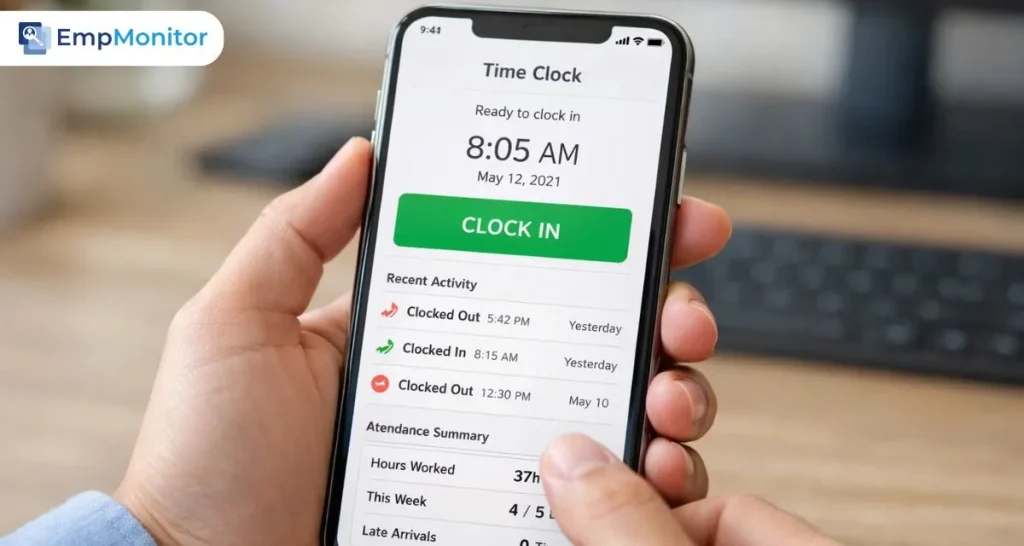
Tracking employee work hours accurately is crucial for any organization, and choosing the right employee time clock app can make a huge difference. From reducing errors in payroll to simplifying attendance management, a reliable time clock app ensures that both employees and managers stay on the same page.
In today’s fast-paced work environment, manual tracking methods are no longer enough. Organizations need tools that can handle multiple shifts, remote work, overtime, and even compliance with labor laws. A well-chosen employee time clock app not only calculates hours efficiently but also improves productivity and accountability.
This guide will help you understand what is the best time clock app, the key features to look for, how to use a work hours calculator, and practical tips for selecting the right tool for your team. By the end, you’ll be ready to implement a solution that saves time, reduces errors, and keeps your workforce organized.
Listen to the Podcast.
Why Every Organization Needs an Employee Time Clock App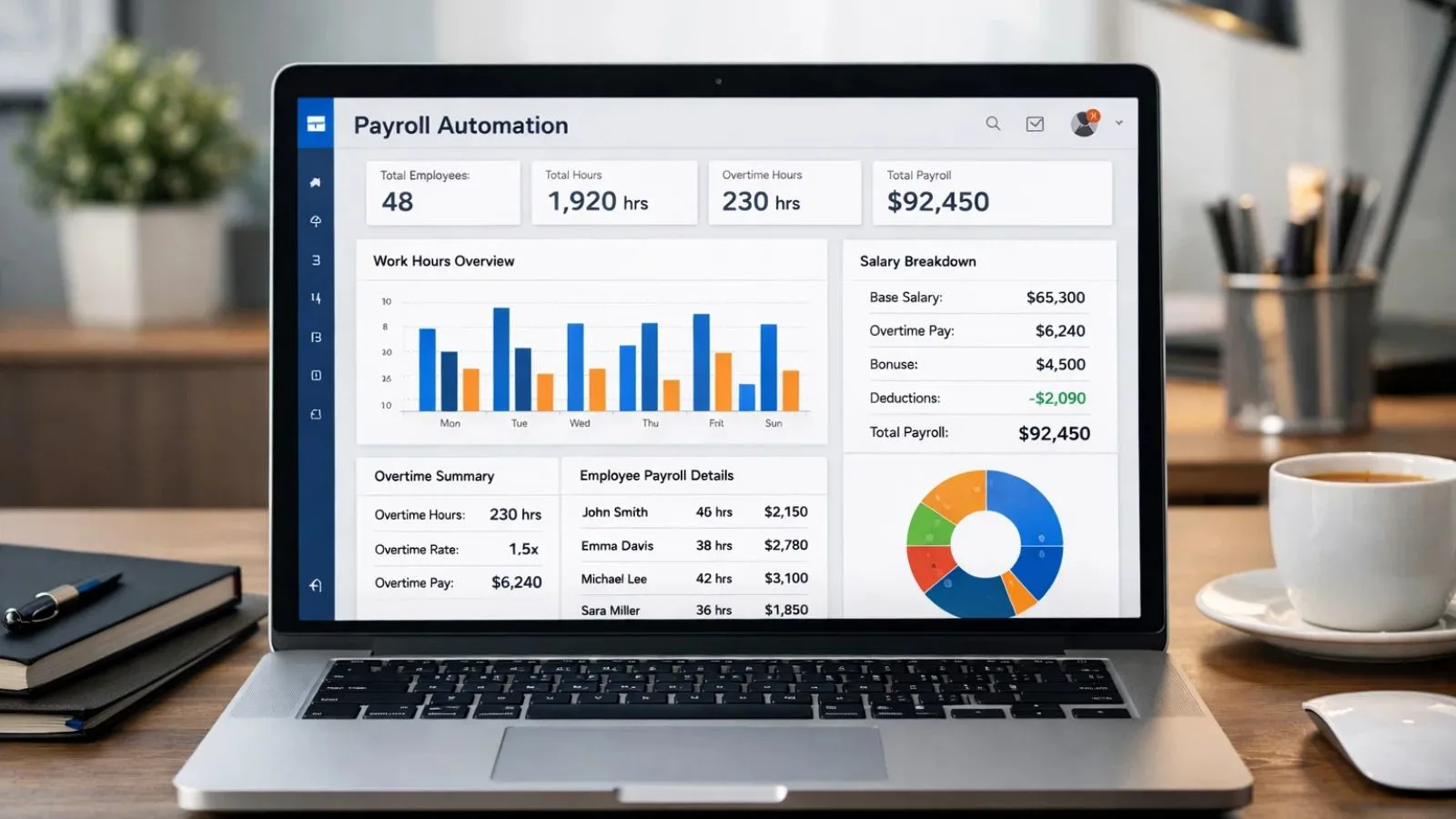

Managing employee hours manually can be time-consuming and prone to errors. That’s why a reliable employee time clock app is essential for modern workplaces. Here’s why investing in one makes sense:
- Accurate Work Hour Tracking: Manual logs often lead to mistakes or inconsistencies. A time clock app records start and end times automatically, reducing errors and saving administrative time.
- Simplified Payroll: When employee hours are tracked accurately, calculating salaries, overtime, and leave becomes hassle-free. Many apps integrate directly with payroll systems to streamline the process.
- Boosts Accountability: Employees know their hours are monitored, encouraging punctuality and adherence to schedules. A transparent employee time clock app promotes fairness across teams.
- Supports Remote and Hybrid Work: With more companies offering flexible schedules, an app ensures that work hours are tracked consistently, even when employees are working from home or different locations.
- Compliance with Labor Laws: Accurate time tracking helps organizations meet labor regulations, reducing the risk of disputes or penalties.
- Data-Driven Insights: Modern apps provide analytics on employee attendance patterns, helping managers identify trends and make informed decisions.
A proper employee time clock app is not just a tool it’s a foundation for productivity, accountability, and smoother operations in any organization.
Key Features to Look for in the Best Time Clock App
Choosing the right employee time clock app requires understanding the features that will benefit your organization most. Here are the key elements to consider:
- Accurate Time Tracking: The app should reliably record clock-ins and clock-outs, including breaks and overtime. A precise work hours calculator ensures correct pay and compliance.
- Ease of Use: An intuitive interface makes it simple for employees to log hours and for managers to review data. Complex systems can lead to errors and frustration.
- Mobile and Remote Access: Employees should be able to log hours from anywhere. A mobile-friendly time clock app is essential for remote or hybrid teams.
- Integration with Payroll and HR Systems: Seamless integration reduces manual data entry and ensures accurate salary calculations.
- Reporting and Analytics: Advanced apps provide insights on attendance trends, overtime, and productivity, helping managers make informed decisions.
- Leave and Overtime Management: The app should track vacation, sick leave, and overtime accurately, ensuring employees are compensated fairly.
- Security and Data Privacy: Protect sensitive employee data with secure logins, encrypted storage, and role-based access controls.
- Customization: Every organization has unique needs. Look for a time clock app that allows customization of work schedules, approval workflows, and reporting formats.
By focusing on these features, organizations can select an employee time clock app that improves efficiency, accuracy, and employee satisfaction.
How to Use a Work Hours Calculator Effectively
A work hours calculator is an essential feature of any employee time clock app, helping both managers and employees track time accurately. Here’s how to use it effectively:
- Input Accurate Start and End Times: Ensure that employees log their clock-ins and clock-outs correctly. This forms the basis for calculating total hours worked.
- Include Breaks and Overtime: Many calculators allow you to subtract breaks automatically and add overtime hours. Make sure these are configured to match your company’s policies.
- Review Regularly: Managers should periodically review calculated hours for accuracy and compliance with schedules. This prevents payroll errors and reduces disputes.
- Track Multiple Shifts: For businesses with rotating shifts, a work hours calculator can handle different start and end times, ensuring each shift is logged correctly.
- Export Reports: Most apps allow exporting data for payroll or HR purposes. Use these reports to reconcile hours, calculate pay, and monitor attendance trends.
- Educate Employees: Make sure your team understands how the work hours calculator works. Proper usage reduces mistakes and ensures smoother operations.
Using a work hours calculator effectively not only saves time but also improves transparency, accountability, and accuracy in employee attendance tracking.
Top Benefits of Using an Employee Time Clock App
Implementing a reliable employee time clock app comes with numerous advantages for both organizations and employees. Here are the top benefits:
- Accuracy in Time Tracking: Automated clock-ins and clock-outs eliminate manual errors, ensuring precise tracking of work hours and overtime.
- Simplified Payroll Processing: Accurate records make salary calculations straightforward, reducing disputes and administrative workload.
- Enhanced Productivity: With transparent tracking, employees are more accountable for their hours, improving punctuality and overall productivity.
- Support for Remote and Hybrid Teams: A mobile-friendly time clock app allows employees to log hours from anywhere, ensuring consistency across locations.
- Data-Driven Insights: Analytics and reports highlight attendance patterns, overtime trends, and absenteeism, helping managers make informed decisions.
- Compliance with Labor Laws: Accurate timekeeping helps organizations adhere to labor regulations and avoid legal issues related to working hours and overtime.
- Flexibility and Customization: Many apps allow businesses to configure schedules, leave types, and approval workflows, making the system adaptable to organizational needs.
- Employee Satisfaction: A transparent system ensures fair pay and reduces conflicts, improving trust and morale among employees.
By leveraging a robust employee time clock app, organizations can streamline operations, save time, and foster a culture of accountability and fairness.
How EmpMonitor Enhances Employee Time Tracking
For organizations looking for a comprehensive solution, EmpMonitor offers an advanced employee time clock app that simplifies attendance management and work hour tracking. Here’s how it helps:
- Automated Time Tracking: EmpMonitor records clock-ins, clock-outs, breaks, and overtime automatically, reducing manual errors and saving HR time.
- Detailed Work Hours Calculator: The built-in work hours calculator ensures accurate calculation of total hours worked, including overtime and shift differentials.
- Remote and Hybrid Work Support: Employees can log hours from anywhere, making EmpMonitor ideal for teams working remotely or across multiple locations.
- Comprehensive Reporting: Managers get detailed insights into attendance patterns, absenteeism, and productivity trends through easy-to-read dashboards and exportable reports.
- Leave and Overtime Management: EmpMonitor tracks leave requests, approvals, and overtime accurately, ensuring fair compensation and transparent policies.
- Easy Integration: The platform integrates with payroll and HR systems, simplifying salary calculations and administrative processes.
By using EmpMonitor as your employee time clock app, organizations can ensure accuracy, compliance, and efficiency, all while providing a user-friendly experience for employees.
Common Challenges and How to Overcome Them with a Time Clock App
Even with the best employee time clock app, organizations may face challenges. Identifying these issues and addressing them ensures smooth attendance tracking and accurate work hour calculations.
- Manual Errors: Without automation, tracking hours can lead to mistakes in payroll or reporting.
Solution: Use an automated time clock app like EmpMonitor to log hours accurately. - Employee Resistance: Some employees may be hesitant to adopt new tracking systems.
Solution: Provide training, explain the benefits, and choose a user-friendly interface to encourage adoption. - Remote Work Tracking: Monitoring remote or hybrid employees can be tricky.
Solution: Leverage mobile-enabled apps that allow clock-ins from any location and automatically sync data. - Overtime and Break Mismanagement: Miscalculating overtime or breaks can lead to disputes.
Solution: Ensure your work hours calculator is configured to automatically include breaks and calculate overtime according to company policy. - Data Security Concerns: Employee time data is sensitive and must be protected.
Solution: Choose a secure employee time clock app with encrypted storage, role-based access, and privacy compliance. - Integration Issues: Some apps may not work seamlessly with payroll or HR systems.
Solution: Opt for apps like EmpMonitor that integrate smoothly with existing platforms for seamless processing.
Addressing these challenges ensures that a time clock app truly delivers its benefits accuracy, efficiency, and accountability without causing frustration for employees or management.
Tips for Choosing the Best Time Clock App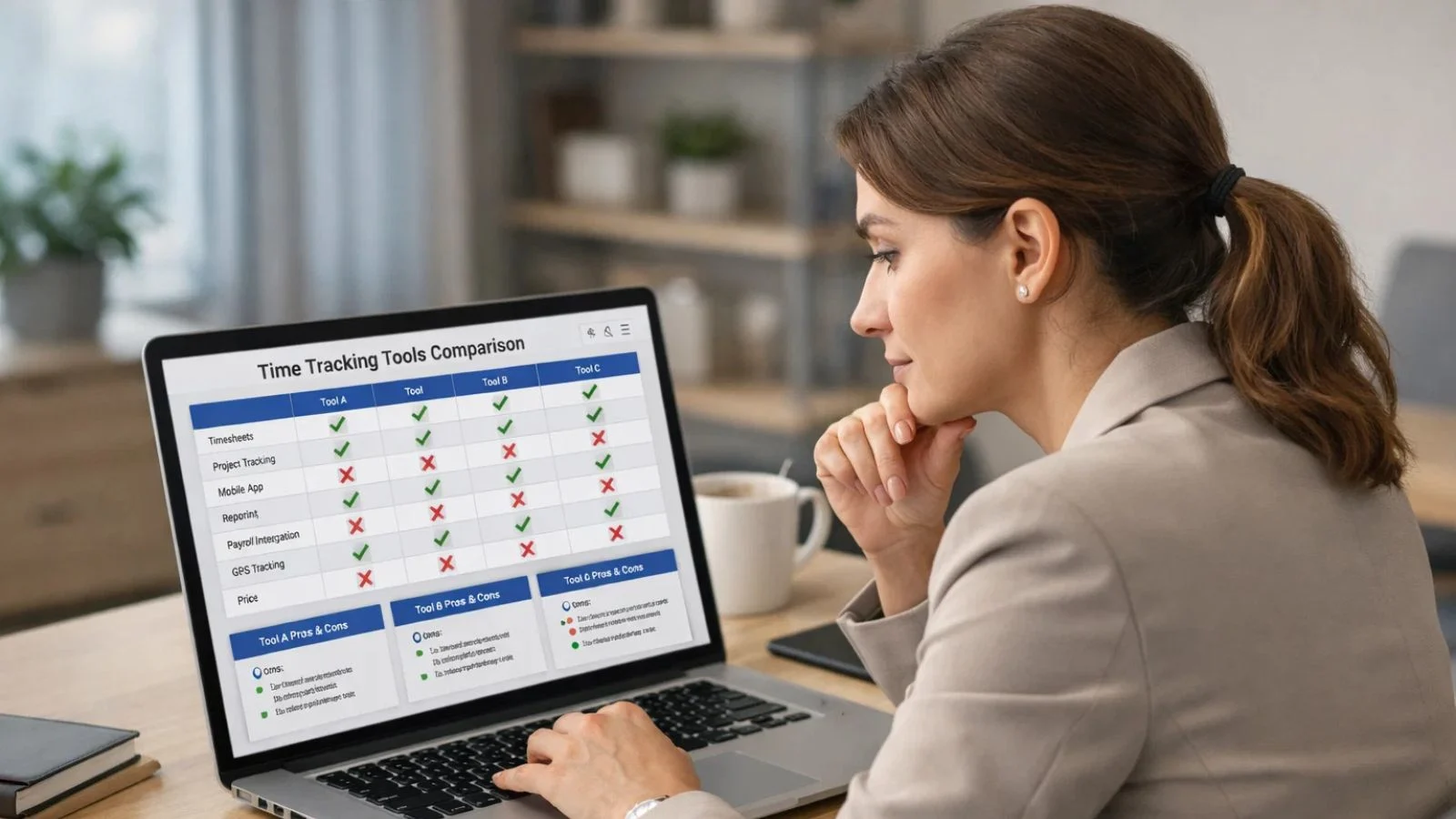
Selecting the right employee time clock app is critical for ensuring accurate time tracking and smooth workforce management. Here are key tips to help you make the right choice:
- Assess Your Organization’s Needs: Consider team size, work schedules, remote or hybrid setups, and payroll requirements. The app should match your specific operational needs.
- Look for Accuracy and Reliability: Ensure the app accurately records clock-ins, clock-outs, breaks, and overtime. A precise work hours calculator is essential for error-free payroll.
- Check for User-Friendliness: The best apps are intuitive and easy for both employees and managers to use, minimizing mistakes and reducing training time.
- Evaluate Reporting and Analytics: A robust time clock app provides detailed reports on attendance, productivity trends, and absenteeism, helping managers make informed decisions.
- Ensure Integration Capabilities: The app should integrate seamlessly with payroll, HR, or project management systems to simplify administrative work.
- Consider Mobile Access: Employees should be able to log hours from anywhere. Mobile apps make it easy for remote or field teams to record time accurately.
- Review Security Features: Look for apps with secure data storage, encryption, and role-based access to protect sensitive employee information.
- Test Customer Support: Reliable customer support ensures any issues with the app are resolved quickly, keeping your workforce productive.
By following these tips, organizations can select the best time clock app that improves efficiency, accuracy, and employee accountability.
Best Practices for Implementing a Time Clock App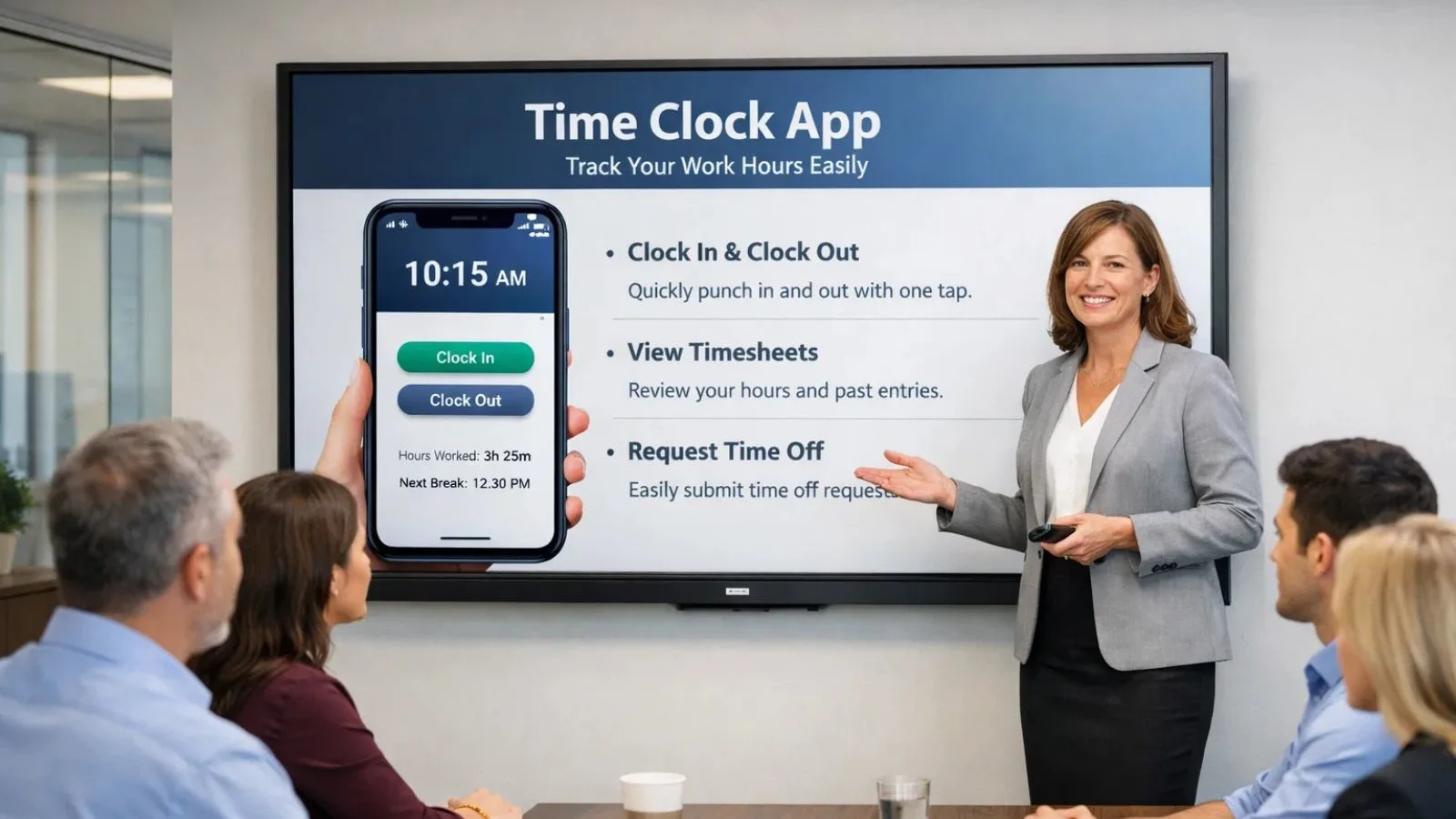
Introducing an employee time clock app requires thoughtful planning to ensure adoption and effectiveness. Here are best practices to follow:
- Communicate Clearly: Inform employees about why the app is being implemented, how it works, and the benefits it provides for both staff and management.
- Train Employees: Provide step-by-step guidance on logging hours, using the work hours calculator, and submitting leave or overtime requests to minimize errors.
- Start with a Pilot: Test the app with a small team before full-scale implementation. This helps identify issues and gather feedback for improvement.
- Set Policies Clearly: Align your employee time clock app with your attendance and payroll policies. Ensure employees understand rules for breaks, overtime, and remote work.
- Monitor Usage: Track how employees are using the app, address mistakes promptly, and provide support as needed to ensure consistent adoption.
- Integrate with Payroll: Connect the app with your payroll system to automate salary calculations, reducing manual work and avoiding errors.
- Review Regularly: Periodically assess app performance, track employee feedback, and update configurations or policies as needed to stay aligned with organizational needs.
- Encourage Transparency: Make reports and attendance data accessible to relevant managers and employees, fostering trust and accountability.
Following these best practices ensures that your time clock app implementation is smooth, efficient, and beneficial for everyone in the organization.
Choosing the Best Time Clock App
Choosing the right employee time clock app is essential for accurate time tracking, efficient payroll processing, and improved workplace accountability. From small teams to large organizations, the right app can streamline attendance management and enhance productivity.
Key Takeaways:
- Accuracy Matters: A reliable time clock app ensures precise clock-ins, clock-outs, and total work hours.
- Ease of Use: User-friendly apps reduce errors and make adoption easier for employees and managers.
- Work Hours Calculator: Built-in calculators simplify payroll, overtime, and leave tracking.
- Remote and Hybrid Friendly: Apps that support mobile access help track employees working from anywhere.
- Data and Analytics: Detailed reporting provides insights on attendance trends, absenteeism, and productivity.
- Integration with Payroll: Automating payroll calculations reduces manual effort and errors.
- EmpMonitor Advantage: Platforms like EmpMonitor offer automation, analytics, and seamless integration for modern workplaces.
By following these guidelines, organizations can select what is the best time clock app that meets their needs, improves accuracy, and ensures accountability, while also fostering a fair and productive work environment.
Also Read,
Work Hours Calculator: 4 Best Practices To Calculate Work Hours
FAQs
- What is an employee time clock app?
An employee time clock app is a digital tool used to track work hours, clock-ins, clock-outs, breaks, and overtime. It helps organizations automate attendance and payroll processes. - Why should my organization use a time clock app?
Using a time clock app ensures accurate work hour tracking, simplifies payroll, enhances accountability, and supports remote or hybrid work environments. - How does a work hours calculator work?
A work hours calculator automatically totals the hours worked by employees, including overtime and breaks, based on the data logged in the app. This ensures accurate payroll and compliance with labor laws. - What is the best time clock app?
The best app depends on your organization’s needs. Tools like EmpMonitor offer automated tracking, mobile access, analytics, and integration with payroll systems, making it a strong choice for most workplaces.{
“@context”: “https://schema.org”,
“@type”: “FAQPage”,
“mainEntity”: [{
“@type”: “Question”,
“name”: “Why Your Organization Needs an Employee Time Clock App”,
“acceptedAnswer”: {
“@type”: “Answer”,
“text”: “Tracking employee hours manually is prone to errors. An employee time clock app ensures accuracy, saves time, and boosts productivity.Automated Time Tracking: Reduces manual errors and administrative work.
Simplified Payroll: Easily integrates with payroll systems for hassle-free calculations.
Supports Remote Work: Allows employees to log hours from anywhere.”
}
},{
“@type”: “Question”,
“name”: “Key Features to Look for in the Best Employee Time Clock App”,
“acceptedAnswer”: {
“@type”: “Answer”,
“text”: “When choosing an employee time clock app, focus on essential features that streamline time tracking and payroll management.Mobile Access: Employees can track hours from any location, ideal for hybrid teams.
Integration with Payroll: Automates salary calculations, reducing manual errors.
Customizable: Customize work schedules and approval workflows to fit your needs.”
}
},{
“@type”: “Question”,
“name”: “How to Effectively Use a Work Hours Calculator”,
“acceptedAnswer”: {
“@type”: “Answer”,
“text”: “A work hours calculator simplifies tracking time, ensuring accuracy in payroll and compliance with labor laws.Accurate Logging: Ensure start/end times, breaks, and overtime are logged properly.
Regular Reviews: Periodically check logged hours for accuracy.
Track Multiple Shifts: Handle different shifts with ease, ensuring consistency.”
}
}]
}

