


It is no longer a choice in 2026 to select the best employee time tracking software. It is a business decision that impacts your productivity, profitability, and control. If you are an employer or a business owner with remote, hybrid, or office-based employees, you need more than just screenshots and time sheets. You require visibility. You require accountability. And most importantly, you require a return on investment.
This is why the Time Doctor vs EmpMonitor debate is receiving serious consideration this year. Both software options promise smarter tracking and improved team performance. But which one truly provides tangible ROI? Which software option provides you with better monitoring, reporting, and compliance policies? And which one enables you to minimize time theft without sacrificing security?
In this blog post, we will examine the Time Doctor vs EmpMonitor debate from a purely business-focused standpoint. We will analyze features, automation, pricing, scalability, and control. No nonsense. No employee-focused spin. Just what matters to business decision-makers.
If you require tougher monitoring, improved monitoring, and long-term value from your employee time tracking software, this analysis will guide you in making the best decision for 2026.
In a hurry? Listen to the blog instead!
Thinking of Switching from Time Doctor? Read This First.
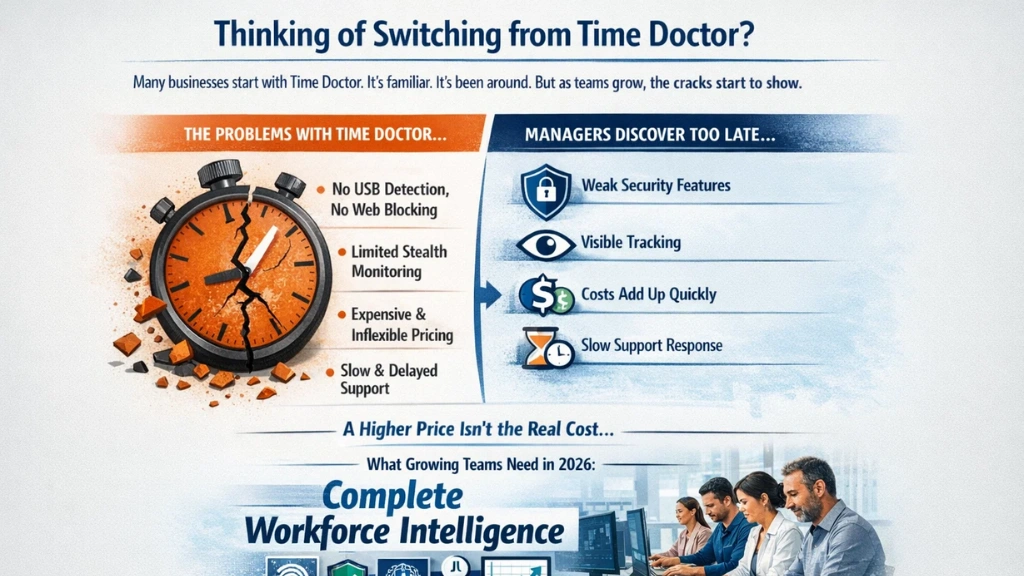

Many businesses start with Time Doctor. It’s familiar. It’s been around. But as teams grow, the cracks start to show.
Here’s what managers discover too late:
- Missing security features — no USB detection, no web blocking out of the box
- Limited stealth monitoring — employees know they’re being watched, which changes behavior
- Rigid pricing that adds up fast at scale
- Support delays when you need help the most
Pricing alone doesn’t tell the full story. A tool that costs $1.24 more per user per month but lacks critical features ends up costing far more in lost productivity, data risks, and workarounds.
What growing teams actually need in 2026 isn’t just a timer — they need complete workforce intelligence.
Quick Overview: EmpMonitor vs Time Doctor at a Glance
When you compare Time Doctor vs EmpMonitor side by side, the gap becomes clear fast.
| Feature | EmpMonitor | Time Doctor |
| VIP Support | ✅ | ❌ |
| Intuitive UX | ✅ | ❌ |
| USB Detection & Blocking | ✅ | ❌ |
| Shift Scheduling | ✅ | ❌ |
| Web & App Blocking | ✅ | ❌ |
| Stealth Mode | ✅ | ❌ |
| Auto Email Reports | ✅ | ❌ |
| Real-Time Notifications | ✅ | ❌ |
| Screenshots | ✅ | ✅ |
| Keystroke Monitoring | ✅ | ✅ |
| Active & Idle Time | ✅ | ✅ |
| Pricing | $4.66/user | $5.90/user |
EmpMonitor is built for teams that need full control — not just a basic timer. Time Doctor works for lightweight tracking, but it simply wasn’t designed for the demands of modern workforce management.
Pricing Breakdown: Is Time Doctor Really Worth the Extra Cost?
Let’s talk real numbers in this Time Doctor vs EmpMonitor comparison.
Time Doctor Pricing (Billed Annually)
- Basic – $6.67 per user/month
- Standard – $11.67 per user/month
- Premium – $16.70 per user/month
- Enterprise – Custom pricing
Now compare that with EmpMonitor.
EmpMonitor Pricing (Billed Annually)
- Bronze (1–10 users) – $4.66 per user/month
- Silver (11–50 users) – $3.83 per user/month
- Gold (51–200 users) – $3.00 per user/month
- Diamond (200+ users) – Custom quote
The difference becomes serious as you scale.
For a 50-person team:
- Time Doctor Basic: $6.67 × 50 × 12 = $4,002/year
- EmpMonitor Silver: $3.83 × 50 × 12 = $2,298/year
That’s $1,704 saved annually.
For a 200-person team:
- Time Doctor Basic: $16,008/year
- EmpMonitor Gold: $7,200/year
That’s $8,808 in annual savings, and that’s just comparing entry tiers.
Now here’s the real kicker in the Time Doctor vs EmpMonitor pricing debate.
Many advanced features in Time Doctor, like video screen recording, unusual activity reports, and SSO, are locked in higher tiers or offered as add-ons.
EmpMonitor includes USB blocking, shift scheduling, stealth mode, auto email reports, web/app blocking, HRMS, and keystroke monitoring, even in its base plans.
From a pure ROI standpoint, EmpMonitor delivers deeper control at a lower cost. And as your workforce grows, the savings compound every single year.
Read More:
🚀 Features That Put EmpMonitor Ahead
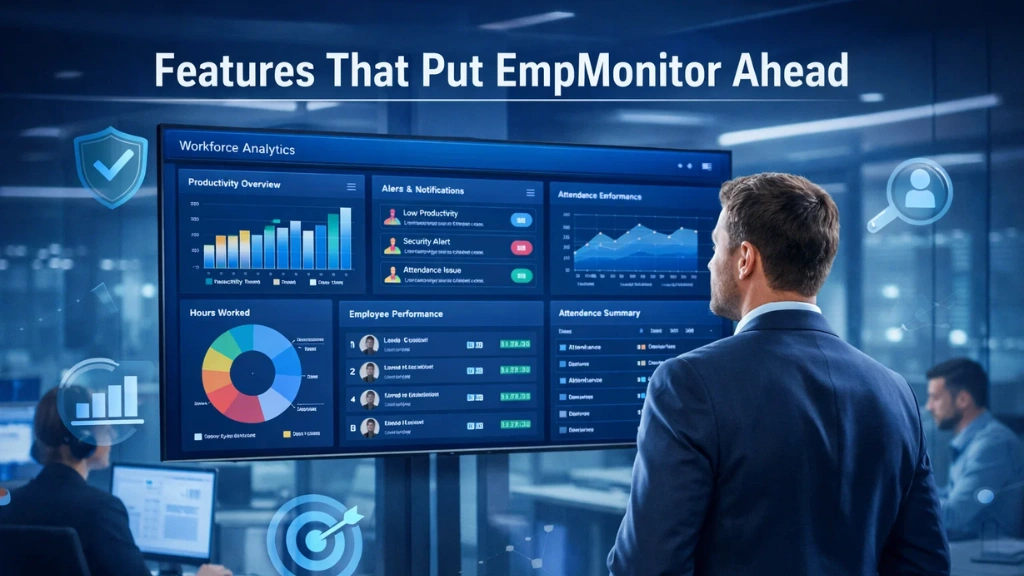
This is where the Time Doctor vs EmpMonitor comparison gets serious. EmpMonitor doesn’t just track time; it protects your business, boosts accountability, and gives managers real power.
USB Detection & Blocking. Sensitive data walking out on a flash drive is a real threat. EmpMonitor detects and blocks unauthorized USB devices in real time. Time Doctor offers no equivalent feature.
Web & App Blocking: Stop distractions before they happen. EmpMonitor lets you block specific websites and apps so employees stay focused. This isn’t just about productivity — it’s about policy enforcement.
Shift Scheduling: Need to manage rotational shifts across time zones? EmpMonitor handles it natively. Time Doctor doesn’t have this built in at all.
Stealth Mode EmpMonitor can run quietly in the background without alerting employees. This gives you authentic behavioral data, not modified behavior because someone knows they’re being watched.
Live Screencasting & Screen Recording
Monitor work as it happens. EmpMonitor provides live screencasting and automatic screen recording. Managers can view activity in real time or review recordings when needed. Time Doctor does not offer live screen viewing at this level.
Real-Time Activity Tracking
See exactly what employees are doing during work hours. Track active time, idle time, applications used, and websites visited. This level of visibility helps eliminate time theft and improve accountability instantly.
These aren’t “nice to have” features. For any serious business, and also for Time Doctor vs EmpMonitor, they’re essential.
Productivity Tracking: Which Tool Gives Deeper Insights?
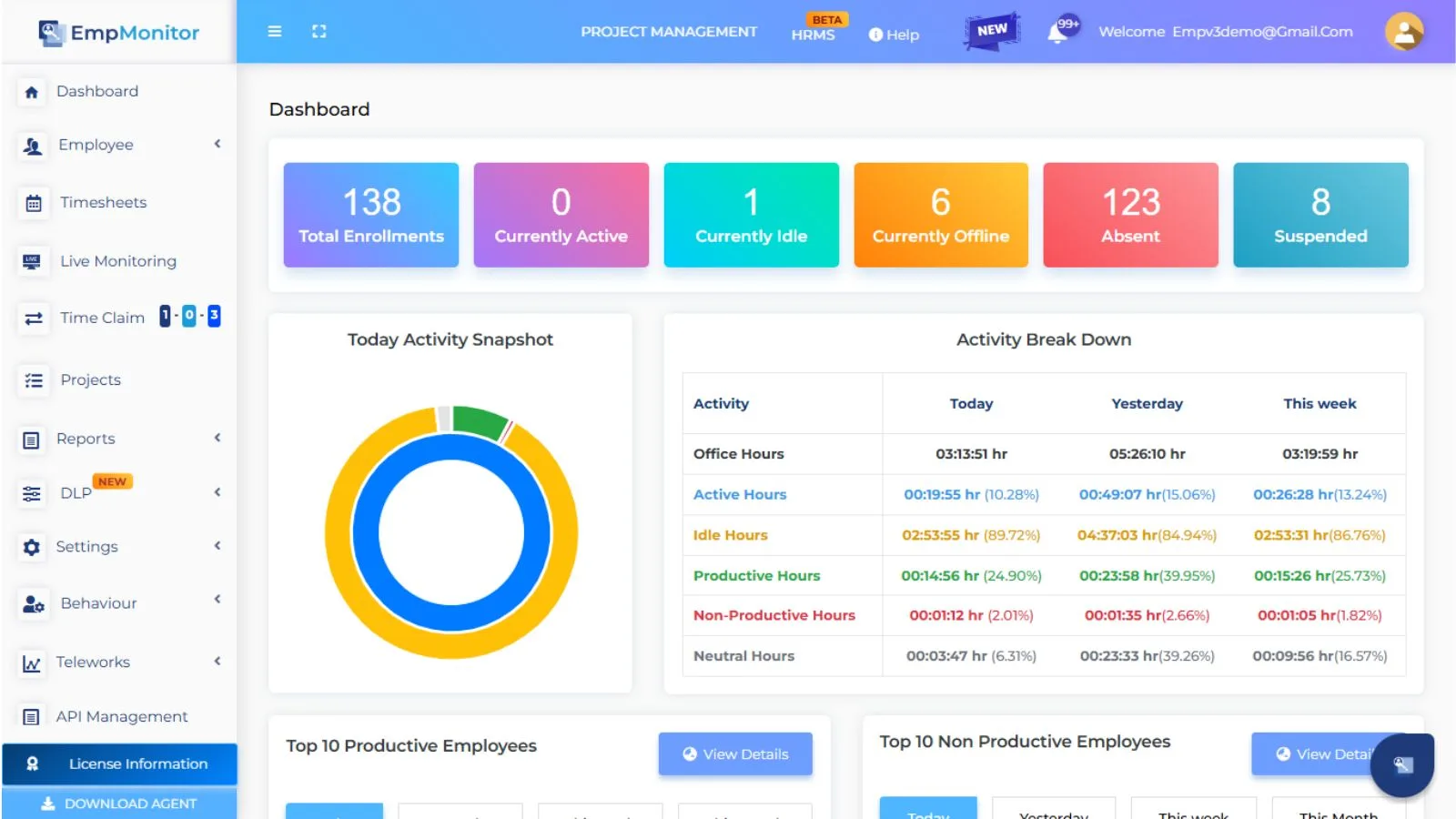

Both tools track active and idle time. But depth matters.
EmpMonitor goes beyond the basics. It captures keystroke activity, tracks web and app usage in detail, and generates reports you can customize to show exactly what you need. You can see not just when someone was active, but what they were doing and how productive that activity actually was.
Screenshot monitoring in EmpMonitor is also more robust. Captures are frequent, configurable, and tied directly to activity logs, so you can cross-reference behavior at any moment.
Time Doctor offers screenshot monitoring, too, but the overall reporting depth doesn’t match. For data-driven managers who want to make decisions based on real insights, not guesses, EmpMonitor is the clear choice as the best time tracking software for serious teams.
Ease of Use: Which Platform Is Simpler for Teams?
A tool nobody uses properly is a tool wasted.
EmpMonitor was designed with simplicity in mind. The interface is clean, navigation is intuitive, and setup is quick. Most teams are up and running within hours, not days. There’s no long onboarding cycle or extensive training required.
Time Doctor has been around longer, but that history shows in its interface. It can feel cluttered and outdated, especially compared to the clean dashboard EmpMonitor offers. New employees take longer to adapt, and IT teams spend more time configuring it.
For implementation speed and ease of adoption, EmpMonitor wins especially for businesses that need to get monitoring in place fast.
VIP vs Standard Support
Here’s something most comparison blogs skip over, but it matters enormously.
When something goes wrong with your remote employee tracking software, you can’t afford to wait 48 hours for a ticket response. Every hour of downtime is real productivity lost.
EmpMonitor offers 24/7 VIP dedicated support. That means a real human, ready to help, whenever you need it. Not a chatbot. Not a knowledge base article. Actual support.
Time Doctor offers standard support, which works fine for simple issues. But if you’re running a large team or managing a complex remote setup, “standard” isn’t good enough.
Fast support isn’t a luxury. It’s an operational necessity.
Built for Modern Workforces

EmpMonitor was designed for:
- Remote teams spread across time zones
- Hybrid environments with mixed in-office and work-from-home staff
- Enterprises needing compliance and security controls
- Startups that need powerful tools at a budget-friendly price
It’s also fully cross-platform, supporting Windows (all versions, including Server), Mac 10.8+, and Linux/Ubuntu 16, 18, and 20. Whether your team is on MacBooks or Windows desktops, EmpMonitor runs seamlessly.
Time Doctor covers the basics across platforms, but lacks the depth of features modern workforce management demands.
The Verdict: Which Tool Wins for Serious Workforce Management?
Let’s be direct.
Best for strict monitoring: EmpMonitor stealth mode, USB blocking, and real-time alerts make it the obvious choice.
Best for data-driven managers: EmpMonitor deeper reports, keystroke insights, and customizable dashboards give you the full picture.
Best value for money: EmpMonitor $4.66/user with more features than Time Doctor at $5.90/user.
Final recommendation: If you’re running a small team with basic needs and you’re already set up on Time Doctor, it may do the job for now. But if you’re scaling, if you care about data security, if you need real workforce intelligence, then the Time Doctor vs EmpMonitor choice is straightforward.
EmpMonitor is the better ROI. Full stop.
As one of the most capable pieces of employee tracking software available today, it checks every box that growing businesses need at a price that makes the switch a no-brainer.
Ready to Upgrade Your Workforce Management?
Every day without the right tool is a day of missed productivity, untracked activity, and potential data risk.
Here’s what to do next:
- Try EmpMonitor free — no credit card required
- Book a demo — see every feature live with your actual team in mind
- Stop waiting — the cost of inaction is higher than the cost of switching
The Time Doctor vs EmpMonitor decision doesn’t have to be hard. The data is clear. The features speak for themselves. And the price makes it a simple upgrade.
Make the switch. Take control. Start today.
