


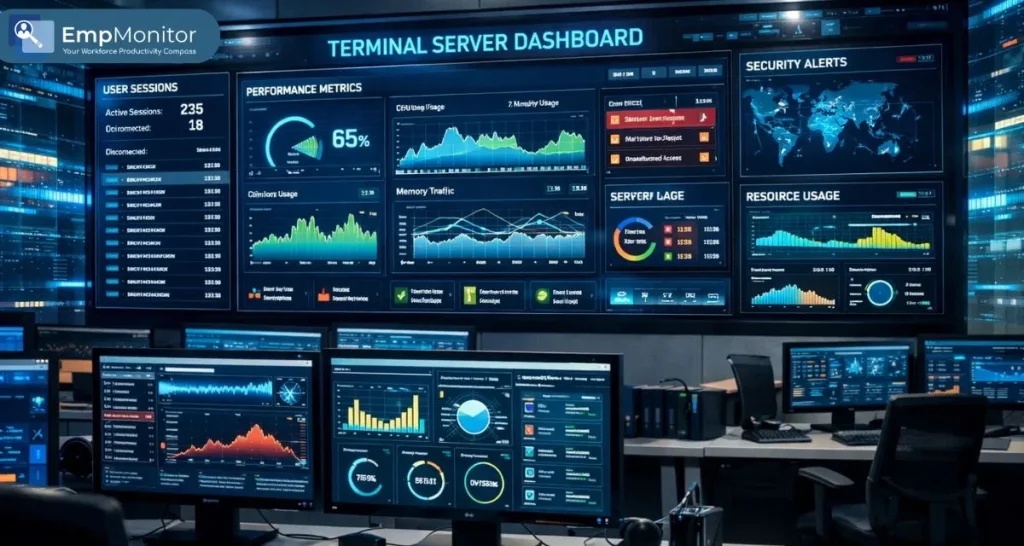
Terminal servers form the backbone of most business applications, allowing users to access the system from anywhere. However, what goes on in the servers is not always in the limelight until there is a problem. This is where server monitoring comes in.
Server monitoring is important for IT professionals to monitor the performance of the server and identify any unusual activity. Software that monitors server services allows IT professionals to monitor user sessions and any security risks.
You can listen to this Blog here.
What Is a Terminal Server?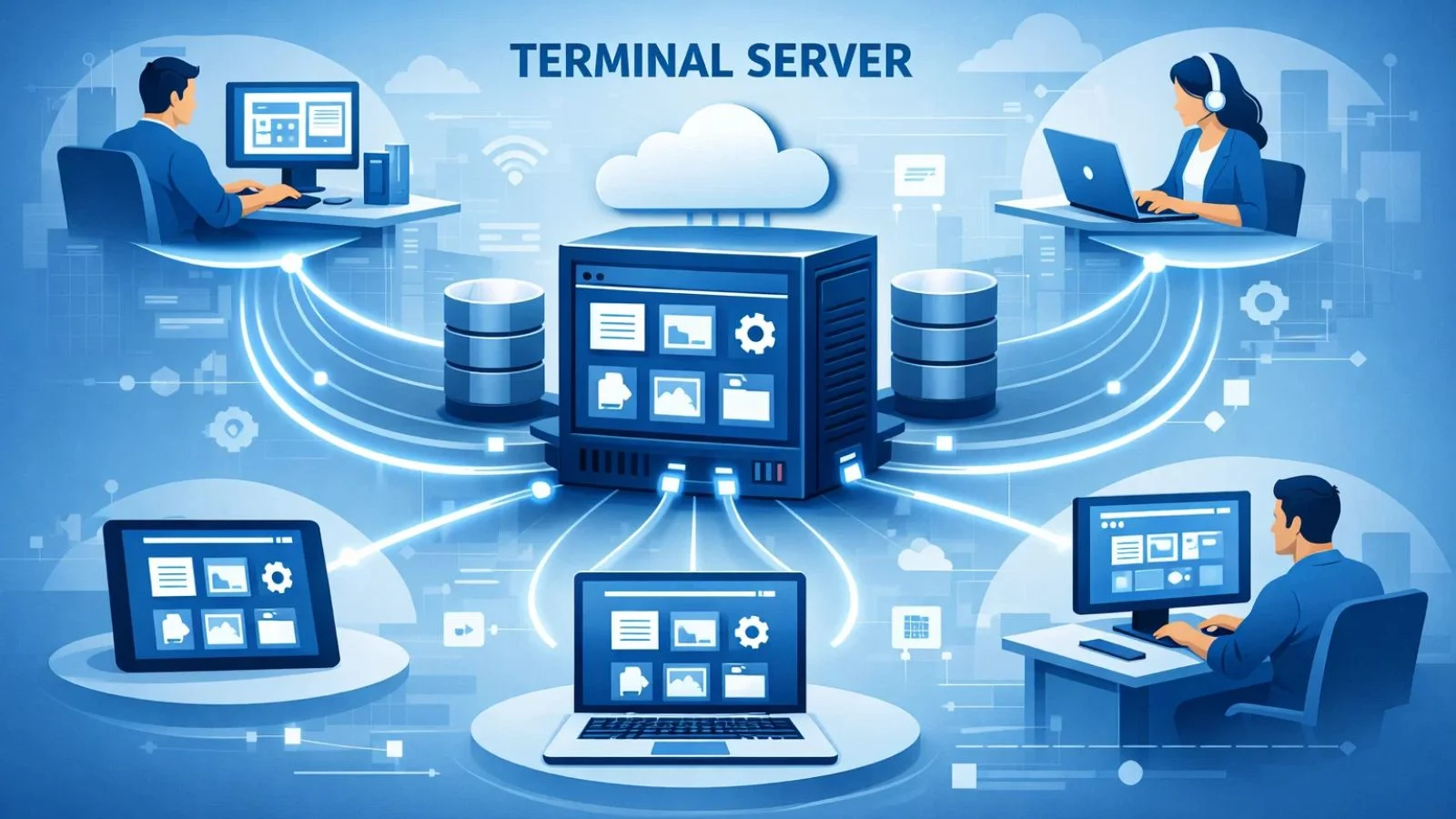

A terminal server is a specialised server that allows multiple users to access applications and desktops remotely from a central location. Instead of installing software on individual devices, employees connect to the server to run programs, share data, and collaborate efficiently.
Key points about servers:
- They centralize computing resources, reducing hardware requirements on client machines.
- Users can log in from anywhere, making them essential for remote and hybrid work environments.
- Term servers are commonly used in healthcare, finance, and enterprise IT for shared application access.
servers differ from standard servers because they manage individual user sessions and provide interactive access, rather than just storing or processing data. This makes monitoring their activity crucial to maintaining performance and security.
Why Monitoring Terminal Servers Matters
Monitoring terminal servers is essential for maintaining performance, security, and overall business efficiency. Without proper oversight, issues can go unnoticed until they cause serious disruptions.
Key reasons to monitor servers:
- Prevent Downtime: Detect performance bottlenecks before they impact user productivity.
- Enhance Security: Identify unusual activity or unauthorized access within user sessions.
- Optimize Resources: Track CPU, memory, and network usage to allocate resources efficiently.
- Support Remote Teams: Ensure employees accessing the server remotely have a smooth experience.
- Reduce Costs: Avoid expensive emergency fixes by addressing problems proactively.
By keeping an eye on server terminal services, organizations can improve reliability, protect sensitive data, and ensure smooth operations across all user sessions.
Key Features of Terminal Server Monitoring Tools
Effective server monitoring relies on tools that provide visibility, control, and actionable insights. Key features include:
- Real-Time User Activity Tracking: Monitor individual sessions to see which applications are being used and by whom.
- Resource Usage Metrics: Track CPU, memory, disk, and network usage to identify performance bottlenecks.
- Session Management and Alerts: Receive notifications for abnormal behavior, disconnected sessions, or excessive resource usage.
- Audit Trails and Compliance Reporting: Maintain logs for security audits and regulatory compliance.
- Integration with IT Workflows: Works alongside other monitoring tools and IT management systems.
- Examples of Terminal Server Plus Solutions: Some advanced platforms offer enhanced dashboards, AI-based alerts, and remote session control.
These features ensure IT teams can maintain performance, prevent security issues, and optimize resources efficiently.
How Terminal Server Monitoring Works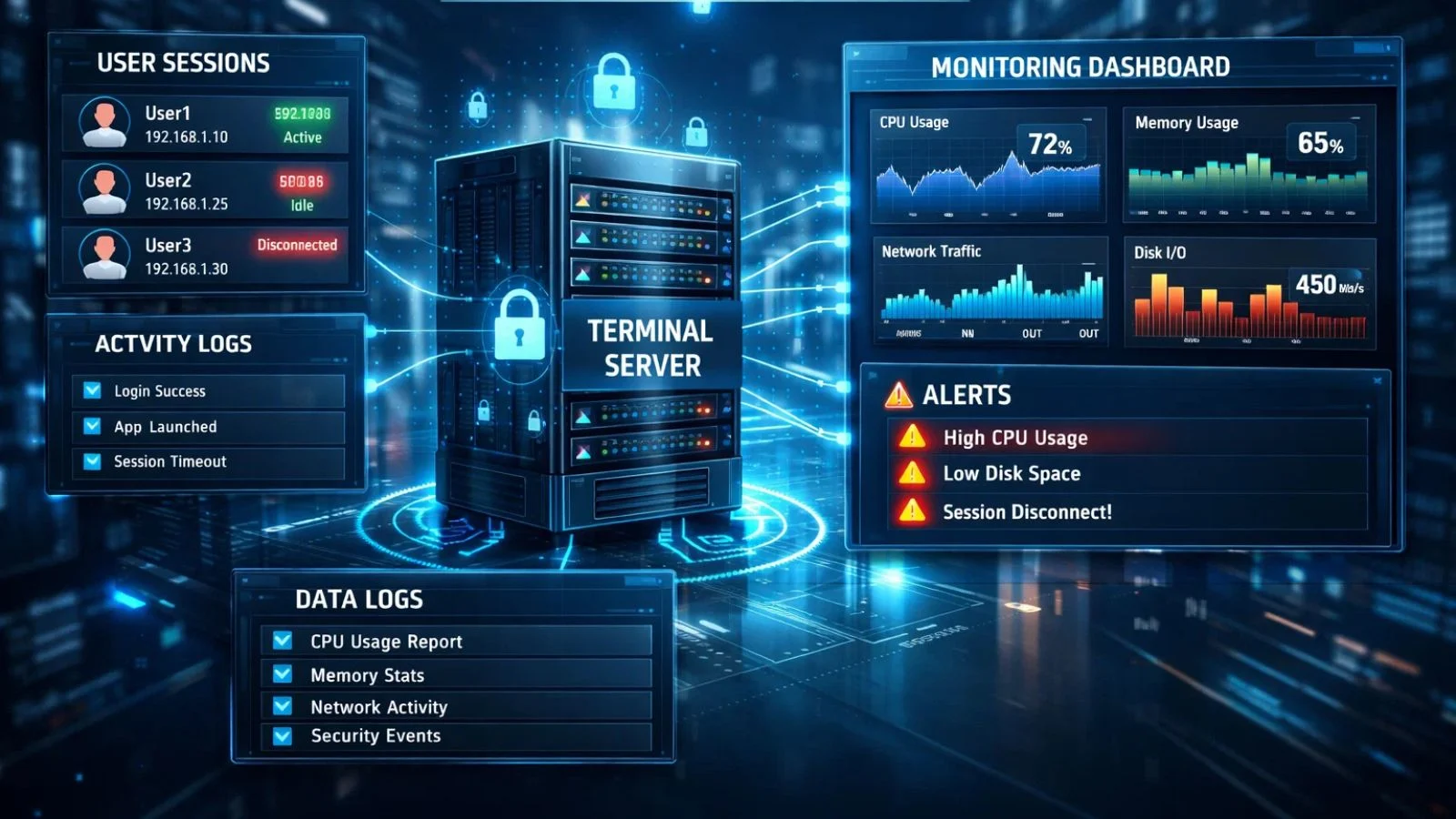
Terminal server monitoring works by continuously observing server activity, user sessions, and resource usage to detect performance issues or security risks. Here’s how it typically operates:
- User Session Tracking: Each user’s session is monitored in real time, including application usage and login activity.
- Resource Metrics Collection: CPU, memory, disk space, and network usage are tracked to identify bottlenecks or overutilized resources.
- Alerts and Notifications: The system sends alerts when unusual activity, performance drops, or potential security issues are detected.
- Data Logging and Reporting: Detailed logs and dashboards allow IT teams to analyze trends, generate reports, and maintain compliance.
- Integration with IT Workflows: Monitoring tools can integrate with endpoint monitoring, security systems, or cloud platforms for a complete oversight solution.
Combining these methods, organizations gain visibility into the “black box” of servers, enabling proactive management rather than reactive troubleshooting.
Benefits of Terminal Server Monitoring
Monitoring terminal servers offers multiple advantages that improve security, performance, and operational efficiency:
- Improved Server Performance: Detect and resolve bottlenecks before they impact users.
- Enhanced Security: Identify unusual activity or potential insider threats within user sessions.
- Better Resource Allocation: Monitor CPU, memory, and network usage to optimize server capacity.
- Compliance and Audit Readiness: Maintain logs and reports for regulatory and internal audits.
- Cost Savings: Proactively resolving issues reduces emergency fixes and downtime expenses.
- Support for Remote Teams: Ensure employees accessing the server remotely have uninterrupted access.
With proper monitoring, organizations can maintain reliable, secure, and efficient server operations, supporting both business continuity and productivity.
EmpMonitor for Terminal Servers
EmpMonitor can be implemented directly on a Server to monitor remote and hybrid employees who access company systems through centralized infrastructure. By installing the monitoring agent on the server, organizations can track user sessions, application usage, and real-time activity across multiple remote logins from a single control point.
This centralized deployment approach ensures IT teams gain clear visibility into employee performance and system usage without needing to install software on every individual device. It enables efficient oversight of distributed teams while maintaining control, security, and operational transparency in remote and hybrid work environments.
Key Features:
- Real-Time Session Monitoring: Track individual user sessions, applications used, and login activity.
- Resource Usage Tracking: Monitor CPU, memory, disk, and network usage to prevent bottlenecks.
- Alerts for Unusual Activity: Receive notifications for abnormal behavior or potential security risks.
- Centralized Dashboards: View all sessions and server metrics in one place for easier management.
- Compliance Support: Maintain audit-ready logs for security and regulatory needs.
By using EmpMonitor, IT teams can proactively manage terminal servers, improve security, and ensure smooth operation for all users.
Best Practices for Terminal Server Monitoring
To get the most out of terminal server monitoring, organizations should follow these best practices:
- Regular Audits: Periodically review server activity, session logs, and resource usage to spot trends or issues.
- Set Performance Thresholds and Alerts: Define limits for CPU, memory, and network usage to catch problems early.
- Train IT Staff: Ensure administrators understand how to interpret monitoring data and respond effectively.
- Combine with Endpoint Monitoring: Integrate server monitoring with device and application oversight for complete visibility.
- Document Procedures: Maintain clear protocols for responding to alerts, performance drops, or security incidents.
Implementing these practices ensures terminal servers remain secure, efficient, and reliable for all users.
Conclusion
Terminal servers are an essential part of today’s business environment. But if they are not monitored properly, they can turn out to be a “black box” where performance problems, security threats, or resource wastage can remain undetected.
server monitoring helps organizations monitor user sessions, resource utilization, anomalies, and compliance. EmpMonitor, an advanced server monitoring tool, helps organizations monitor server activities in real time, alerts them to any unusual activity, and helps them monitor server performance even when working with a hybrid team.
Organizations can ensure that their servers are secure, efficient, and reliable by implementing a monitoring system and best practices.
Also read,
Why Is Performance Monitoring Important | 09 Best Practices
What Employee Performance Metrics Should IT Managers Focus On?
FAQ’s
1. How do term servers differ from standard servers?
Term servers manage interactive user sessions and provide application access, whereas standard servers primarily store or process data without handling individual user interfaces.
2. What is Terminal Server Plus?
Terminal Server Plus refers to advanced monitoring and management solutions that offer enhanced dashboards, AI-based alerts, session control, and detailed performance metrics.
3. Why is monitoring terminal servers important?
Monitoring ensures reliable performance, prevents security risks, optimizes resources, and supports compliance with regulatory requirements.