


Think you know all the apps your employees are using? Think again. Even in organizations with strict IT policies, employees often adopt tools and services without IT approval, a phenomenon known as Shadow IT.
From cloud storage apps to messaging platforms, it is becoming increasingly common, especially in remote and hybrid work environments. While these tools can improve productivity, they also introduce significant risks: data leaks, compliance violations, and inefficiencies.
This is where shadow IT detection comes in. By identifying unauthorized applications and monitoring their usage, companies can reduce risk without stifling innovation.
What Is Shadow IT?
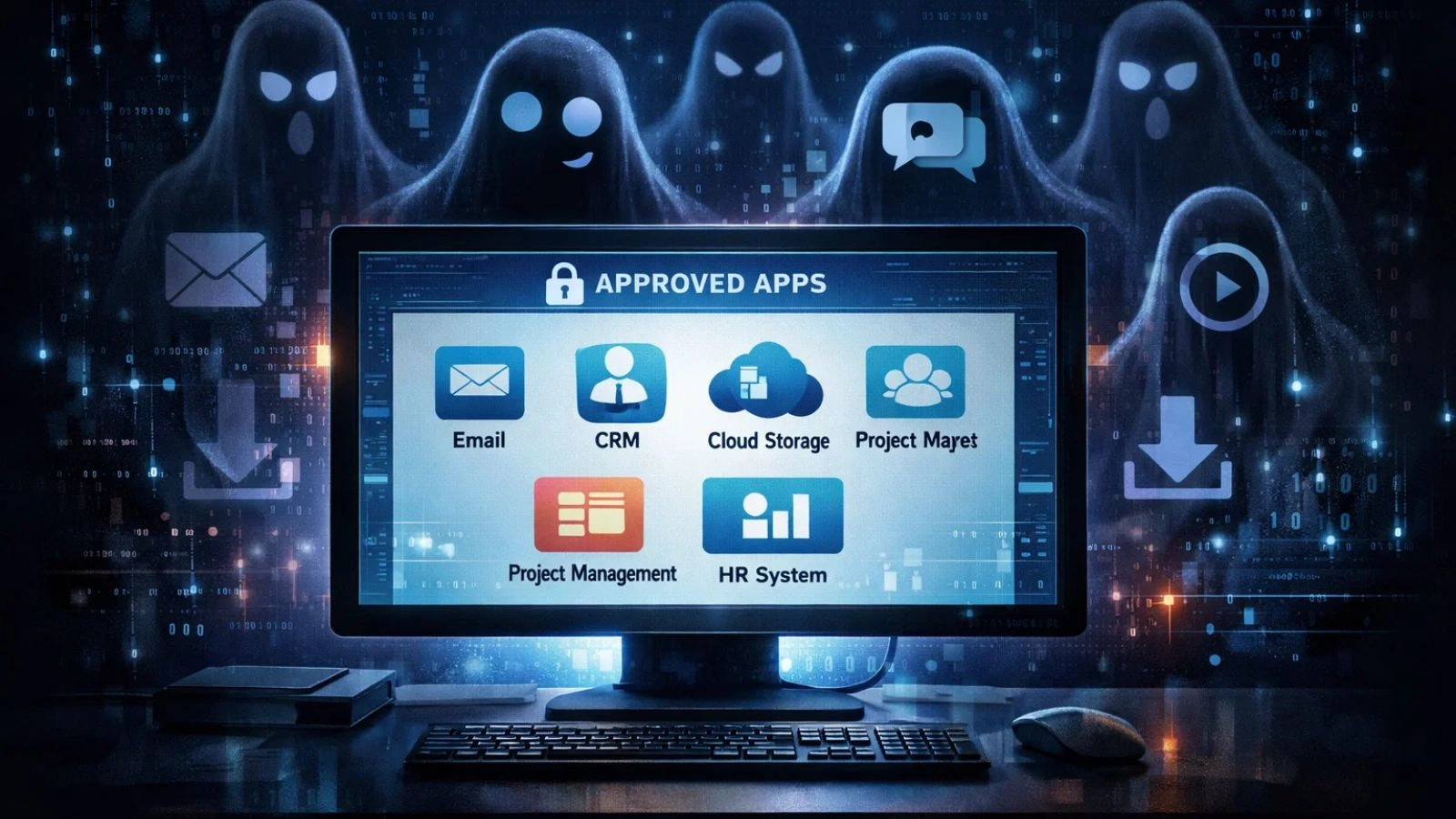

Shadow IT refers to any software, application, or service used by employees without formal approval from the IT department. These are tools that “fly under the radar” — often chosen for convenience, speed, or familiarity.
Common examples include:
- Cloud storage apps like Dropbox or Google Drive are not approved by IT
- Messaging platforms such as Slack or WhatsApp for business communication
- Collaboration tools or project management apps outside the official stack
While it can improve workflow, it also introduces risks: sensitive data may be stored in unmonitored systems, integrations can break, and compliance requirements may be violated.
In remote or hybrid workplaces, it often grows unnoticed, as employees seek tools that fit their workflows rather than official IT solutions.
Why Shadow IT Happens
It often emerges from convenience and necessity rather than malicious intent. Employees usually turn to unauthorized tools for reasons like:
- Ease of use: Official software may be slow or restrictive, so employees pick faster alternatives.
- Remote work flexibility: Teams working from home may adopt cloud apps to collaborate efficiently.
- Lack of awareness: Employees might not know which tools are approved or assume IT restrictions are bureaucratic.
- Deadline pressure: Quick solutions are sometimes prioritized over policy compliance.
Understanding why Shadow IT arises helps organizations address the root causes rather than just blocking tools. Instead of punishing employees, the focus should be on visibility and providing approved alternatives.
Risks and Challenges of Shadow IT
While it can increase productivity, it introduces significant risks for organizations:
- Data Breaches: Unauthorized apps may not have strong security, putting sensitive company data at risk.
- Compliance Violations: Using unapproved tools can violate industry regulations like GDPR or HIPAA.
- Integration Issues: apps may not work well with official systems, creating workflow disruptions.
- Hidden Costs: Subscriptions to unapproved software can increase expenses without IT oversight.
- Productivity Losses: Inconsistent tools can lead to fragmented processes and duplicated work.
Left unchecked, It can compromise security, compliance, and operational efficiency, making shadow IT detection critical for modern organizations.
Also Read:
Lost and Found: Navigate Data Loss Prevention For Cloud Environments
Shadow IT Detection Methods
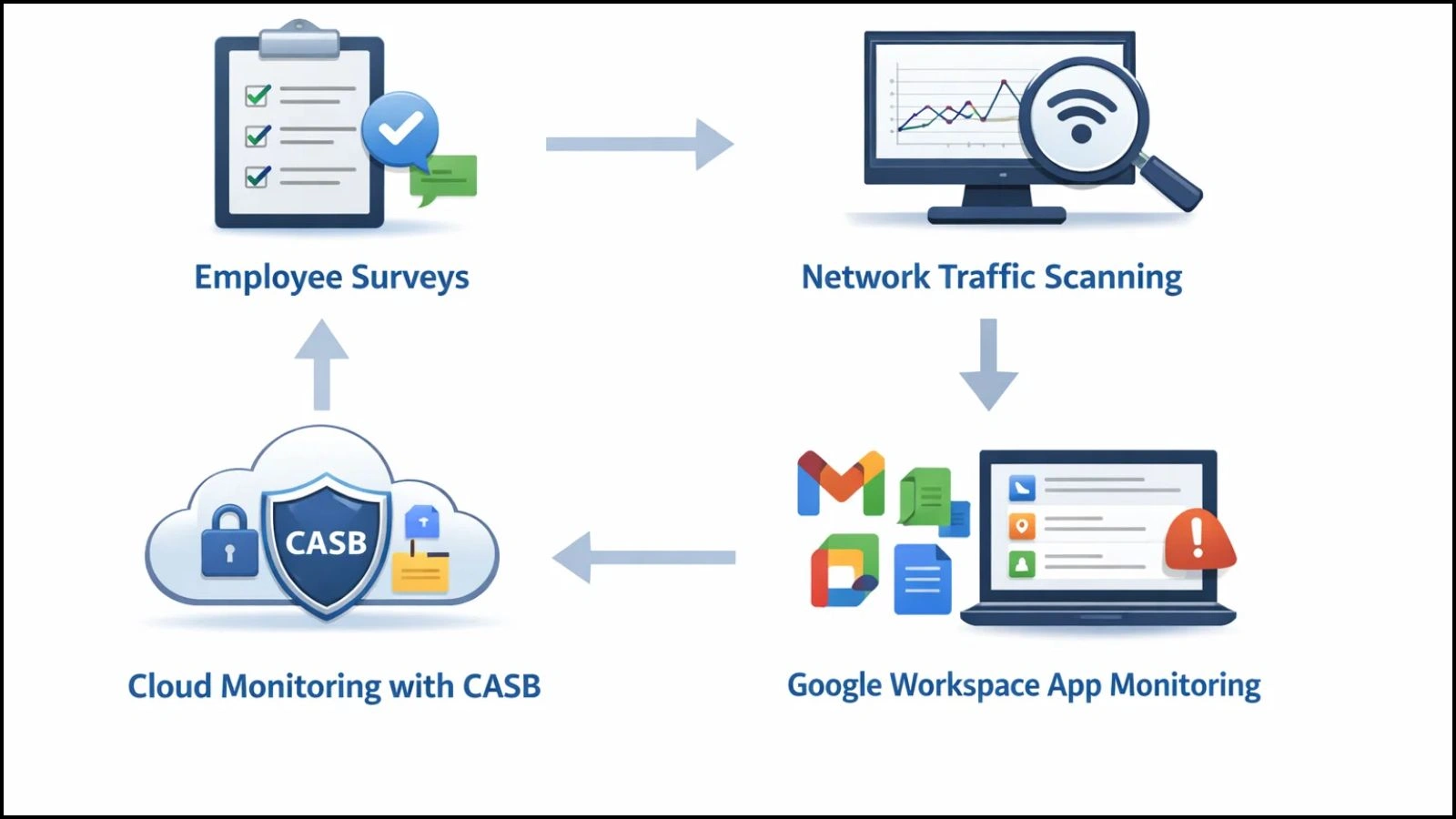
Detecting Shadow IT is essential for maintaining security and operational efficiency. Organizations can use several approaches:
Manual Audits and Surveys
Some companies start by asking employees which tools they use. While simple, this method is often incomplete, as employees may forget or underreport usage.
Network Traffic Monitoring
Analyzing network traffic helps IT teams identify apps and services accessing company data without approval. It provides a clearer picture but can be technically complex.
Cloud Access Security Brokers (CASBs)
CASBs monitor cloud applications, flagging unapproved usage and enforcing security policies. They’re especially useful for managing SaaS tools.
Google Workspace Shadow IT Detection
For organizations using Google Workspace, specialized tools can track unauthorized third-party apps connected to the platform. This helps IT teams pinpoint risks without manual intervention.
By combining these methods, businesses can uncover hidden applications, assess risk levels, and plan mitigation strategies.
Key Features to Look For in Shadow IT Detection Tools
Not all detection tools are created equal. When selecting a solution for shadow IT detection, look for these key features:
- Real-Time Application Discovery: Identify apps as soon as employees start using them.
- Usage Analytics and Reporting: See which apps are used most, by whom, and for how long.
- Risk Scoring: Evaluate potential threats based on app type, data access, and security policies.
- Integration with IT Infrastructure: Work seamlessly with existing systems for easy monitoring.
- Alerts for Unauthorized Apps: Get instant notifications when new or risky tools are detected.
- Compliance Tracking: Ensure app usage aligns with regulatory requirements.
Choosing a tool with these capabilities allows organizations to monitor Shadow IT effectively while maintaining workflow efficiency.
Benefits of Detecting and Managing Shadow IT
Managing that offers several advantages beyond just security:
- Protect Sensitive Data: Prevent unauthorized apps from exposing company information.
- Improve Security Posture: Reduce vulnerabilities and potential breaches.
- Ensure Compliance: Meet regulatory requirements and avoid fines.
- Optimize Software Costs: Identify redundant subscriptions and consolidate tools.
- Boost Productivity: Standardized, approved tools streamline workflows and collaboration.
Detecting and controlling & transforms hidden risks into manageable insights, giving IT teams both visibility and control over company resources.
How EmpMonitor Helps with Shadow IT Detection?

EmpMonitor makes it easy for organizations to identify and manage Shadow IT across remote and hybrid teams. By combining real-time monitoring with insightful reporting, it gives IT teams visibility into apps and tools employees are actually using.
Here’s how EmpMonitor helps:
Real-Time App Tracking
Monitors all applications and websites used on company devices, instantly highlighting unauthorized tools.
Usage Reports & Dashboards
Provides detailed analytics on which apps are popular, how often they’re used, and by whom — helping IT teams prioritize action.
Alerts for Unauthorized Software
Instant notifications allow quick intervention when high-risk or unapproved apps are detected.
Remote Workforce Coverage
Tracks app usage across remote and hybrid employees, giving centralized visibility without disrupting productivity.
Live Screen Casting
Enables managers to view employee screens in real time, offering direct visibility into ongoing activities. This helps quickly identify whether unauthorized or shadow IT applications are being used, ensuring faster intervention and better compliance—while maintaining transparency and accountability across remote and hybrid teams.
By using EmpMonitor for shadow IT detection, organizations can secure company data, reduce risks, and maintain compliance, all while supporting employees’ workflow needs.
Best Practices for Managing Shadow IT
Effectively managing Shadow IT isn’t just about blocking apps — it’s about visibility, guidance, and employee collaboration. Here are key best practices:
- Educate Employees: Make them aware of risks associated with unauthorized tools.
- Offer Approved Alternatives: Provide secure, user-friendly apps that meet workflow needs.
- Implement Clear IT Policies: Define which tools are allowed and the process for requesting new software.
- Regularly Audit Software Usage: Use monitoring tools like EmpMonitor to detect and review unauthorized apps periodically.
Combining education, policies, and proactive monitoring creates a culture where employees use approved tools without compromising productivity.
Conclusion
It is a reality in modern workplaces, especially with remote and hybrid teams. While employees often adopt unapproved apps to boost productivity, these tools can introduce significant security, compliance, and operational risks.
The key to managing Shadow IT is visibility. Organizations that implement shadow IT detection can uncover hidden apps, assess risks, and take action before problems arise. Tools like EmpMonitor make this process seamless by providing real-time app tracking, usage analytics, alerts, and centralized dashboards for remote teams.
By combining monitoring, clear IT policies, and employee education, companies can transform that from a hidden threat into an opportunity for smarter, safer technology usage, protecting data, ensuring compliance, and maintaining productivity across the workforce.
FAQ’s
1. Why is Shadow IT risky?
Unauthorized apps can expose sensitive data, violate regulatory requirements, cause integration issues, and generate hidden costs or inefficiencies.
2. How can organizations detect Shadow IT?
Shadow IT detection can be done using network monitoring, cloud access security brokers (CASBs), surveys, and specialized tools like Google Workspace shadow IT detection or platforms such as EmpMonitor.
3. How does Google Workspace shadow IT detection work?
It identifies third-party apps connected to Google Workspace accounts, highlighting unapproved tools and potential security risks for IT teams to address.

