


Let’s Start With A Simple Question
Would you leave your office doors wide open and never check what’s happening inside?
Of course not. You care about your business. You care about productivity. And you care about results.
That’s exactly why screen recording software has become one of the most talked-about tools in the modern workplace. From small startups to large enterprises, employers everywhere are using it to stay in control especially with remote and hybrid teams.
But here’s the big debate: Is it actually good for your business? Or does it do more harm than good?
In this guide, we break it all down. No fluff. No jargon. Just the honest truth — so you can make the right call for your team.
Listen To The Podcast Now!
What Is Screen Recording Software?
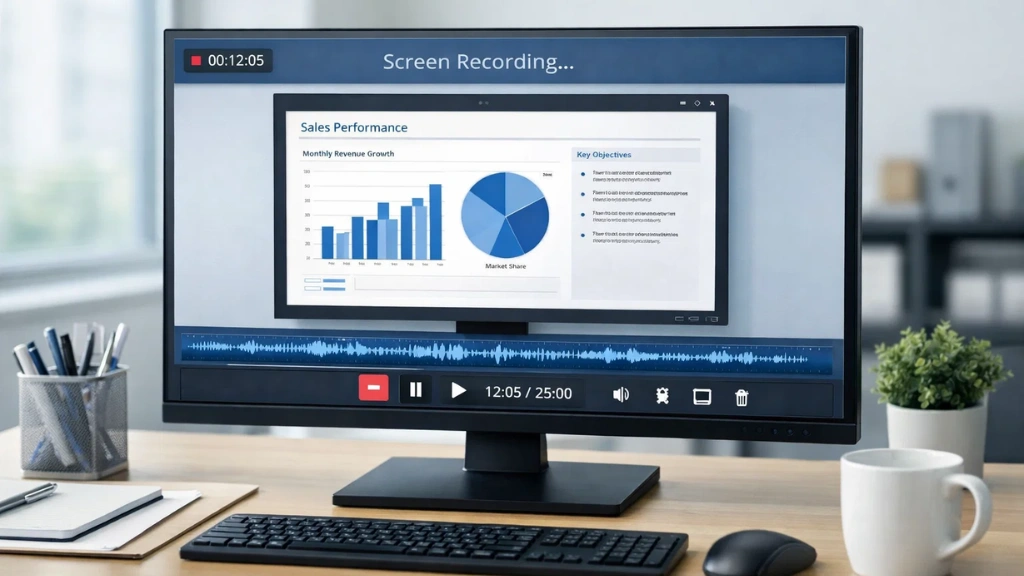

Screen recording software is a tool that captures what happens on an employee’s computer screen in real time or as recorded footage.
Think of it like a CCTV camera, but for your digital workspace.
It can record or stream an employee’s screen while they work, allowing managers to review activity at any time. Some tools also support screen casting, which means live-streaming an employee’s screen directly to a manager’s dashboard.
Modern screen recording tools go beyond just capturing visuals. They often include:
- Live screen viewing (screen casting)
- Video playback of recorded sessions
- Time-stamped activity logs
- Remote desktop access
- Cloud-based storage for recordings
These tools are used across industries from IT and finance to healthcare, education, and customer support.
Why Are Employers Turning To Screen Recording?
The shift to remote work changed everything. When teams stopped working under the same roof, managers lost visibility.
They couldn’t walk over to a desk and check if a task was on track. They couldn’t see if an employee was struggling or slacking.
Screen recording stepped in to fill that gap.
Here’s why more businesses are adopting it today:
- Remote teams are growing — and visibility is harder to maintain
- Data security threats are rising from the inside
- Productivity accountability has become a business priority
- Legal and compliance requirements demand detailed records
- Training and onboarding need real examples of work done
It’s not just about catching bad actors. Most employers use screen recording to support their teams, protect their data, and improve performance.
The Good: Real Benefits For Your Business
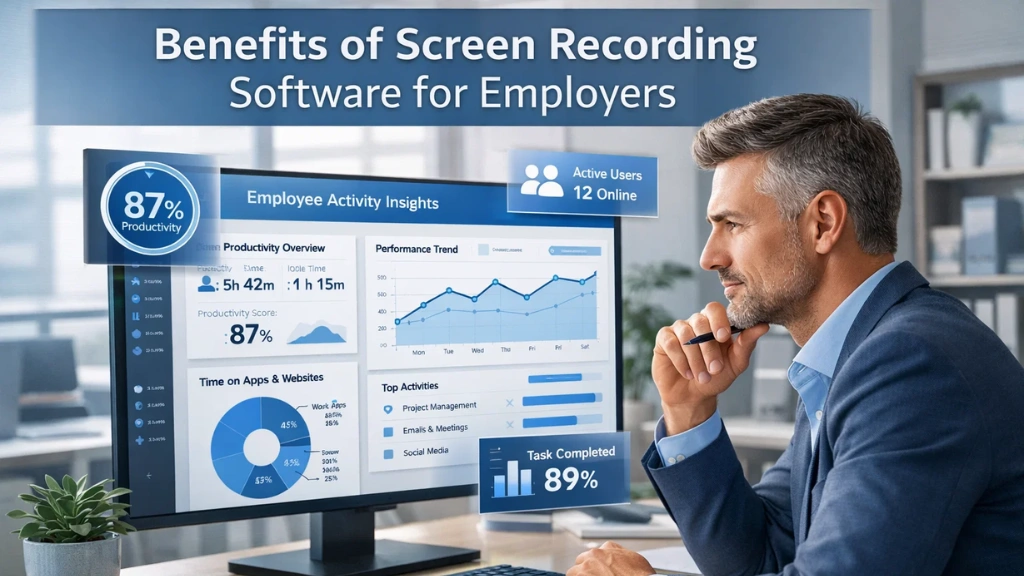
Let’s start with the positive side. There are real, measurable advantages to using screen recording software in your workplace.
Better Productivity
When employees know their screens may be reviewed, they stay more focused. Distractions drop. Output increases. It’s not about surveillance, it’s about creating a culture of accountability.
Remote Team Visibility
Managing a remote team is hard. You can’t see who’s working and who isn’t. Screen recording gives you real-time visibility into your team’s daily activity no matter where they are.
Faster Problem Solving
When something goes wrong, a system error, a missed task, a misunderstanding, recorded footage lets you go back and find exactly what happened. No guesswork. No blame games.
Stronger Data Security
Insider threats are one of the biggest security risks for businesses. Screen recording helps you spot unusual behavior early, before it becomes a serious problem.
Better Training & Onboarding
Screen recordings of real work sessions are gold for training. New hires can watch how tasks are done. Managers can use them to coach and improve performance.
Compliance & Legal Protection
Some industries like finance, healthcare, and legal require detailed records of employee activity. Screen recording & screen monitoring software helps you stay compliant and protects you in case of disputes.
Read More:
How to View 50+ Employee Screens Live in Real-Time
How to Utilize Employee Screen Monitoring Software In A Lawful Way In 2025?
The Bad: Risks You Cannot Ignore
Now let’s be honest. Screen recording isn’t perfect. If handled badly, it can backfire.
Employee Trust Issues
If employees feel spied on without fair warning, trust breaks down fast. Morale drops. Good talent leaves. The way you implement monitoring matters just as much as using it.
Legal & Privacy Issues
Laws regarding the monitoring of employees vary from country to country and from state to state. You need to be open with your employees, follow privacy laws, and store your recordings safely. Otherwise, you may face serious legal issues.
Risk of Micromanaging
There is a thin line between monitoring and micromanaging. If your managers begin to analyze every second of every recording, it will result in a toxic work environment. Analyze your data, but don’t obsess over it.
Poor Tool Selection
Not all free screen recording software is safe and sound. Some of them may not have encryption, proper storage, or necessary functionality. Selecting the wrong tool can be dangerous for your data and employees.
💡 The bottom line: The risks are real, but they can be managed.
What To Look For In Screen Recording Software
Not all screen recording software is created equal. Whether you are considering the best screen recording software or the best free screen recording software, the following are the non-negotiables:
Must-Have Features:
- Live screen streaming (real-time screen casting)
- Automated recordings in short, reviewable segments
- Time-stamped video files for accurate review
- Cloud storage for secure, remote access
- Role-based access control for data privacy
- No employee alerts during monitoring
- Easy filtering by employee, date, or department
- Remote desktop control for IT support
Nice To Have:
- No third-party software required
- Offline and online status indicators
- Integration with other monitoring tools
- Scalability for large teams
When considering the best screen recording software for your business, do not simply consider basic screen casting. Consider a comprehensive monitoring solution.
EmpMonitor: The Smart Choice For Employers

EmpMonitor combines live screen casting with secure screen recording, giving you complete visibility into your team’s daily operations in real time or on demand.
Live Screen Streaming
View any employee’s screen live with high-frequency updates. No lag. No delay. Just smooth, accurate monitoring during working hours.
One-Click Session Control
Start or stop screen casting sessions with just a single click. Managing remote access has never been easier or faster.
Full Remote Desktop Access
Admins can remotely control employee desktops in real time. Troubleshoot issues, assist team members, or collaborate, all without leaving your chair.
Discreet Monitoring
EmpMonitor allows you to stream and record any employee’s screen without sending them notifications or pop-ups. Monitoring happens silently and professionally.
Role-Based Access Control
Not everyone needs to see everything. EmpMonitor lets you assign specific permissions to authorized users, protecting data privacy and ensuring compliance.
5-Minute Segment Recordings
Activity is automatically saved in short, time-stamped video segments. This makes it incredibly easy to jump to a specific moment without scrubbing through hours of footage.
Cloud-Based Storage
All recordings are securely stored in the cloud. Authorized administrators can access them anytime, from anywhere, with no risk of local data loss.
No Third-Party Software Needed
Everything happens inside EmpMonitor’s secure web dashboard. No external tools. No add-ons. No complicated setup.
Filterable Employee List & Connection Status
Find the screen you need instantly — filter by employee name, department, or location. Real-time online/offline status indicators show you exactly who is active.
Flexible Playback Filters
Review recorded screen recording footage with powerful filters by date, time, or employee name. Targeted review. Zero wasted time.
💡 EmpMonitor is more than just screen recording software, it’s a complete remote oversight platform trusted by organizations worldwide.
Free vs Paid Screen Recording Software: Which Is Right For You?
You’ll find a lot of free screen recording software options out there. But when it comes to business use, free tools often fall short.
Free Screen Recording Software:
- Good for basic personal screen capture
- Usually lacks cloud storage and security
- No role-based access or compliance features
- Limited scalability for growing teams
- Often no live screen casting support
Paid / Professional Screen Recording Software:
- Built for teams and enterprise use
- Comes with encryption and secure cloud storage
- Includes real-time screen casting and playback filters
- Offers compliance features for regulated industries
- Scalable — from 10 to 10,000+ employees
For small tests, free screen recording software can work. But for real business oversight, you need something purpose-built, like EmpMonitor.
Final Verdict
Here’s our honest answer: Screen recording software is good when used the right way.
It gives employers the visibility they need. It protects business data. It improves performance. And it helps remote teams stay aligned and accountable.
But it only works when you choose the right tool and use it responsibly.
EmpMonitor is built for exactly this. It gives you the power of professional screen recording software with the controls, privacy features, and reliability that modern businesses demand.
Whether you’re a startup managing your first remote team or a large enterprise scaling oversight across departments, EmpMonitor has the tools to make it work.
💡 Ready to see it in action? Book a free demo with EmpMonitor today and experience the future of workforce visibility
Frequently Asked Questions
Q: Is screen recording software legal for employers?
In most countries, yes, but you must inform employees. Transparency is key. Always check local employment laws before deployment.
Q: Can employees tell when they’re being recorded?
With tools like EmpMonitor, screen recording, and live screen casting can happen without sending any alerts or notifications to the employee, discreet and professional.
Q: Is there good free screen recording software for business?
There are some basic free screen recording software tools available, but most lack the security, compliance features, and scalability needed for business. A professional solution like EmpMonitor is strongly recommended for employer use.
Q: How does screen casting differ from screen recording?
Screen casting is live — you can see what’s happening on an employee’s screen right now. Screen recording is saved footage that you can review later. EmpMonitor supports both.
Q: What’s the best screen recording software for remote teams?
The best screen recording software for remote teams combines live monitoring, cloud storage, easy playback, and access controls. EmpMonitor checks all of these boxes
