


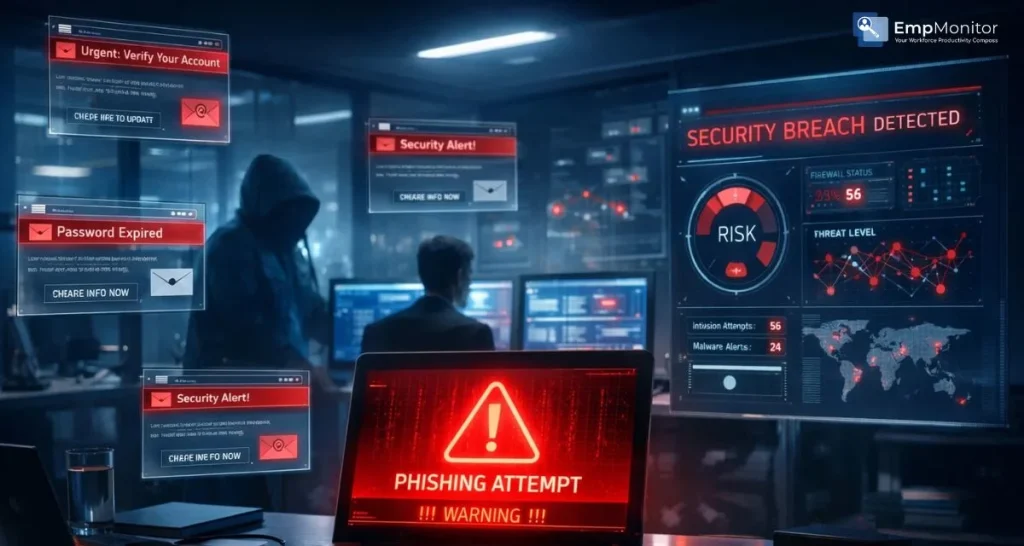
Cybersecurity conversations often focus on external hackers breaking through firewalls. But what happens when the threat is already inside? An internal phishing attempt can quietly compromise employee accounts, giving attackers direct access to company systems, data, and communications.
Unlike traditional cyberattacks that rely solely on brute force or technical exploits, phishing is psychological. It manipulates trust, urgency, and human behaviour. And when an employee account is compromised, the damage multiplies quickly.
In this guide, we’ll break down “what is a phishing attempt”, explore warning signs of compromised accounts, and explain how organisations can respond before a small issue becomes a full-scale breach.
You can listen to this blog here.
What Is a Phishing Attempt?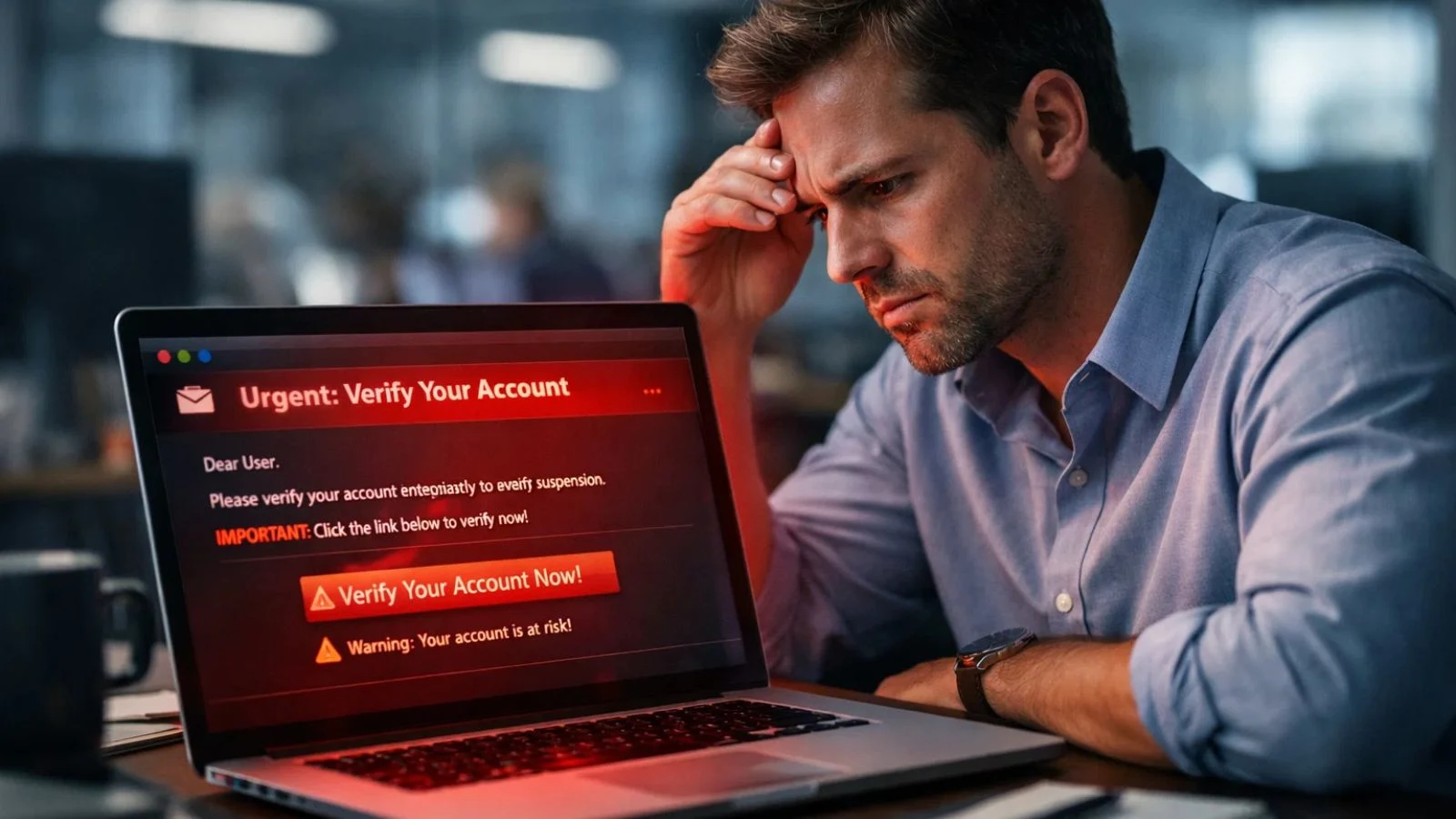

Let’s start with the basics.
What is a phishing attempt? It’s a cyberattack where someone impersonates a trusted source, such as a colleague, manager, vendor, or financial institution, to trick users into revealing sensitive information like passwords, OTPs, or financial data.
The phishing attempt meaning is rooted in deception. Attackers “fish” for credentials by sending emails, messages, or links that look legitimate. Once an employee clicks a malicious link or downloads an infected attachment, attackers may gain access to:
- Email accounts
- Internal chat systems
- Cloud storage platforms
- Financial tools
- HR systems
When this happens inside a company network, the consequences can escalate fast.
Why Compromised Employee Accounts Are So Dangerous
An external hacker might struggle to bypass security controls. But once an attacker succeeds with a phishing attack, they inherit the employee’s level of access.
Here’s why that’s risky:
1. Trust-Based Access
Colleagues trust internal emails. If a compromised account sends a malicious link, recipients are far more likely to click it.
2. Privilege Escalation
Many attackers use one compromised account to launch another phishing attempt internally, targeting higher-level employees.
3. Data Exfiltration
Confidential client information, payroll data, and proprietary documents can be downloaded silently.
4. Financial Fraud
Compromised accounts often initiate fake payment approvals or vendor change requests.
The biggest problem? These incidents often go unnoticed for days or even weeks.
Common Signs an Employee Account Has Been Compromised
Detecting an internal phishing attempt early can significantly reduce damage. Here are warning signs you should never ignore:
Unusual Login Activity
- Logins from unfamiliar IP addresses
- Login attempts at odd hours
- Access from unexpected geographic locations
Strange Email Behavior
- Employees sending emails they don’t remember drafting
- Unusual outbound messages with links or attachments
- Sudden mass-email activity
Password Reset Notifications
Repeated reset attempts may signal attackers trying to lock users out.
Unauthorized File Access
If sensitive files are accessed without a business justification, it may point to a hidden phishing attempt that already succeeded. Executing a routine dark web scan provides enterprise visibility into leaked corporate credentials before unauthorized access occurs. The key is monitoring behavioural changes, not just technical alerts.
How Internal Phishing Spreads Inside Organizations
Once attackers gain entry, they don’t stop.
Here’s a typical chain reaction:
- Initial phishing email targets a mid-level employee.
- Credentials are captured via a fake login page.
- Attacker logs in and reviews internal communication.
- The attacker launches another phishing attempt from the trusted account.
- Senior managers or finance teams are targeted next.
This strategy is effective because it removes suspicion. Employees rarely question emails from colleagues.
Understanding the phishing attempt’s meaning in this context is crucial; it’s not just about stealing one password. It’s about creating a foothold.
Departments Most at Risk
Certain teams are especially vulnerable:
Finance Teams
They handle payments, making them prime targets for invoice fraud.
HR Departments
They store personal employee data, including tax and banking details.
Executive Leadership
Executive accounts are highly valuable for social engineering.
IT Administrators
Admin credentials give attackers broad access across systems.
Any successful phishing attempt targeting these departments can disrupt operations quickly.
Psychological Triggers Used in Phishing Emails
Understanding manipulation tactics helps prevent incidents.
Attackers often use:
- Urgency (“Immediate action required!”)
- Authority (Impersonating senior executives)
- Fear (“Your account will be suspended.”)
- Curiosity (“Confidential payroll adjustment.”)
These tactics reduce rational thinking. Employees act first and verify later.
Training staff to recognize these cues significantly lowers the risk of a phishing attempt succeeding.
How to Respond If an Account Is Compromised
Speed matters.
If you suspect a phishing attempt has compromised an employee’s account:
- Immediately reset credentials
- Enable multi-factor authentication (MFA)
- Revoke active sessions
- Scan systems for malware
- Notify internal teams
- Review sent messages for secondary exposure
Transparency is critical. Trying to quietly “fix it” without investigating often leads to recurring issues.
Also Read,
Preventing Internal Phishing Incidents
Prevention combines technology, policy, and awareness.
Implement MFA Everywhere
Even if credentials are stolen, attackers cannot log in easily.
Regular Employee Training
Simulated phishing exercises reinforce learning.
Monitor User Behaviour
Unusual data downloads or login patterns should trigger alerts.
Email Authentication Protocols
SPF, DKIM, and DMARC reduce spoofed emails.
Role-Based Access Control
Limit access so one compromised account doesn’t expose everything.
Reducing the success rate of even one phishing attempt can save significant financial and reputational damage.
How Empmonitor Helps Detect Suspicious Activity
When internal accounts are compromised, visibility becomes essential. This is where Empmonitor plays a critical role.
Empmonitor provides:
Real-Time Activity Tracking
EmpMonitor continuously monitors user activity across devices, allowing organizations to spot unusual behavior as it happens. If an employee suddenly accesses unfamiliar websites, interacts with suspicious links, or performs actions outside their normal routine, administrators can quickly review and respond. Early visibility helps reduce potential security risks before they escalate.
Login Monitoring
The system tracks login times, locations, IP addresses, and device details. Unusual login patterns, such as access from unknown locations, odd hours, or multiple failed login attempts, can signal compromised credentials. This helps security teams investigate and secure accounts promptly.
Application Usage Insights
EmpMonitor provides detailed reports on which applications are being used and for how long. If employees begin interacting with unapproved tools, unknown browser extensions, or suspicious applications, it becomes easier to flag and review those activities. This reduces exposure to malicious software or unsafe platforms.
File Access Tracking
The software logs file access, downloads, transfers, and modifications. If sensitive files are accessed unexpectedly, shared externally, or moved in bulk, administrators receive visibility into those actions. This helps prevent unauthorized data exposure and supports compliance requirements.
Behavioral Analysis
EmpMonitor analyzes patterns in user behavior over time. When there is a noticeable deviation, such as sudden high-volume data transfers, irregular browsing patterns, or attempts to bypass restrictions, the system highlights these anomalies. This proactive monitoring helps detect potential internal or external security threats early.
If an employee account suddenly starts accessing unfamiliar systems or sending unusual emails, management can identify red flags early.
Instead of discovering a breach weeks later, organizations gain actionable insight immediately. Monitoring tools like Empmonitor strengthen cybersecurity posture without disrupting workflows.
The Long-Term Cost of Ignoring Internal Threats
Many businesses underestimate the damage of a phishing attempt because it “only” affected one employee.
But consider the ripple effects:
- Client trust erosion
- Regulatory fines
- Legal liability
- Operational downtime
- Brand reputation damage
The average breach recovery cost can far exceed preventive investments.
Proactive monitoring, regular audits, and awareness programs are not optional anymore; they are business essentials.
Stop the Internal Phish Before It Spreads
An internal phishing attempt is far more dangerous than it appears on the surface. It bypasses perimeter defenses and weaponizes employee trust.
Understanding “what is a phishing attempt” and recognizing early warning signs can make the difference between a minor security event and a full-blown breach.
Cybersecurity isn’t just about firewalls and antivirus software. It’s about visibility, awareness, and swift response.
The organizations that treat compromised employee accounts seriously and invest in monitoring, training, and structured response plans are the ones that stay resilient in an evolving threat landscape.
Because sometimes, the biggest threat isn’t outside your company.
FAQ’s
What is a phishing attempt in simple terms?
A phishing attempt is a type of cyberattack where someone pretends to be a trusted person or organization to trick you into sharing sensitive information. This could be passwords, banking details, or login credentials. The attacker usually uses email, messages, or fake websites to carry out the scam.
What does a phishing attempt mean in a workplace context?
In a workplace setting, the phishing attempt’s meaning goes beyond fake emails. It often involves impersonating managers, HR teams, vendors, or IT support to gain access to company systems. Once credentials are stolen, attackers can move laterally within the organization and cause serious damage.
How can I tell if an employee account has been compromised?
Common warning signs include:
- Unusual login times or locations
- Password reset alerts without user action
- Emails sent that the employee doesn’t remember writing
- Suspicious links or attachments sent internally
- Unauthorized file downloads
If multiple signs appear together, it may indicate a successful phishing attempt.
