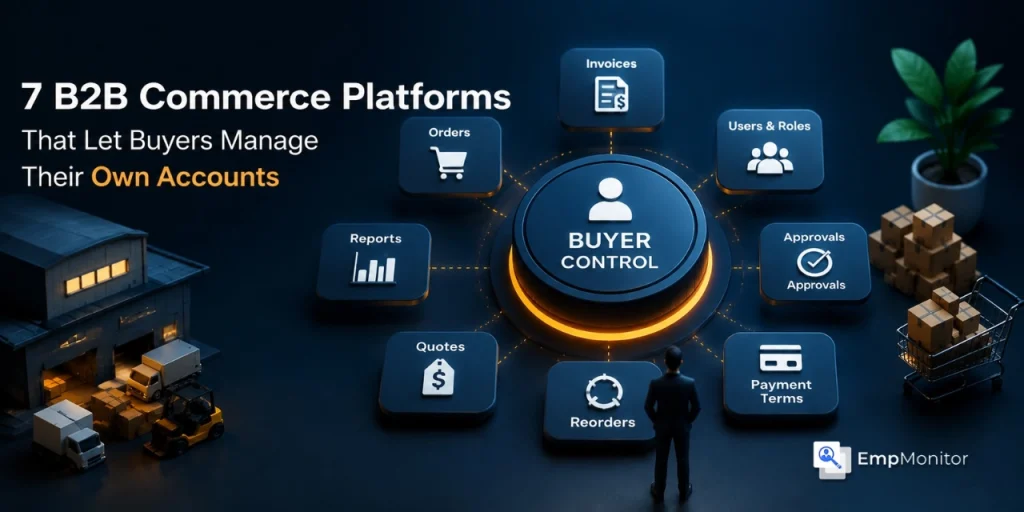
B2B buyers no longer want to call a sales rep to check an invoice, place a repeat order, or add a new user to their company account. They want to log in, get what they need, and move on. Vendors that still gate routine account tasks behind email threads or phone calls are losing time, customer trust, and renewals to competitors who have shifted those tasks to the buyer’s side of the screen in modern B2B Commerce systems.
The seven platforms below were chosen specifically for one reason: they give business buyers real control over their own accounts, not a stripped-down ‘My Orders’ page. That means multi-user company accounts, role-based permissions, self-managed invoices, reorder tools, approval workflows, and shared shopping lists, available without involving the seller’s team, which is critical for B2B Commerce efficiency.
What “Buyer Self-Service” Actually Means In B2b?
A consumer account page lists past orders and lets someone reset a password. A B2B buyer account is closer to a small admin console. One company might have a head buyer, three procurement officers across two regions, an accounts payable contact, and a warehouse manager who only places reorders. Each of those people needs a different level of access, and the head buyer should be able to configure all of it without asking the seller.
The platforms below handle that complexity natively. Each entry covers who the platform is built for, what self-service capabilities buyers actually get, and where it tends to fall short. These are among the top B2B Commerce Platforms designed to streamline buyer account management.
Here are seven leading B2B Commerce Platforms that empower buyers to manage accounts independently and efficiently.
1. OroCommerce
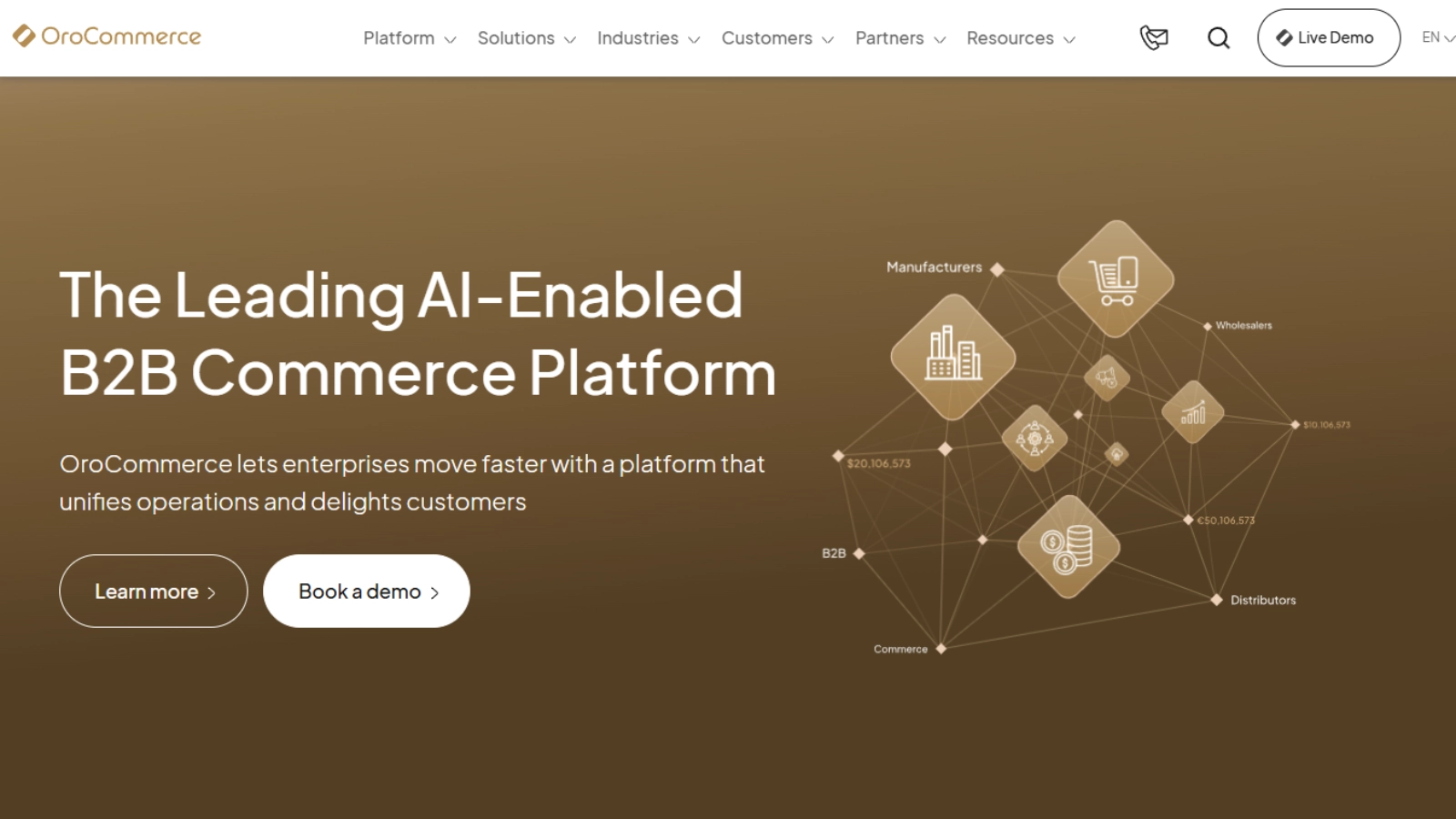

OroCommerce was built from the ground up for B2B, and the buyer-side admin tooling shows it. Customer portals on Oro give buyers a single hub for invoices, quotes, reorders, shopping lists, and user management. A buyer-admin can create new users on their own company account, assign roles from a predefined list, modify those roles, and reflect their company’s structure on the storefront without contacting the seller.
The self-service invoice portal is one of the stronger features in this category. Buyers see past and current invoices, pay them with a single click, and download PDFs directly. Third-party invoices can be imported into the portal and paid the same way. Account hierarchies support parent-child relationships, which matters for franchise networks, multi-location distributors, and any buyer with delegated purchasing.
Oro fits manufacturers, distributors, and marketplaces with operational complexity that simpler platforms cannot model cleanly. It is less suited to small DTC brands adding light wholesale on the side.
2. Adobe Commerce (formerly Magento)
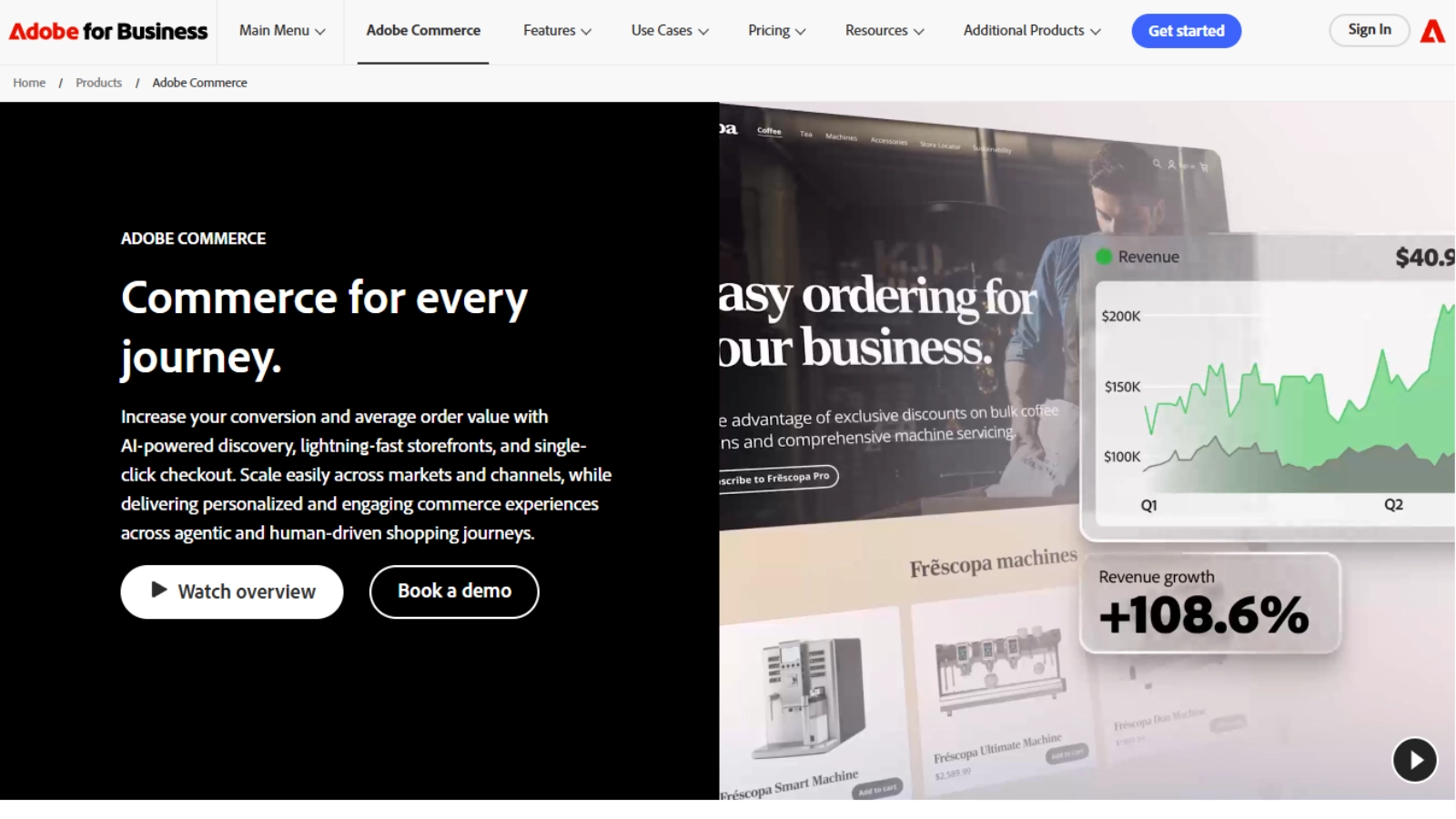
Adobe Commerce ships B2B modules that cover company accounts, shared catalogs, requisition lists, customer-specific pricing, and purchase order support. Buyer-side, the company account model is well-developed: a company admin can manage users, assign roles, approve orders above a set threshold, and view full order history for everyone under their company.
Requisition lists are worth calling out; they let buyers save frequently ordered SKUs as reusable templates, which speeds up replenishment cycles in industries like MRO and foodservice. Quote management is also native, so buyers can request a quote, negotiate, and convert it to an order inside the same portal.
The trade-off is implementation weight. Adobe Commerce is an enterprise platform with enterprise costs and timelines, and the admin configuration for B2B features takes a capable implementation partner to set up correctly.
3. BigCommerce B2B Edition
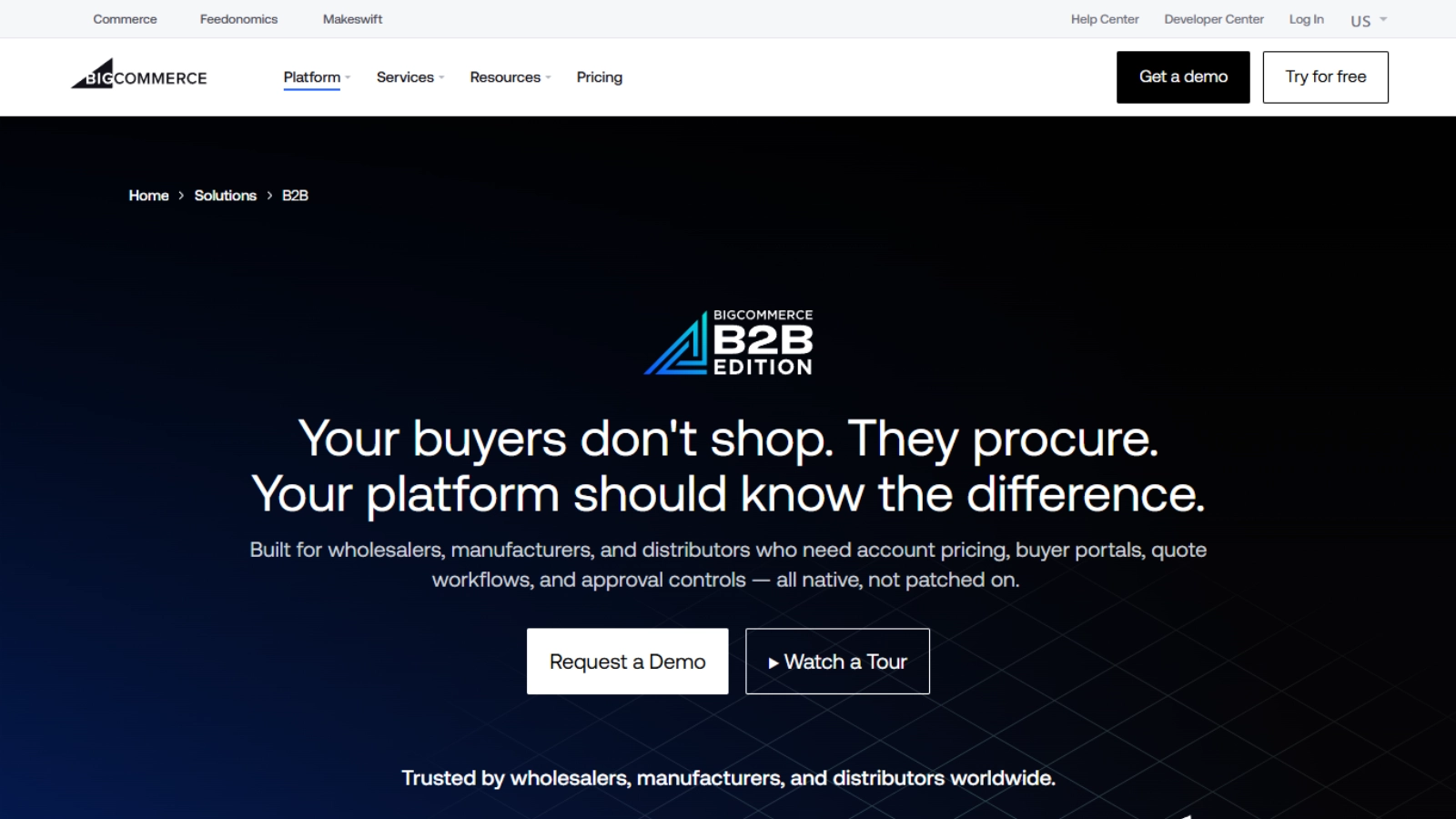
BigCommerce B2B Edition (co-developed with BundleB2B) brings mid-market wholesalers a buyer portal that handles company accounts, quote management, shared shopping lists, corporate user roles, and net payment terms as part of the base product instead of paid add-ons.
For buyers, the practical experience is solid. A company admin can add users and set permission levels. Sales reps can issue quotes with negotiated rates that buyers approve (unless they require multiple levels of approval) and convert to orders without leaving the portal. Contract pricing applied through price lists tied to customer groups means the right buyer always sees the right number.
BigCommerce works well for wholesalers and manufacturers that want solid baseline B2B features and do not require any sophisticated B2B tooling like customizable workflows, multiple levels of approvals, or deep enterprise-grade ERP integration. Price list and role configuration can get involved, and the ready-made theme library is thinner than Shopify’s, so storefront customization usually means custom design work. It is often categorized as b2b ecommerce software designed for mid-market businesses that need structured pricing, company accounts, and quote-based workflows without enterprise-level complexity.
4. Shopify Plus (B2B)
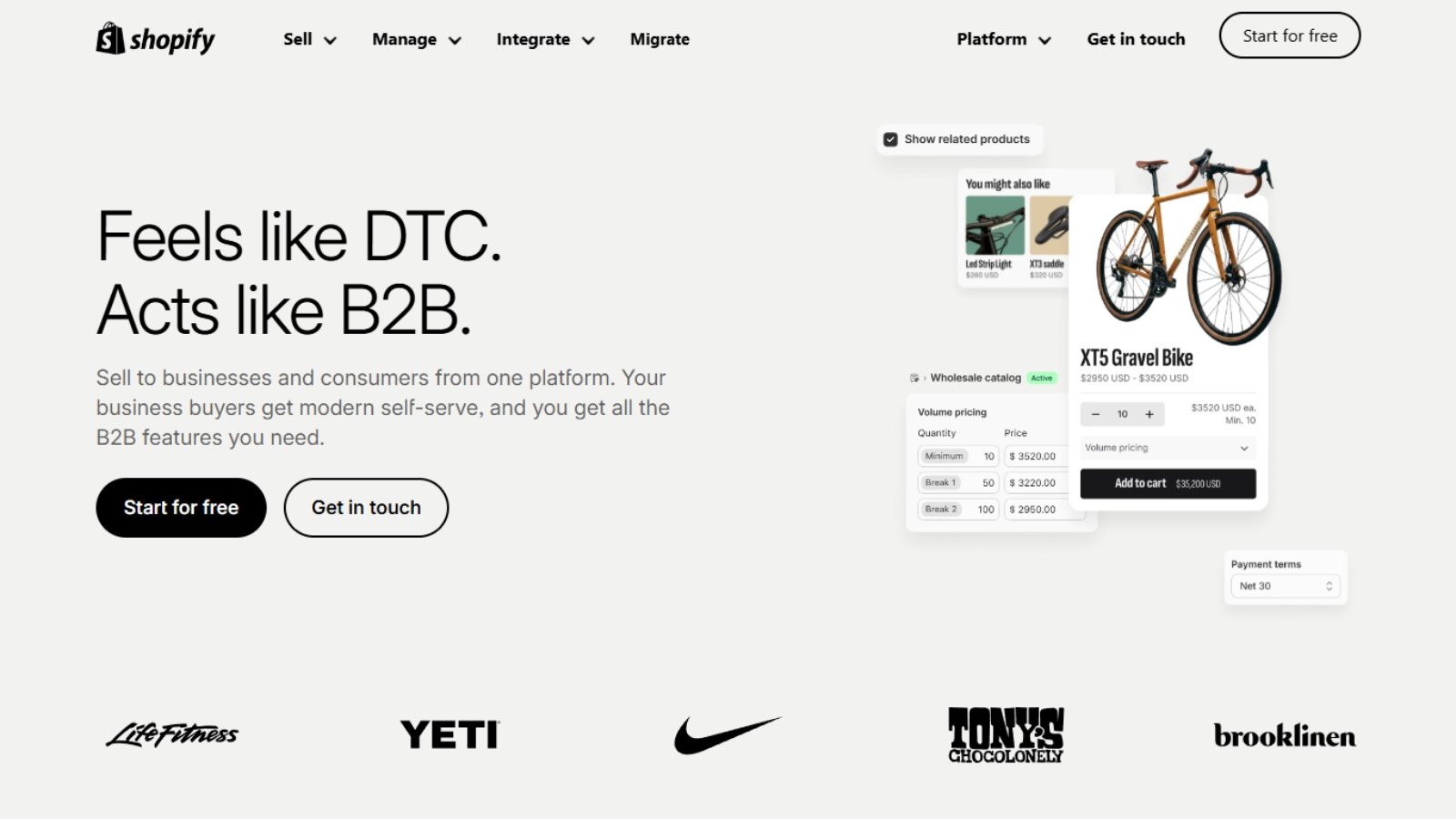
Shopify started investing in a B2B feature set starting in 2022, and Plus accounts now run wholesale alongside DTC from a single admin. The B2B portal gives company accounts with multiple buyers, customer-specific catalogs, volume pricing, and a self-service ordering experience that matches Shopify’s usual ease of use.
Buyers on a company account can have different shipping addresses, payment terms, and purchasing permissions. This reflects where the wider market is heading — a connected commerce platform approach that unifies buyer accounts, pricing, and purchasing across every channel instead of treating wholesale as a separate silo. The admin user on the buyer side controls who can place orders, who can request quotes, and who can only view order history. Net payment terms, draft orders, and B2B checkout are native rather than bolted on.
The fit is strongest for brands running both DTC and wholesale, especially consumer brands selling into retailers. For complex distribution scenarios with deep ERP dependencies, contract-heavy pricing, or high-SKU industrial catalogs, Shopify’s B2B model is lighter than purpose-built platforms.
5. Salesforce B2B Commerce
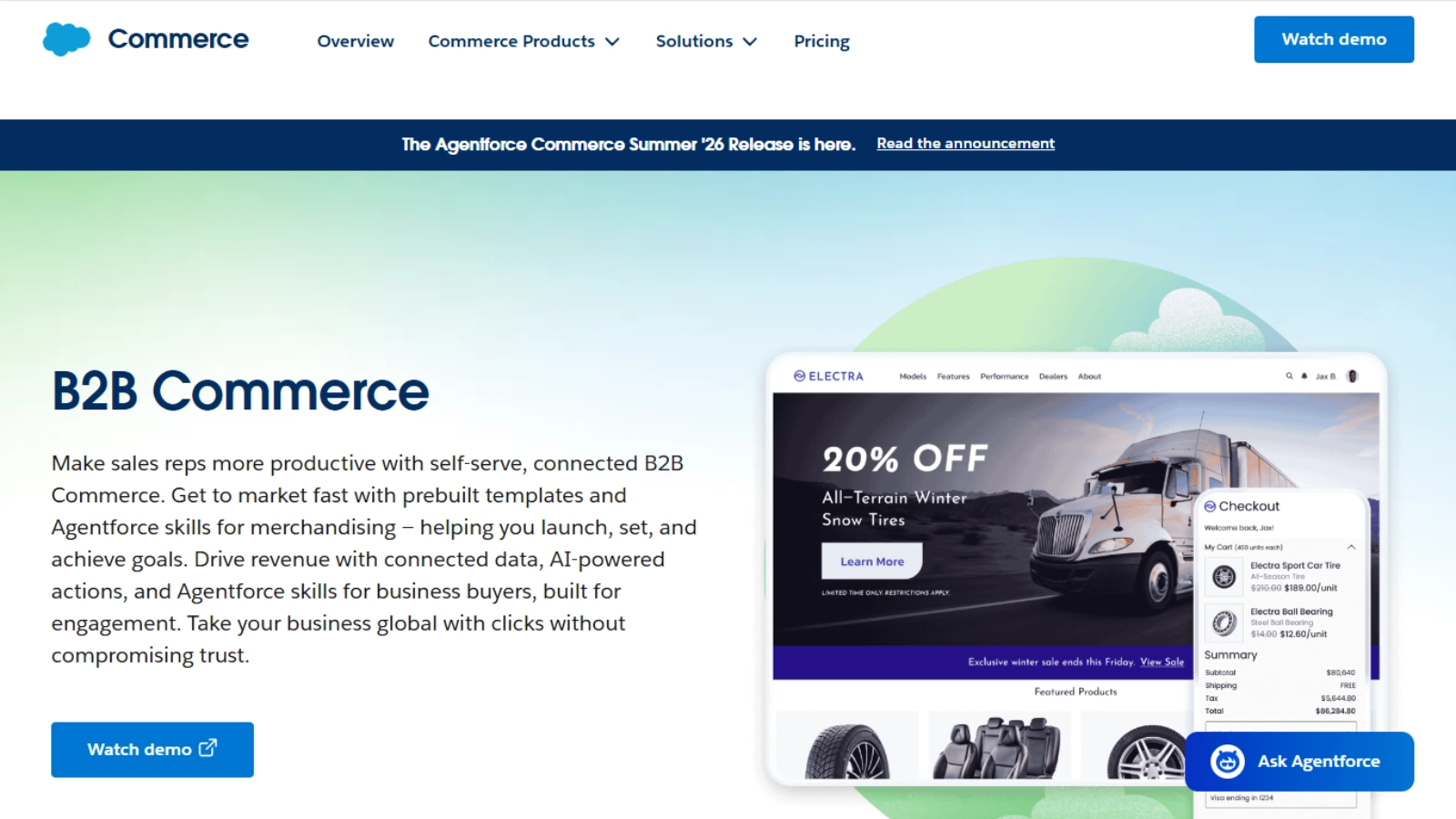
Salesforce B2B Commerce is the obvious choice when a company already runs sales and service inside Salesforce. The buyer self-service portal sits on the same data model as Sales Cloud and Service Cloud, so customer accounts, contacts, contract pricing, and order history are shared across CRM and commerce without a sync layer.
Buyers get account-specific catalogs, contract pricing, reorder tools, approval workflows, and quote-to-order conversion. Sales reps see the same picture, which removes the usual gap between what the buyer sees online and what the rep sees in CRM. Service cases tied to an order are visible from the same buyer portal.
The native B2B feature depth is narrower than purpose-built platforms — high-SKU catalog management, complex CPQ, and RFQ scenarios sometimes need additional Salesforce modules or partner solutions. The value comes from the unified data model, not from being the deepest commerce platform on its own.
6. SAP Commerce Cloud
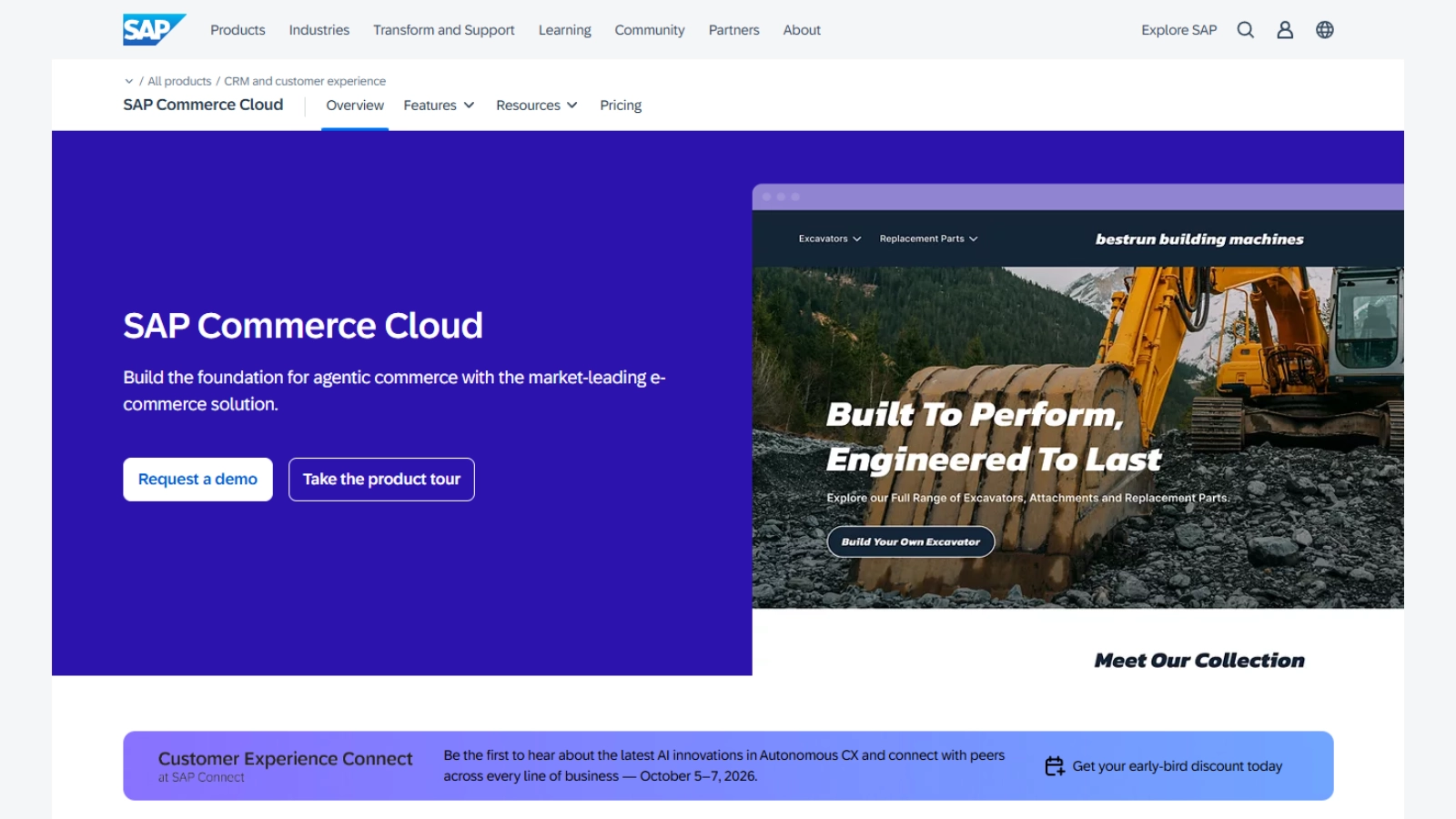
SAP Commerce Cloud is built for organizations already running SAP S/4HANA or SAP ERP. The B2B feature set covers account hierarchies, corporate accounts, self-service buyer portals, approval workflows, customer-specific pricing, and quote management as native capabilities.
Buyers on SAP-powered storefronts see real-time inventory, contract pricing, and order status pulled directly from the ERP without middleware. A company admin manages users, approval chains, and budgets inside the buyer portal. Configurable products are well-handled, which matters for industries selling engineered or made-to-order goods.
This platform makes sense for enterprises where SAP is already the spine of operations. For companies on other ERPs, the integration story is less compelling, and the cost structure rarely justifies the migration.
7. Commercetools
Commercetools is the composable option on this list. Rather than a monolithic platform with a built-in storefront, it provides modular commerce APIs that an engineering team assembles into the exact buyer experience they need. Account management, order management, pricing, and product catalogs are separate services that can be combined however the architecture requires.
For buyer self-service, that means a company can build a portal that matches its specific workflows, multi-tier account hierarchies, custom approval logic, region-specific pricing rules, and integrations with whatever ERP, PIM, or CRM is in place. The platform passed $100B GMV run-rate in early 2026 and is used heavily by enterprise brands with multi-region operations.
The flip side: there is no out-of-the-box buyer portal. Everything is built. Companies without a strong engineering team or a capable systems integrator should look at one of the more opinionated platforms above. Choosing the right solution depends on the features offered by these B2B Commerce Platforms and how well they fit your business model and operational needs.
How To Choose Between Them?
The right platform depends less on a feature checklist than on three honest questions:
How complex is your account model? A direct seller with flat customer accounts and a few price tiers can run on Shopify Plus or BigCommerce. A distributor with parent-child accounts across regions, delegated purchasing, and contract pricing per buyer needs Oro, Adobe, or SAP.
Where does your operational data already live? If everything sits in Salesforce, Salesforce B2B Commerce removes integration headaches that would otherwise consume the first month of a project. SAP ERP orgs should look hard at SAP Commerce Cloud for the same reason, provided your organization can handle the cost of the SAP ecosystem.
How much engineering capacity do you have? Commercetools rewards teams that want to design every part of the buyer experience. Oro, Adobe, and BigCommerce reward teams that want a working portal on day one with room to extend.
Self-service is no longer a differentiator in B2B; it is the baseline buyers expect when they log in. The platforms above handle that baseline well. The choice between them comes down to fit with the business model, the existing technology stack, and the team that has to run it after launch.