


Managers are supposed to be leaders who inspire their teams, help them progress, and devise strategies for their company’s development. It all sounds good on paper, but in reality, the large bulk of their work involves repetitive administrative tasks that take long and bleak hours to complete.
Now that AI is here, is it possible to become more productive? Yes, of course. Find out which AI tools can help you automate reports, summarize data, and create presentations.
Top 3 Workplace Productivity Tools for Managers
We selected three of the best AI tools to stimulate managers’ productivity by helping them complete daily tasks that require little creativity yet a lot of time.
Decksy: Professional Presentation Maker
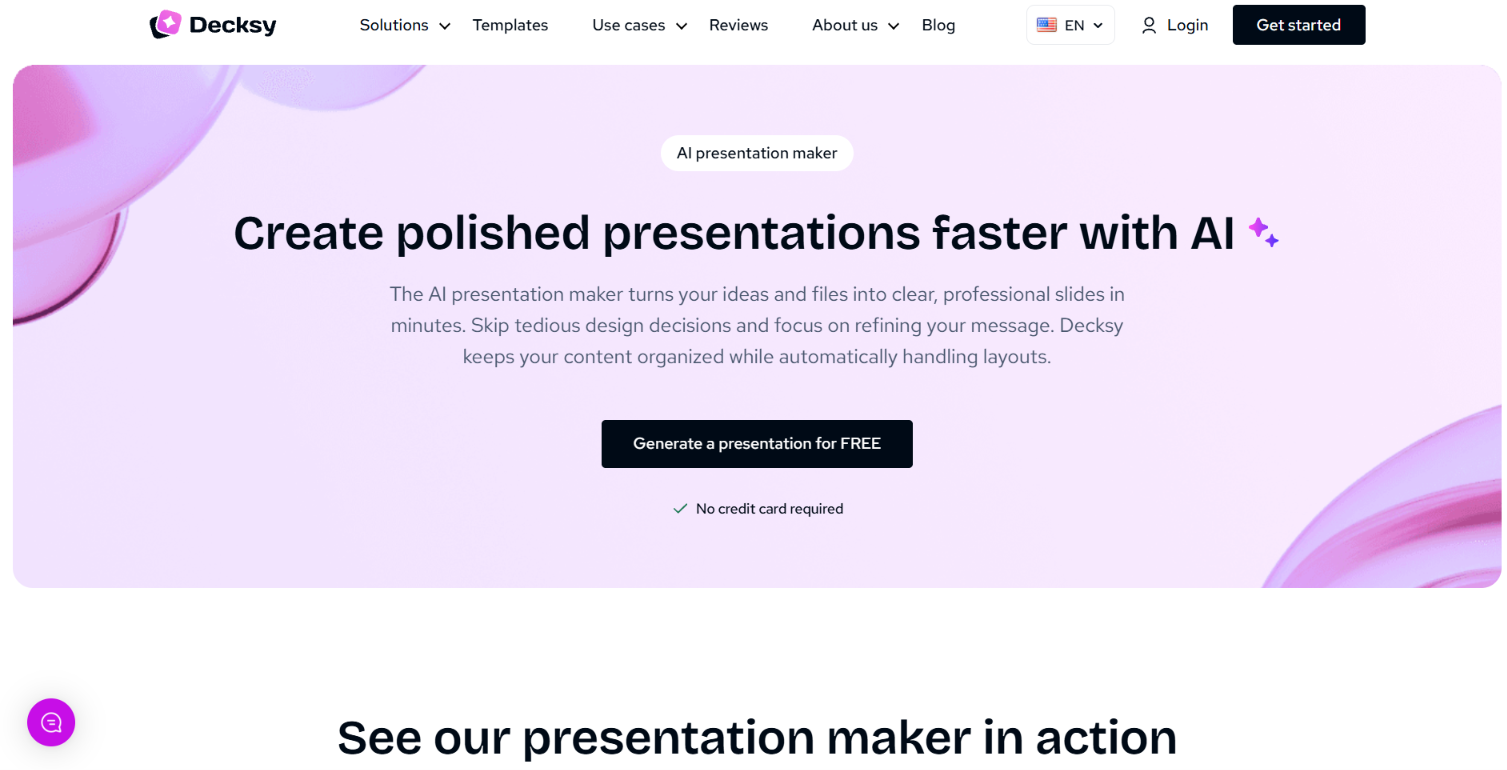

Very often, managers are expected to create slide decks for a project, report, or plan they’ve been working on. No matter how small or casual their audience is, everyone still expects to see visually compelling presentations with clear, concise information. Even managers who enjoy crafting catchy slides can quickly grow tired of it. That’s why using the AI presentation maker Decksy has become a game-changer: it allows completing all the slide-related work in minutes. There is no need to obsess over design or look for good visuals; this tool provides it all. Let’s see some specifics to understand what it can help you with:
- Generating the entire presentation based on your prompt or short explanation, as well as creating structured decks with the data you need.
- Processing your existing documents, like PDF reports, Word files, Excel spreadsheets, etc., and turning them into visually impressive presentations.
- Giving you an opportunity to edit the text, structure, and design the way you want, with minimal effort.
- Providing a Deep Research feature that will instantly gather credible sources, add citations where needed, and cross-check information as many times as you want.
Decksy is powered by all the leading AI tools, including Claude, ChatGPT, Gemini, and DeepSeek. It provides visual diversity and allows you to adapt the tone of each presentation to the audience you have in mind.
This factor is crucial because it means your slide decks won’t get boring. Decksy proposes different designs and models, and you can introduce your own edits whenever you want.
Microsoft Copilot: Smart Microsoft Helper
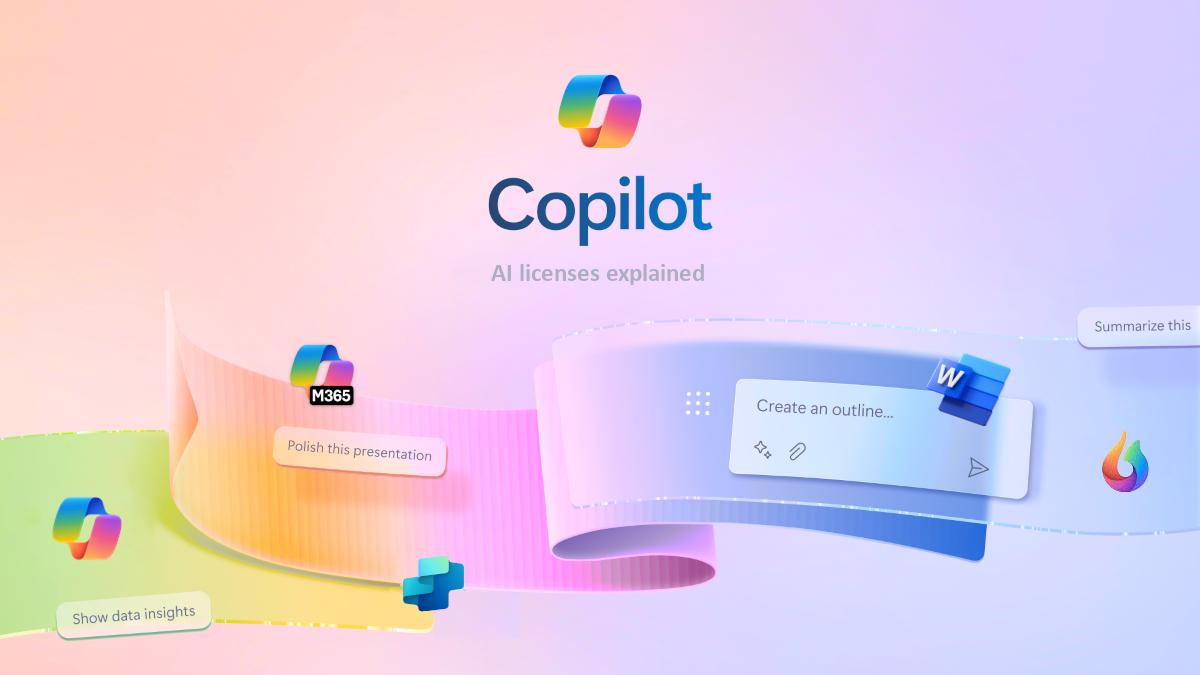

Copilot is a vital helper for managers who work within the Microsoft 365 ecosystem. This AI assistant can do business process automation on almost every level, delivering vital insights and completing routine tasks in seconds. Check what it does in closer detail:
- Processing large documents with countless pages and heavy blocks of info and generating their concise summaries.
- Breaking down complex concepts and sentences into something you can understand even if the topic is completely new to you.
- Drafting emails, preparing reports, and creating messages for your colleagues, employees, stakeholders, and clients.
- Doing research on the topic you’ve requested, as well as providing sources for cross-referencing and deeper understanding of specific nuances.
Another excellent aspect of Copilot is that you can integrate it with all Microsoft applications. This will seriously reduce the need for manual copying and formatting. You can complete at least a half of your daily routine tasks with this AI helper; it will remember you and your work, so you won’t need to share basic details time and time again.
Notion AI: Work Organizer
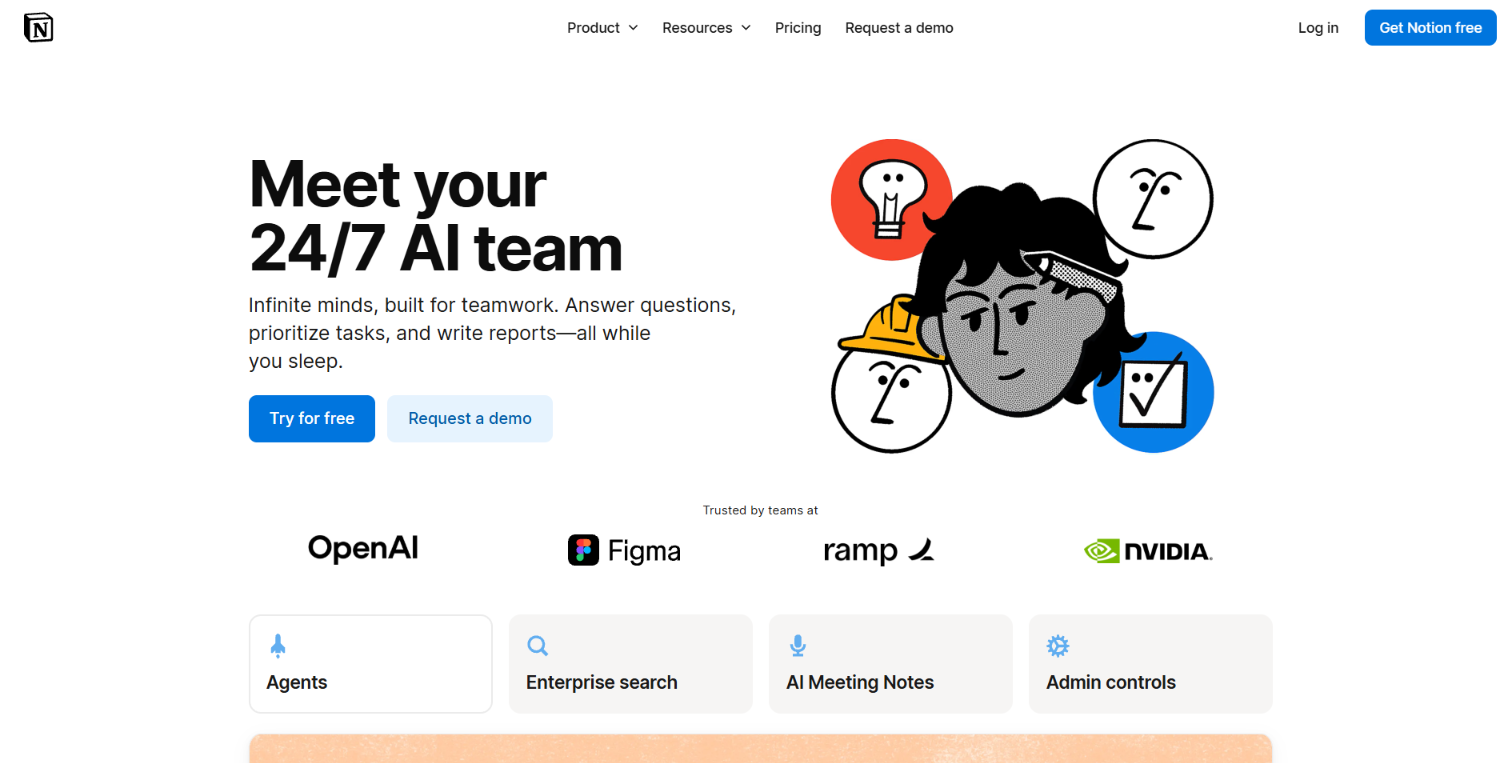

AI-powered software can help managers with many tasks, including employee monitoring and report writing. Some tools perform several vital features at once and are equally helpful regardless of what companies they serve; Notion AI is among them.
This tool is perfectly suited for startups, smallish established companies, and huge enterprises alike. Working with reports is its primary feature, but it provides a whole AI team that can work alongside you, helping you manage your daily operations.
Let’s evaluate the key benefits of Notion AI. This is what it’s known for:
- Summarizing meeting notes and underlining important action items that every manager should keep in mind.
- Generating reports based on all relevant information automatically gathered across the departments, projects, and teams.
- Answering technical work questions; if you or your employees need to find an object or a person, Notion AI can tell you where to look based on all the data it collects in real time.
- Creating dashboards and basic programs based on provided wishes, instructions, and post-product feedback.
As you can see, Notion AI can do basically every routine task that doesn’t require particular creativity or new insight generation. Provide it with access to your internal work environment, and it will handle at least half of your repetitive workload.
Note that this tool comes with a paid version. It’s pretty cheap: the price starts at $10 and goes up to $20 for small and average-sized teams. If you represent an enterprise and you need access to more features and possibilities, the Notion AI team will deliver a personal quote within a day after you contact them.
Choose Your Own Set of AI Tools
Understanding the concept of workforce management in theory is one thing; demonstrating this knowledge in practice is another. These days, it’s impossible to reach a competitive level of productivity without relying on AI presentation tools like Decksy and smart assistants like Copilot. Report organizers like Notion AI are also essential, especially if you use these three tools in combination.
Managers carry a lot of responsibility, and the number of their daily work tasks can get staggering. Simplifying your life by delegating all the boring, routine processes to AI is the only way to maintain productivity without losing your sanity.
Build customized quality presentations in a couple of minutes. Do research, brainstorm, and organize your reports in less than an hour; with the AI tools we’ve described, it’s more than possible.